

Website visits and insights
See every site your team opened through GatePass, filter and export visits, and review traffic, top sites and people, gateway usage and new devices.
GatePass logs the sites your team opens through a hub, and only those.
Website visits
GatePass › Website visits lists every routed site your team opened, with who opened it, when, the data used and the gateway it left from. Filter by Time range, User, Hub, Gateway or Result, and open a visit for its connection details. Visits the hub refused show as denied: no gateway was used and nothing reached the site.
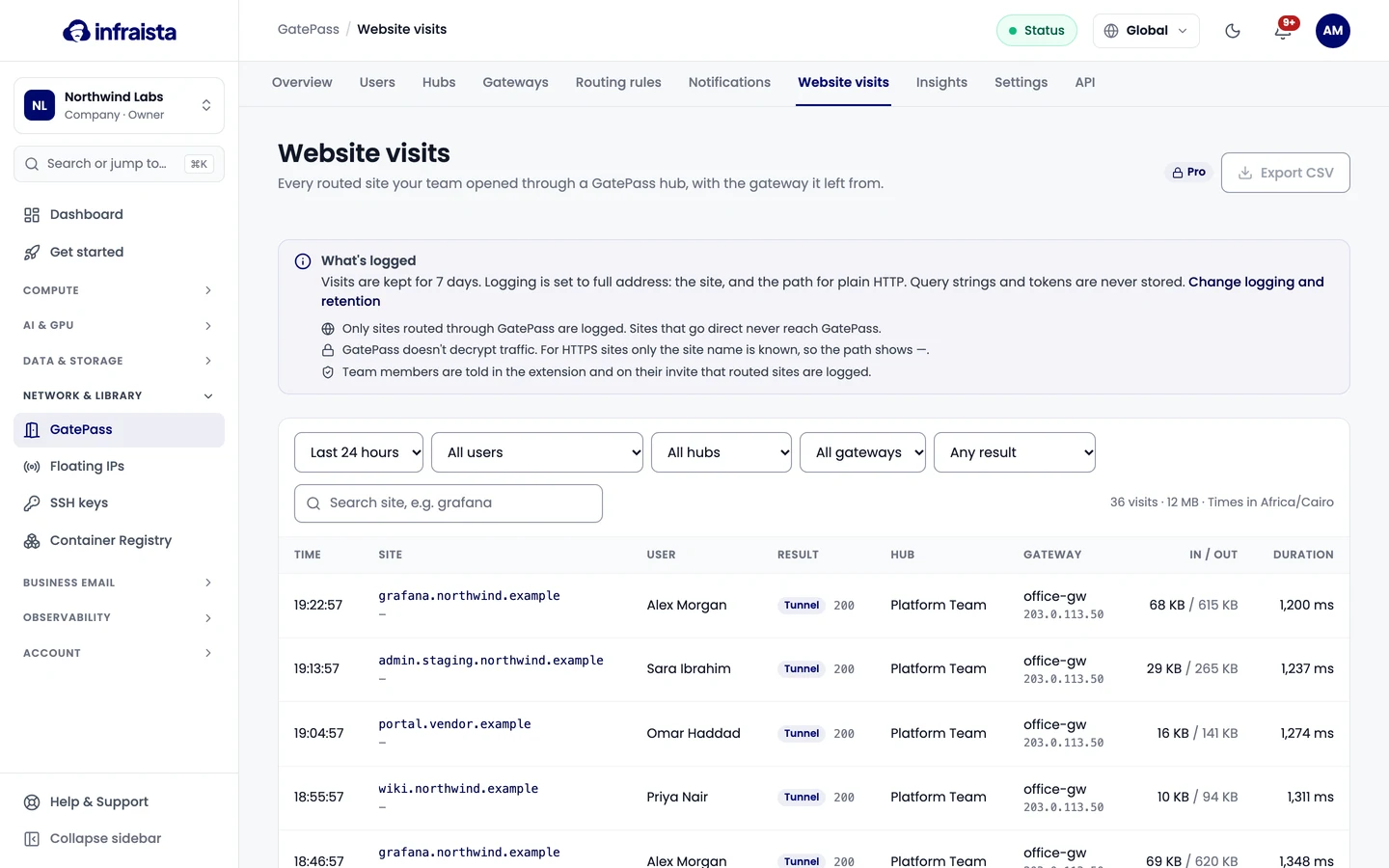
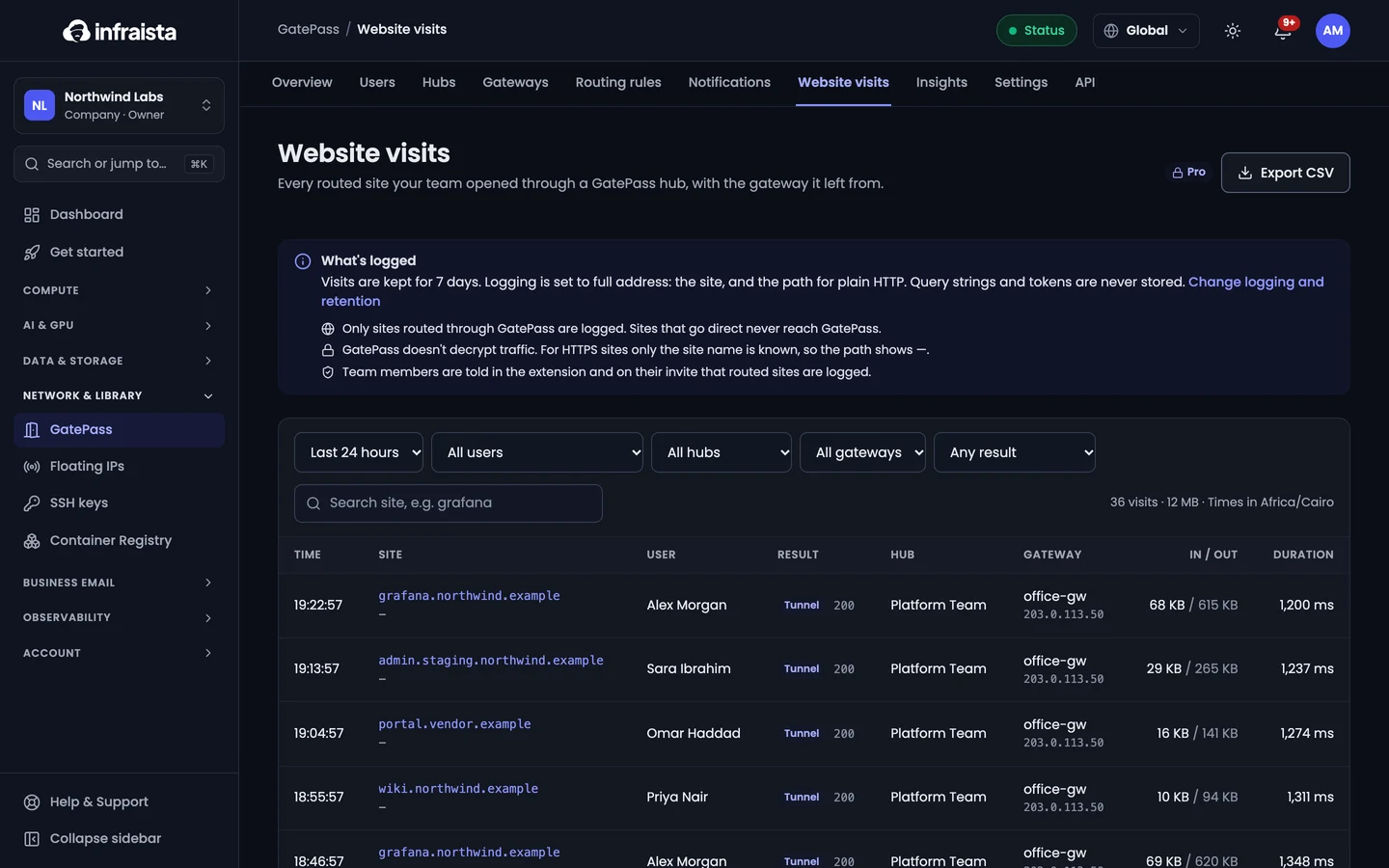
What's logged depends on your log detail setting: the site (and the path, for plain HTTP sites), never query strings or sign-in tokens. Visits are kept for your retention period and deleted every night after that. Exporting visits as CSV needs Pro or Enterprise.
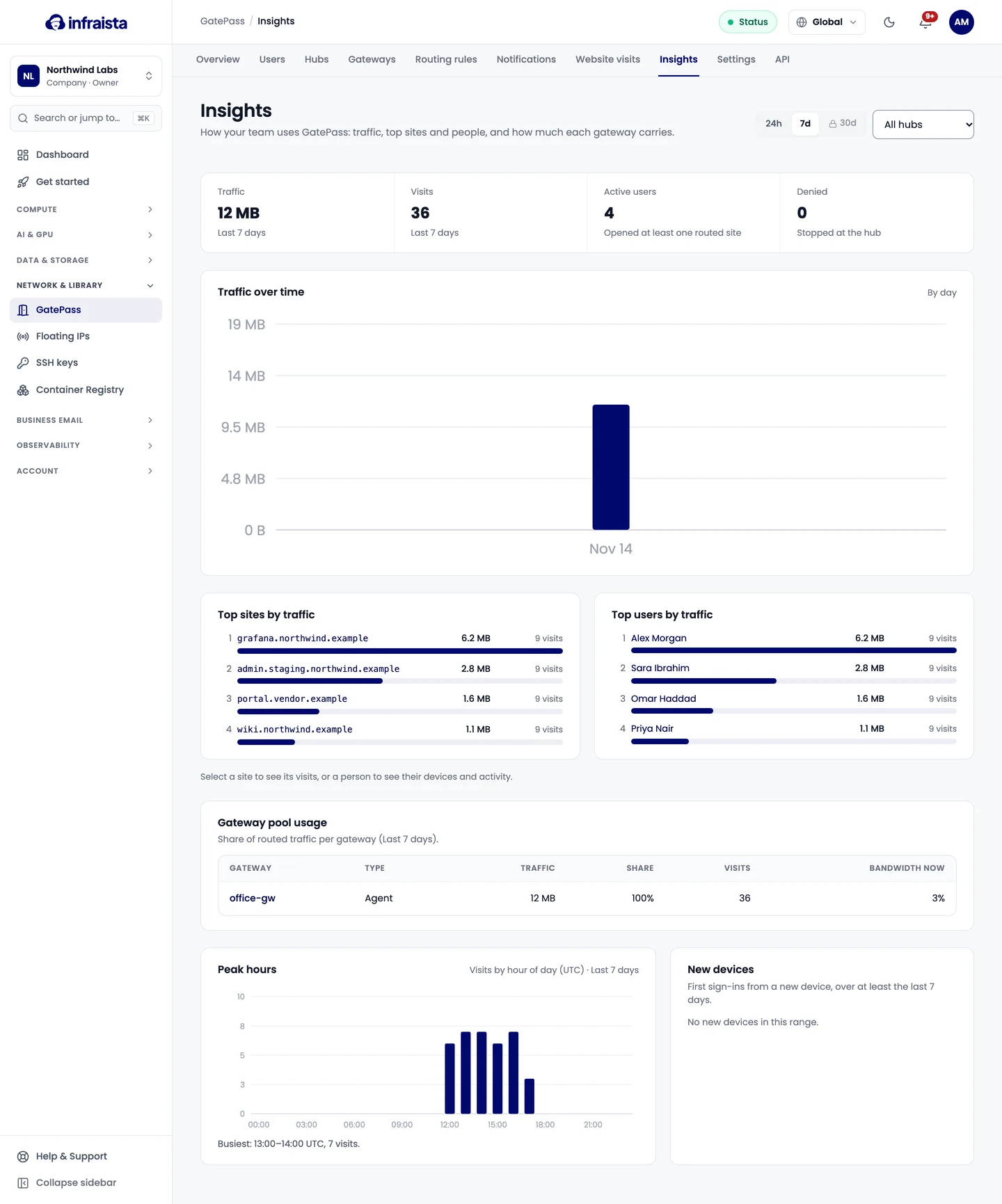
Insights
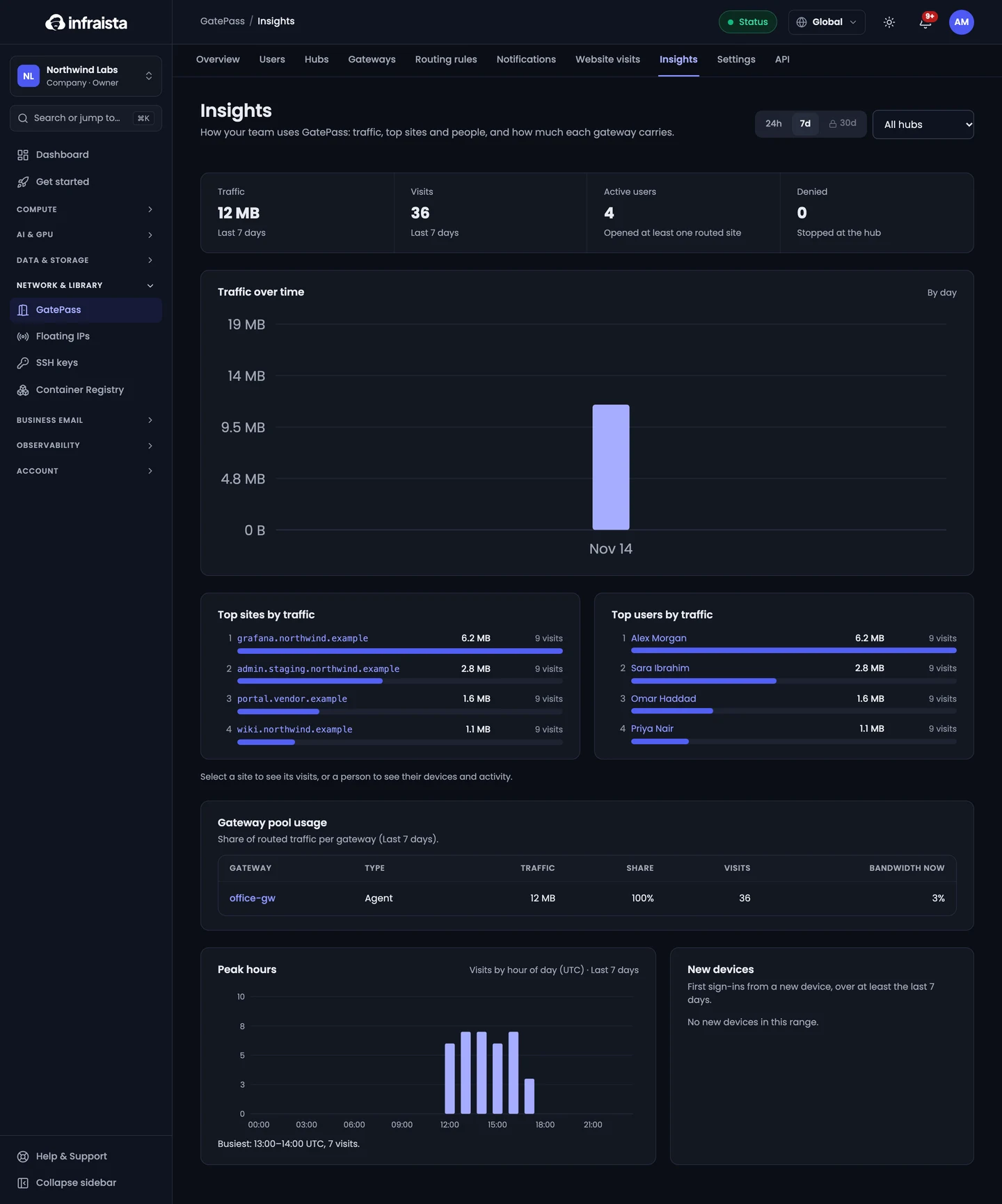
GatePass › Insights shows how your team uses GatePass over a range: Traffic over time, top sites and people, Gateway pool usage (each gateway's share of routed traffic), Peak hours and New devices (first sign-ins from a new device). Starter covers the last 7 days; Pro and Enterprise up to 30.
Related
Use GatePass in your browser
For team members invited to GatePass. Accept the invite, set up two-factor sign-in, install the extension in Chrome, Edge or Brave and sign in.
Send a notice to members
Send a short message to everyone signed in to GatePass, or one hub's members, that opens in a window on top of their browser.