

Send a notice to members
Send a short message to everyone signed in to GatePass, or one hub's members, that opens in a window on top of their browser.
A notice is a short message that opens in a window on top of members' browsers, with a sound, for example to announce maintenance on a portal.
- Go to GatePass › Notifications and select New notification.
- Enter a Title and a Message. Optionally add a Link that opens when someone clicks it, and set its Importance.
- Under Send to, choose everyone or one hub's members, and under Keep delivering for, how long browsers that sign in later still get it.
- Send it.
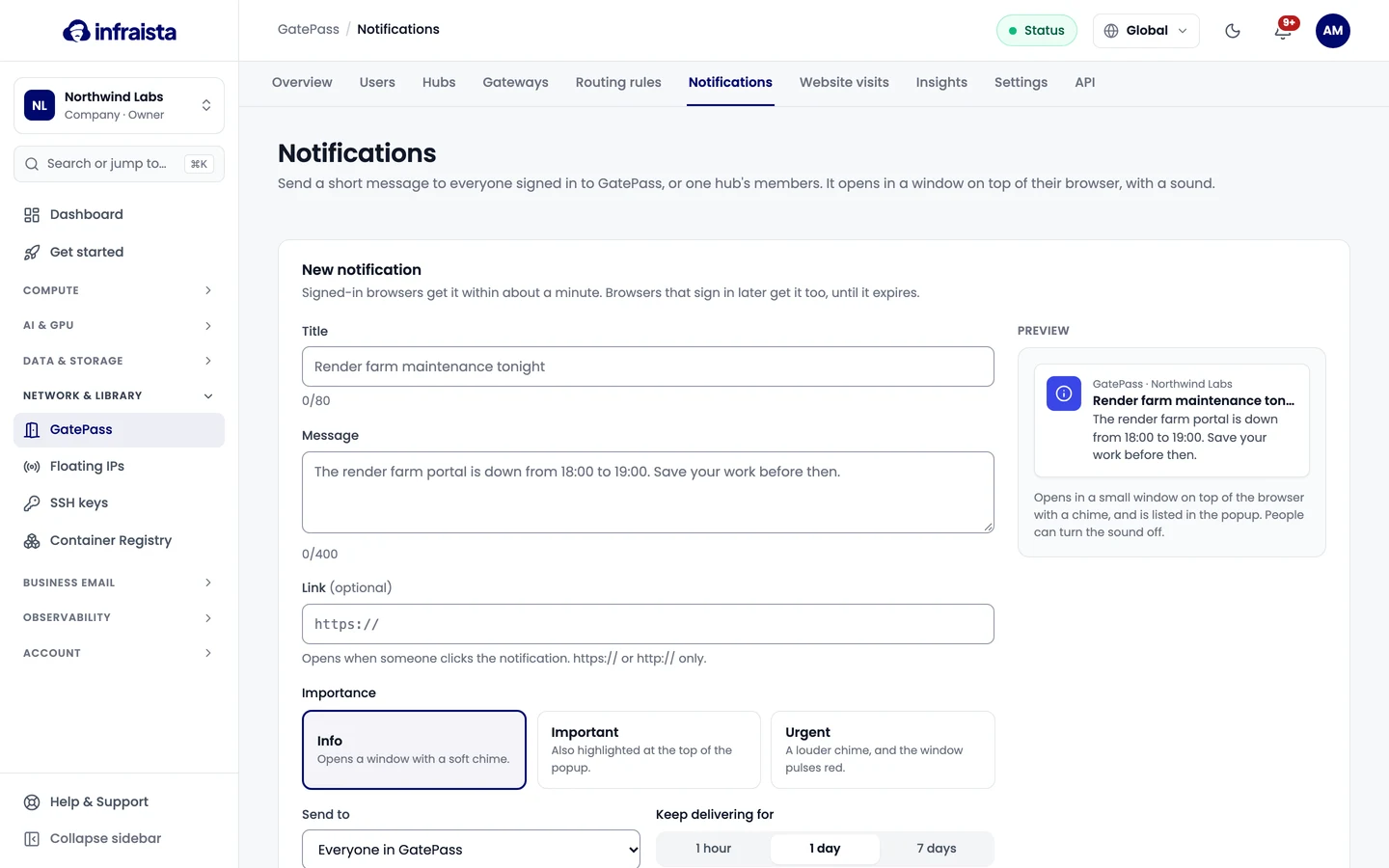
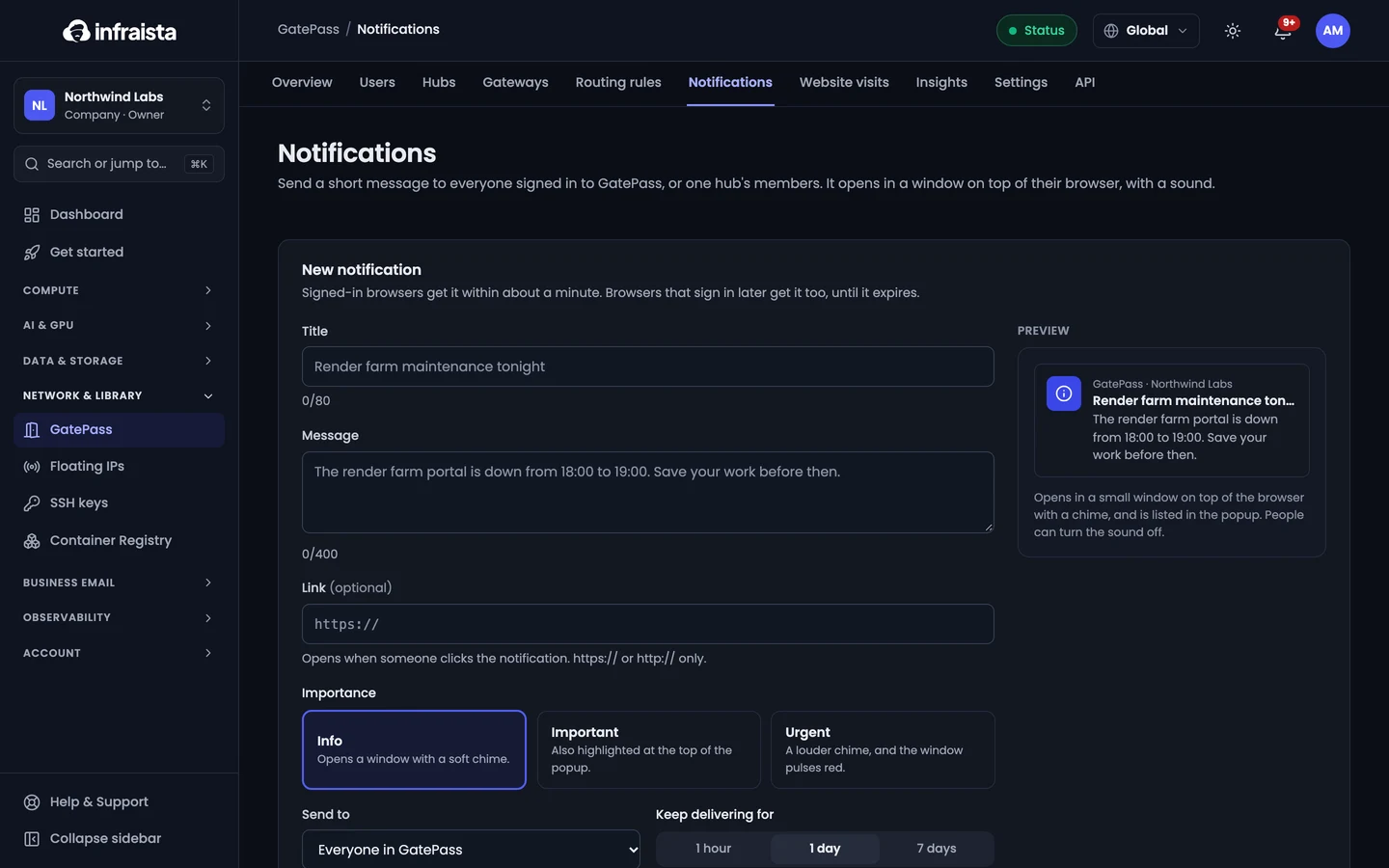
Signed-in browsers get it within about a minute; browsers that sign in later get it too, until it expires. Sent notices are listed with how many browsers got and opened them.
Website visits and insights
See every site your team opened through GatePass, filter and export visits, and review traffic, top sites and people, gateway usage and new devices.
GatePass settings
Set sign-in and session rules for GatePass users, the extension policy, what's logged and for how long, the notice people see, and alerts.