

GatePass
GatePass is a browser extension that sends your team's private portals through your own gateway, so sites that only trust your office IP let people in.
GatePass gives your team a secure browser lane to private portals and dashboards. People install the GatePass extension in Chrome, Edge or Brave. The sites you list go through your hub and leave from your own gateway, so portals that only trust your office or server IP let them in. Everything else stays on the person's normal connection and isn't logged.
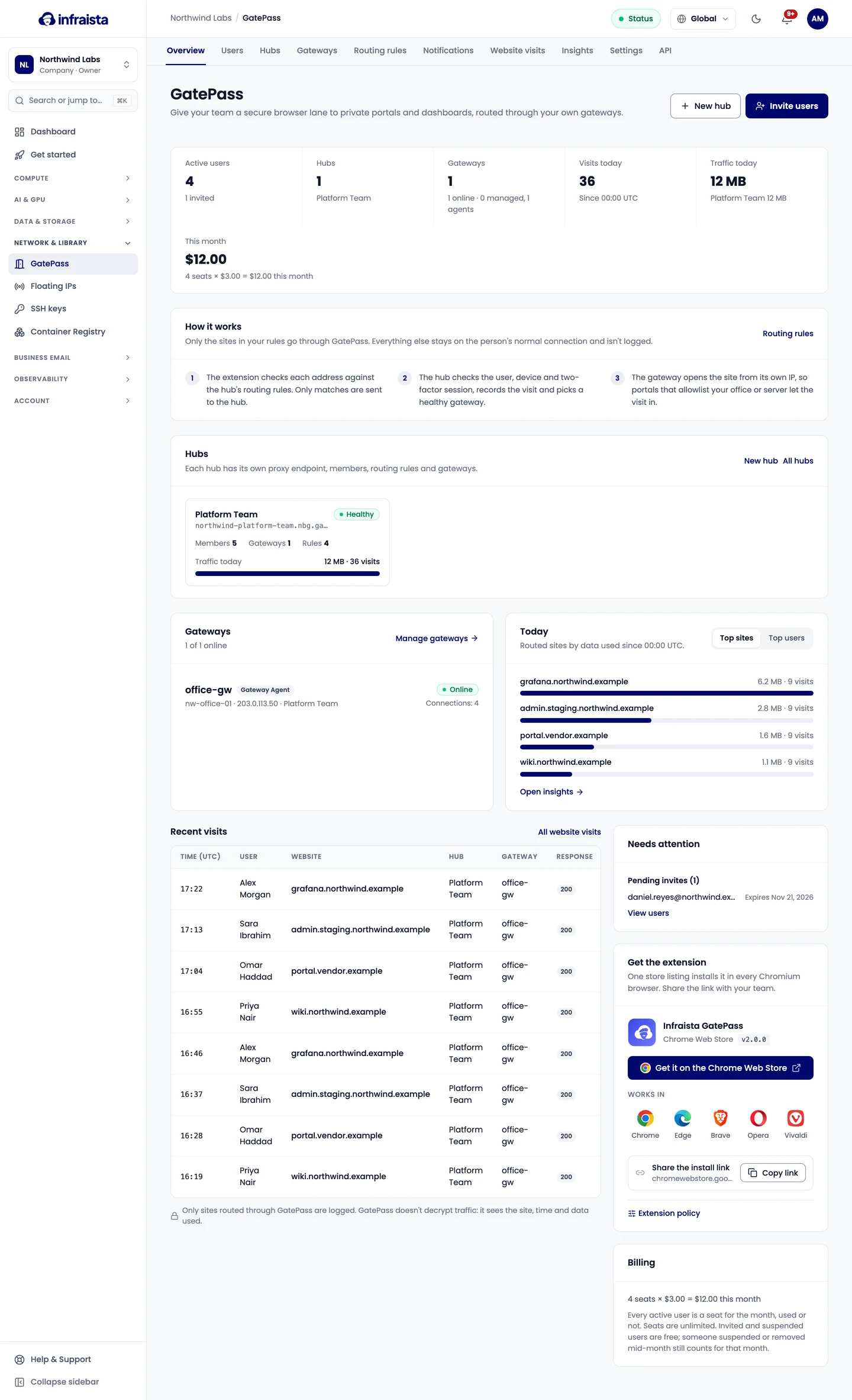
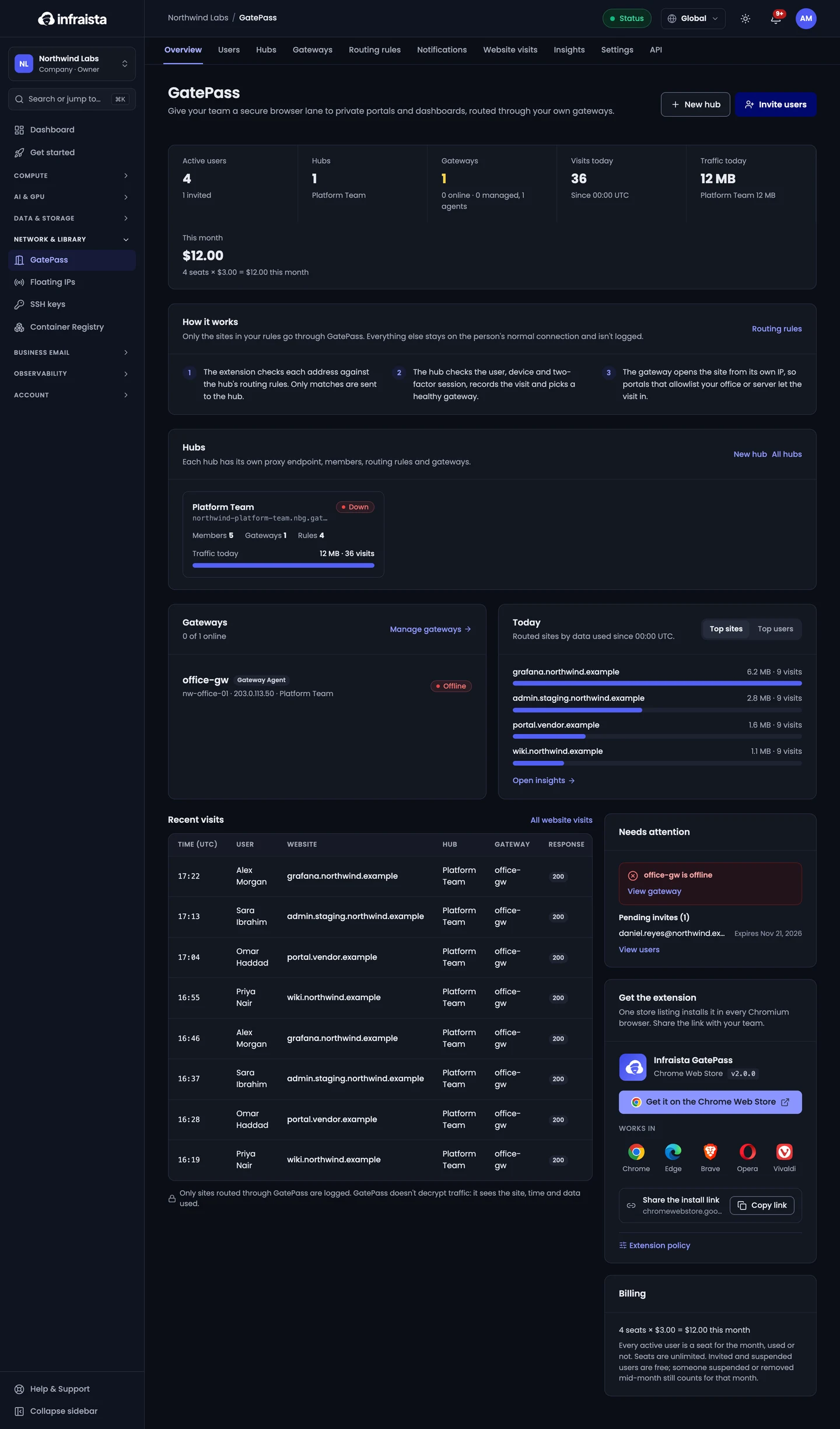
How it works
| Part | What it is |
|---|---|
| Hub | Groups the people, sites and gateways for one team or purpose (for example your studio staff). Each hub has its own endpoint the extension connects to |
| Gateway | Where visits leave for the private site, so portals see its IP. You install the free Gateway Agent on your own Linux server |
| Routing rules | Which sites go through GatePass. Only those are routed and logged |
| Users | The people who sign in to the extension, with a password and an authenticator app. They don't need a console account |
What people are told: their invite and the extension say that your organization logs the sites they open through GatePass, and only those. GatePass never decrypts traffic; for HTTPS sites it only sees the site name, time and data used.
Get started
- Set up GatePass: your first hub, gateway, sites and invites, in four steps.
- Your team uses GatePass in their browser.
Set up GatePass
Add a gateway
Manage hubs
Routing rules
Manage GatePass users
Use GatePass in your browser
Website visits and insights
Send a notice to members
GatePass settings
GatePass plans and billing
GatePass API
Release a floating IP
Release a floating IP you no longer need to stop its hourly charge. The address goes back to the pool and you can't get it back.
Set up GatePass
Name your organization and first hub, connect a gateway, choose the sites to route and invite your team, in the four-step GatePass setup.