

Manage hubs
Create GatePass hubs for different teams, choose which gateways each one uses and how it balances between them, set limits, or disable a hub.
A hub is what the extension connects to. It decides which sites are routed, who can use them and which gateways they exit from. People only reach the hubs they're members of.
Create a hub
- Go to GatePass › Hubs and select Create hub.
- Enter a name and description, pick the region, the gateways its traffic exits from, who can use it and what it routes.
- Select Create hub. It gets its own endpoint.
How many hubs and gateways you can have depends on your plan.
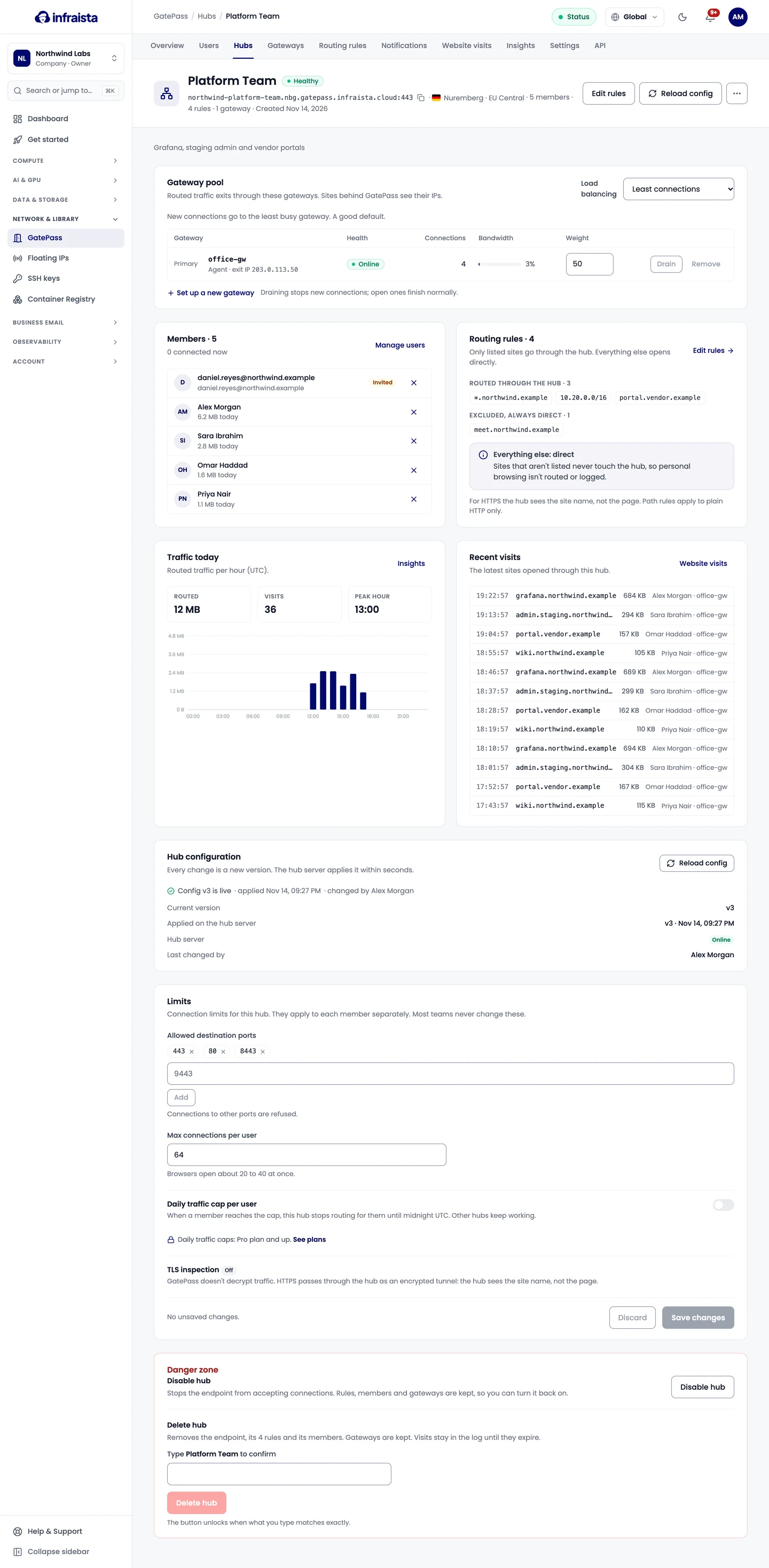
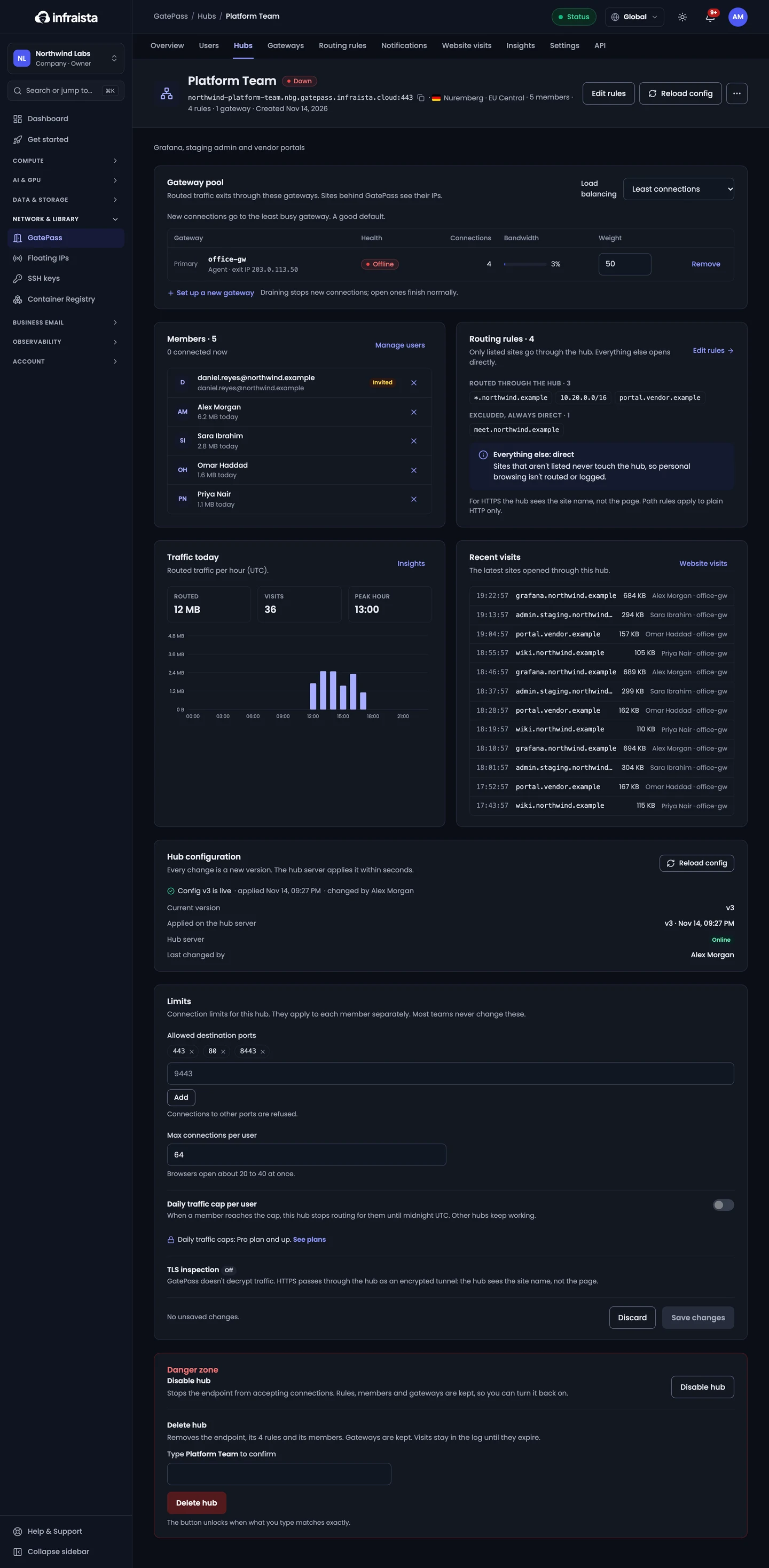
Gateway pool and load balancing
Gateway pool lists the gateways routed traffic exits through, with each one's health, connections and bandwidth. A hub needs at least one gateway.
- Add an existing gateway, or Set up a new gateway.
- Drain stops new connections to a gateway; open ones finish normally.
- Remove takes it out of this hub's pool (it still exists under Gateways).
Choose how new connections are spread across the pool:
| Mode | How it works |
|---|---|
| Least connections | Each new connection goes to the gateway with the fewest open ones |
| Round robin | Gateways take turns; weights (1–100) decide each gateway's share |
| Sticky per user | A person keeps using the same gateway |
| Failover order | The first gateway takes all traffic; the next takes over if it fails |
Starter includes Least connections only; the other modes need Pro or Enterprise.
Limits
Limits apply to each member separately. Most teams never change them:
- Allowed destination ports: connections to other ports are refused. Without 443, HTTPS sites won't load through the hub.
- Max connections per user (8–512). Browsers open about 20 to 40 at once.
- Daily traffic cap per user (1–1000 GB, Pro and Enterprise): when a member reaches it, this hub stops routing for them until midnight UTC.
TLS inspection is always Off: HTTPS passes through the hub as an encrypted tunnel, and the hub sees the site name, not the page.
Every change is a new configuration version; the hub server applies it within seconds.
Disable a hub
Select Disable hub on the hub. The endpoint stops accepting connections and connected members are disconnected, so its sites open directly from their own connection. Rules, members and gateways are kept; Enable hub turns it back on and members reconnect automatically.
Related
Add a gateway
Install the free GatePass Gateway Agent on your own Linux server so routed sites see its IP, and drain, reinstall or remove gateways.
Routing rules
Decide which sites each GatePass hub sends through its gateways, exclude sites that should go direct, and pin a site to one gateway with fallbacks.