

Organizations
Work alone in a personal account or together in an organization. Create an organization, switch between them and understand who owns what.
Everything you create in Infraista (servers, storage, keys, invoices) belongs to an organization. You can belong to several and switch between them at any time.
Personal accounts and organizations
| Personal | Organization | |
|---|---|---|
| Who uses it | Just you | You and the teammates you invite |
| Billing | In your name | In the organization's name, with its own billing details |
| Roles and permissions | Not needed | Owner, Admin, Developer, Billing, Viewer, plus your own roles |
| Good for | Side projects, trying things out | A company, a client, a team |
Each organization has its own resources, team, billing and settings. Nothing is shared between organizations.
Switch organization
Select the organization name at the top of the sidebar. The menu lists every organization you belong to, with Organization settings and Create organization at the bottom.
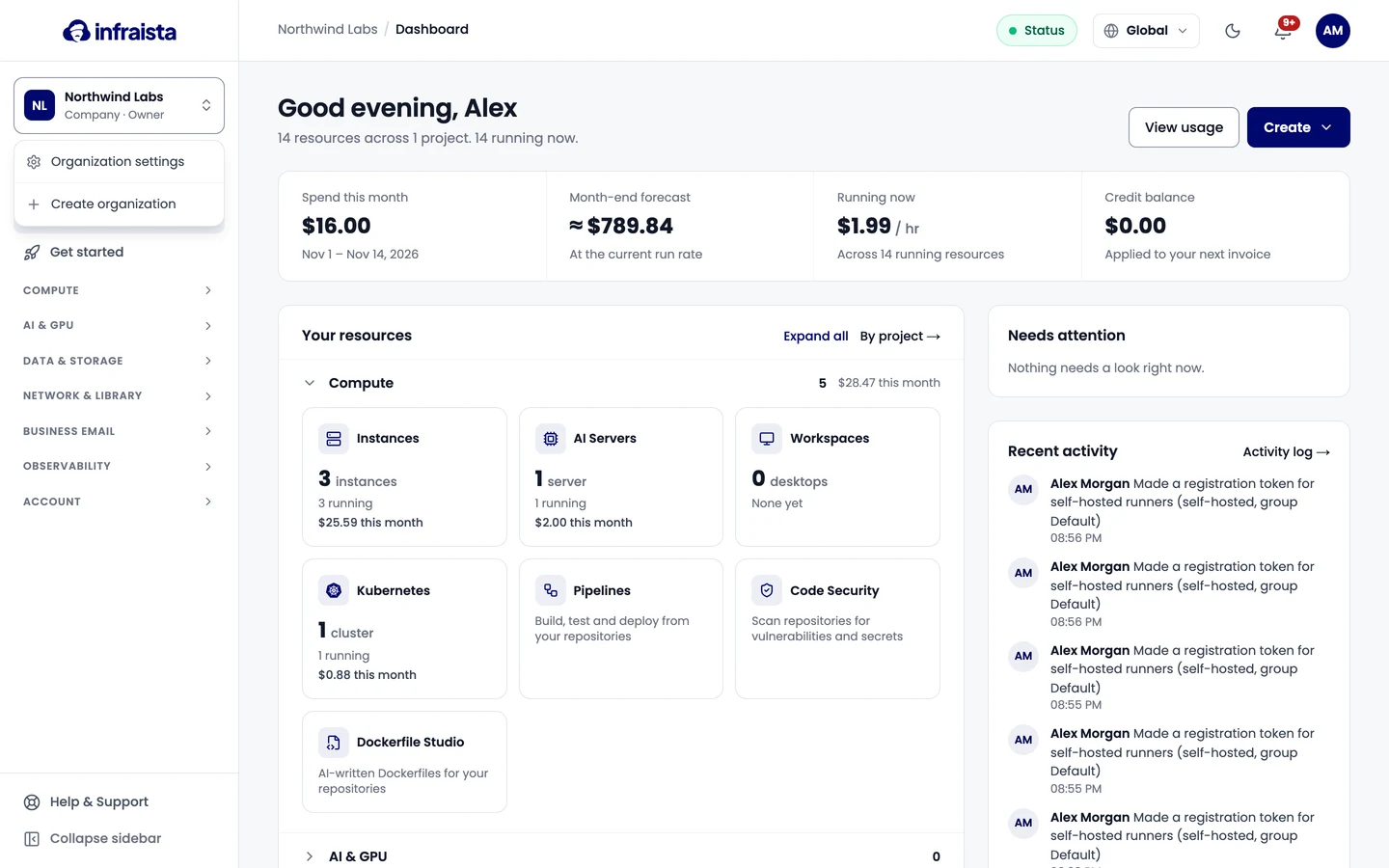
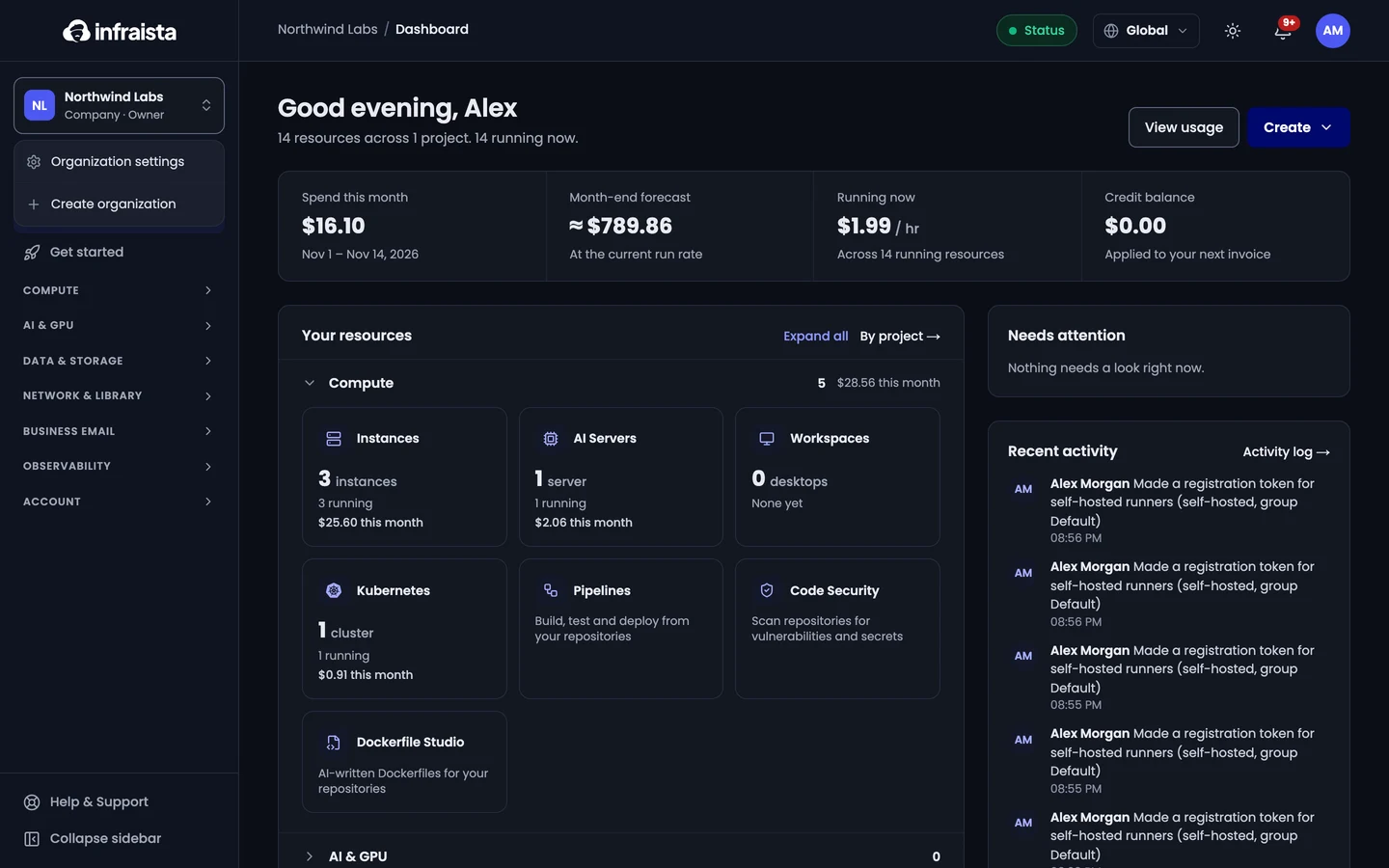
The console remembers your choice on this browser.
Create an organization
- Open the organization switcher and select Create organization.
- Enter the organization's name and country, then confirm.
- You become its Owner. Add its invoice details in Settings › Organization › Billing details and a payment method in Billing before ordering.
- Invite your teammates.
Who can do what
Every member has one role in each organization: Owner, Admin, Developer, Billing, Viewer, or a custom role your admins create. See Roles and permissions for the details.
Related
A tour of the console
Find your way around the Infraista console, from the dashboard and sidebar to search, the region switcher, notifications and the status page.
Regions and data locations
See where your organization can deploy, how restricted regions work, and how to request access to a region that opens on request.