

Invite teammates
Invite people to your organization by email, pick their role, resend or revoke invitations, change a member's role and remove members.
Teammates work in the same organization as you, each with their own login and a role that decides what they can do.
Before you start: you need to be an Owner or Admin (or have a role that can manage the team). Invitations are only for organizations, not personal accounts; see Organizations.
Send an invitation
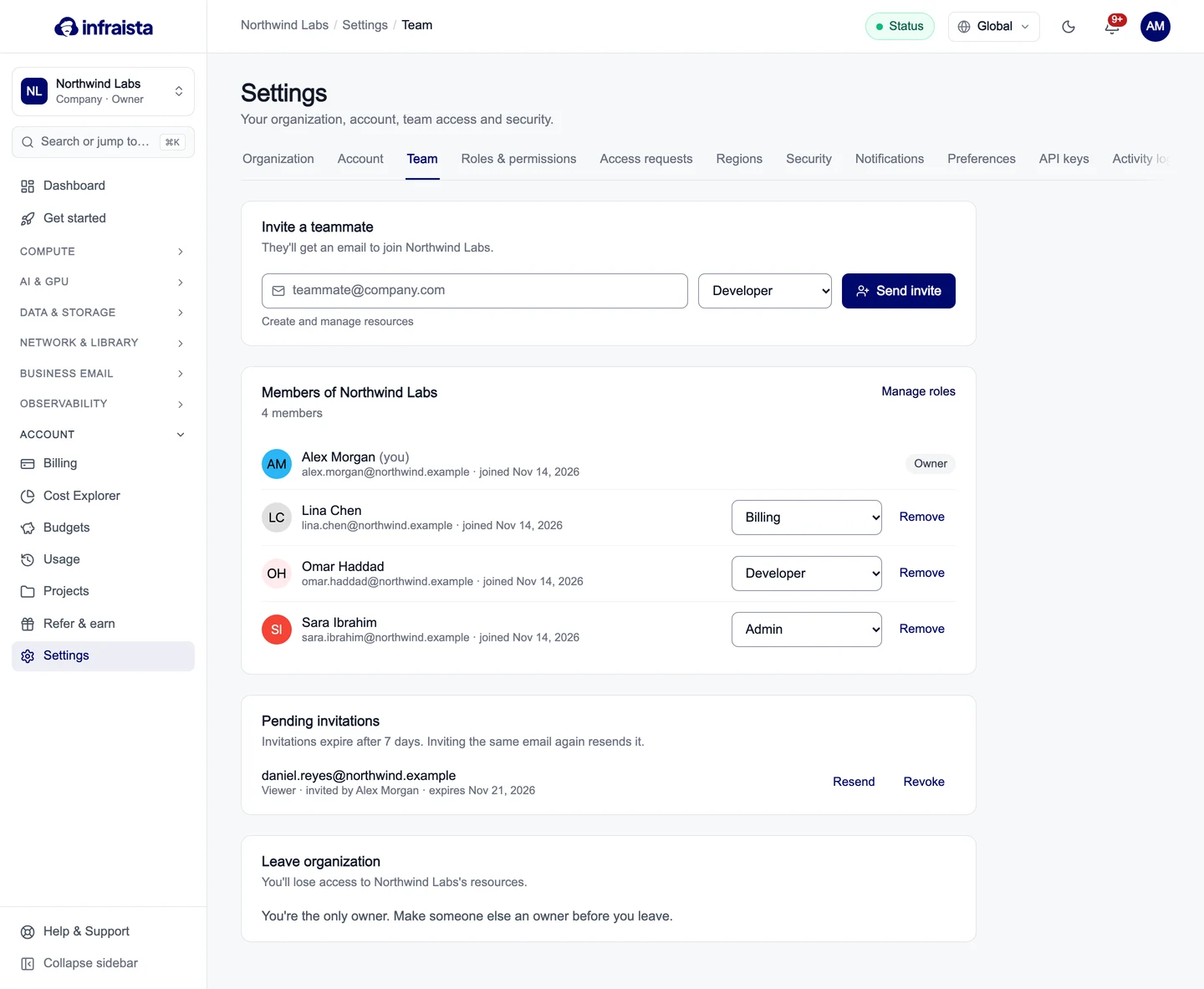
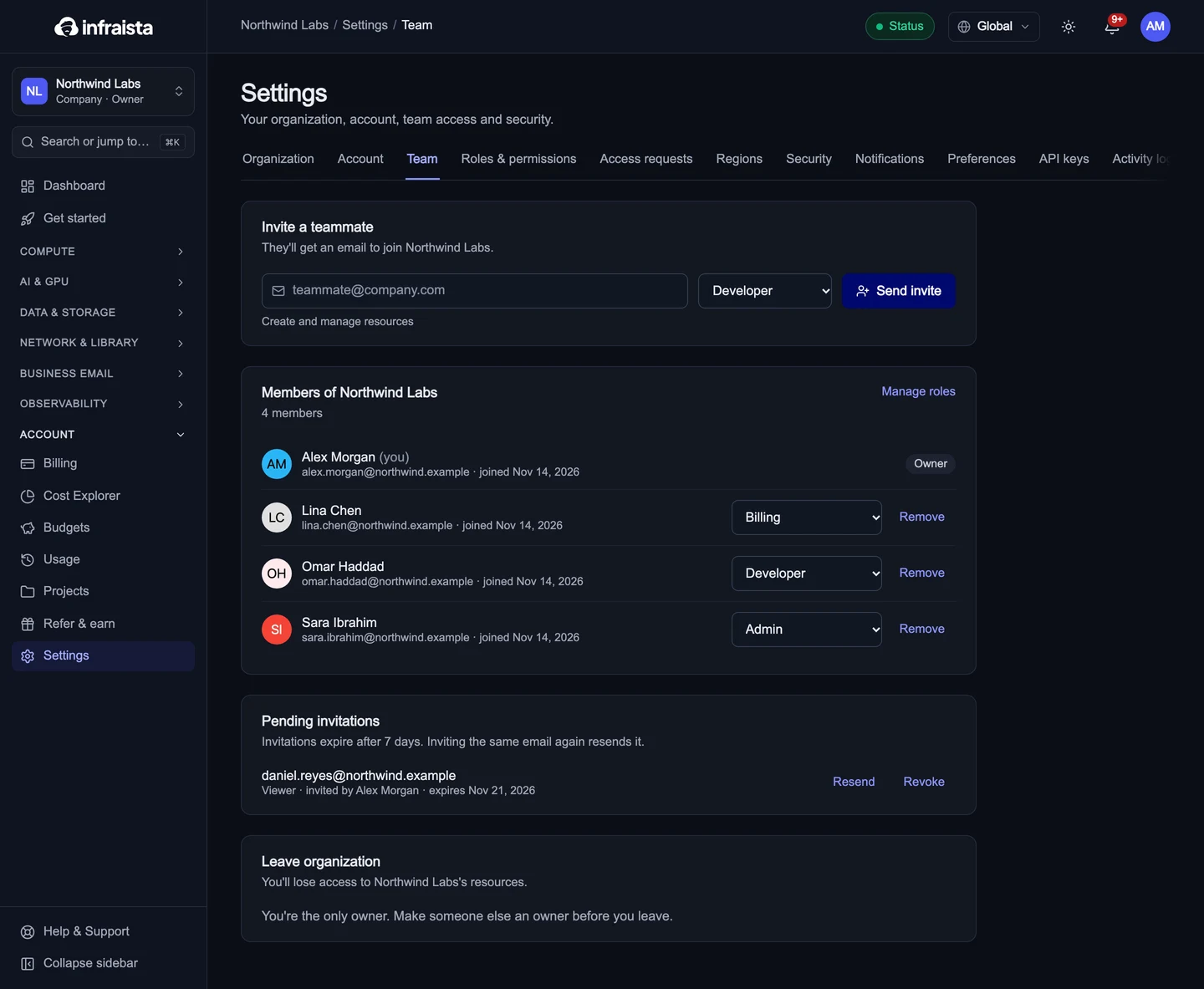
- Go to Settings › Team.
- Under Invite a teammate, enter their email address.
- Pick a role. The text under the field explains what the role can do. See Roles and permissions.
- Select Send invite.


They get an email with a link. If they don't have an Infraista account yet, they create one from the link and join straight away. The invitation only works for the email it was sent to.
Manage pending invitations
Pending invitations lists invitations that haven't been accepted. They expire after 7 days.
- Resend sends the email again and restarts the 7 days.
- Revoke cancels the invitation; the link stops working.
Change a member's role or remove them
Under Members, pick a new role from the dropdown next to the person; it applies at once. Remove takes away their access to this organization (their Infraista account stays).
Owners can't be removed or changed here. To hand over ownership, see Transfer ownership.
Leave an organization
At the bottom of Settings › Team, select Leave organization. If you're the only owner, make someone else an owner first.
Related
Sign-in security
Protect your account with two-factor sign-in and passkeys, see where you're signed in, review your sign-in history and set how long sessions last.
Roles and permissions
What each built-in role can do, how to adjust the built-in roles, and how to create custom roles that grant exactly the actions a teammate needs.