

Self-hosted runners
Run pipeline jobs at no charge on your own Linux machines or Docker hosts, such as office servers and GPU workstations, with labels and groups.
A self-hosted runner is your own machine (an office server, a GPU workstation, a server on your private network) that runs pipeline jobs. It asks Infraista for jobs over outbound HTTPS, so no inbound ports are needed, runs each job in a fresh container, and is never billed.
Before you start
- A Linux machine: Ubuntu 20.04+, Debian 11+ or RHEL 8+, x64 or arm64. Docker and the tools the runner needs are installed if missing. Or any host with Docker 24+.
- Root access on the machine.
- Permission to manage Pipelines in Infraista.
An organization can have up to 50 self-hosted runners.
Add a runner
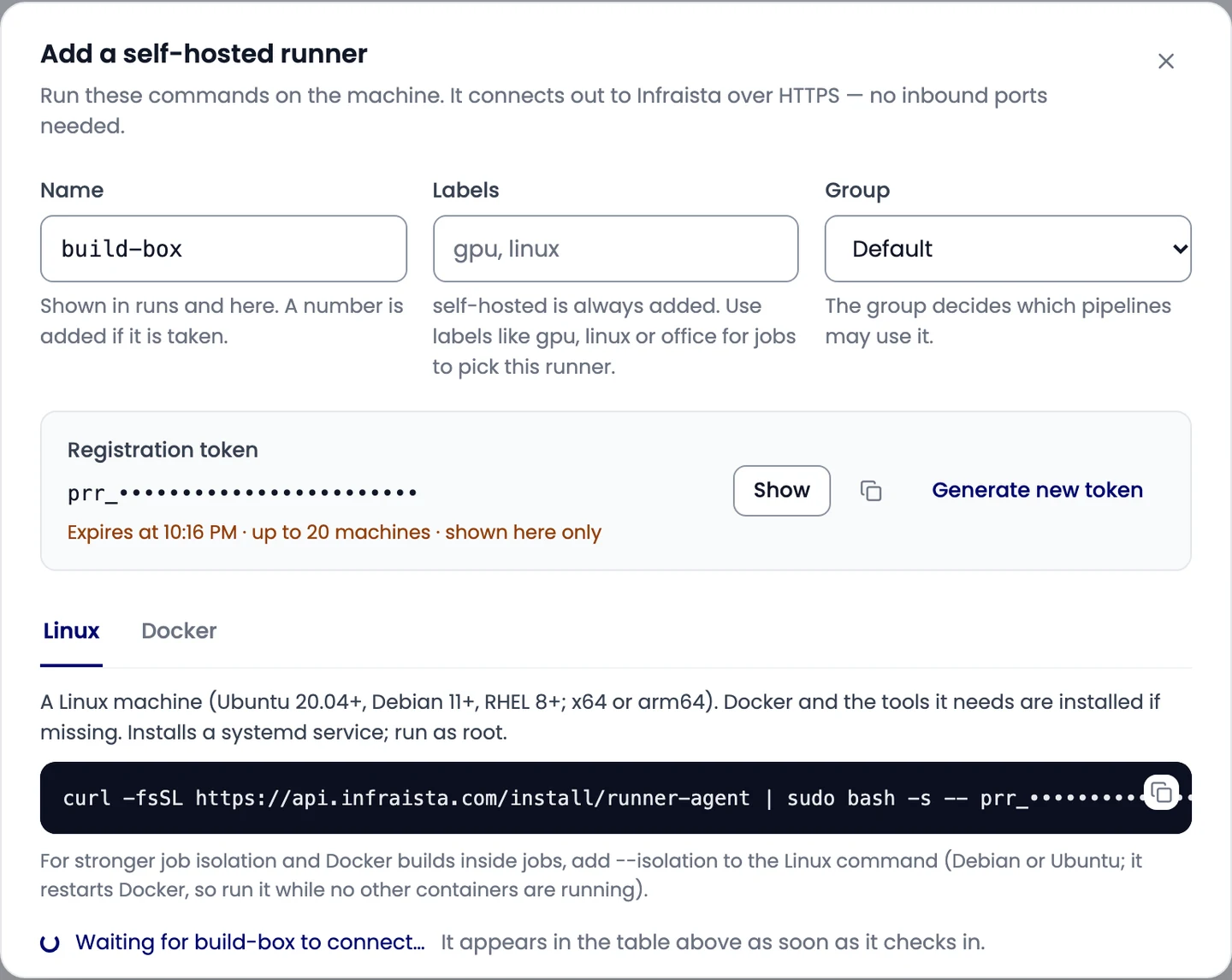
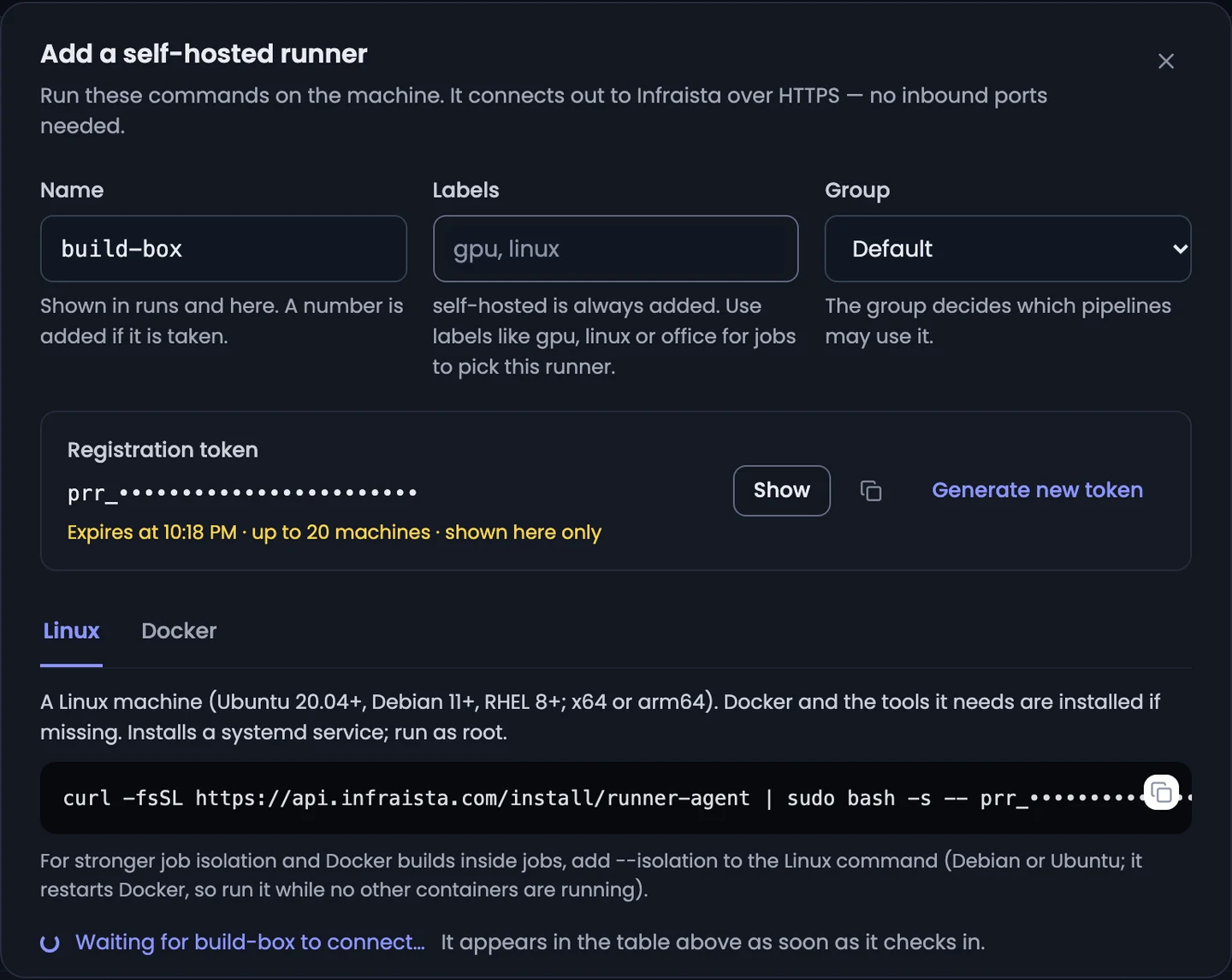
- Open Pipelines > Runners and select Add self-hosted runner.
- Enter a Name (a number is added if it's taken), Labels such as
gpu,linuxoroffice(self-hostedis always added), and the Group. - Select Create registration token. The token works for one hour and for up to 20 machines, and is shown only here.
- Copy the command for how the runner should run, and run it on the machine.
On Linux
curl -fsSL https://api.infraista.com/install/runner-agent | sudo bash -s -- prr_… --name build-box --labels gpu,linuxThis installs the runner as a systemd service. Options at the end of the command:
| Option | What it does |
|---|---|
--name NAME | The runner's name |
--labels a,b | Its labels (besides self-hosted) |
--slots N | How many jobs it runs at the same time (default 1) |
--isolation | Stronger isolation for jobs, and Docker builds inside jobs. Debian or Ubuntu only. It changes the machine's Docker setup and restarts Docker, so the machine must have no containers at all (stopped ones included); the installer lists any that are in the way |
Re-run the command later to update the runner.
With Docker
On any host with Docker 24+, the runner runs in a container and starts job containers through the Docker socket. The console gives you the full command; it looks like this:
docker run -d --name build-box --restart unless-stopped \
  -v /var/run/docker.sock:/var/run/docker.sock \
  -v /var/lib/infraista-runner:/var/lib/infraista-runner \
  -e INFRAISTA_API=https://api.infraista.com \
  -e REGISTRATION_TOKEN=prr_… \
  -e RUNNER_NAME=build-box \
  -e RUNNER_LABELS=gpu,linux \
  alpine:3.20 sh -c '…'
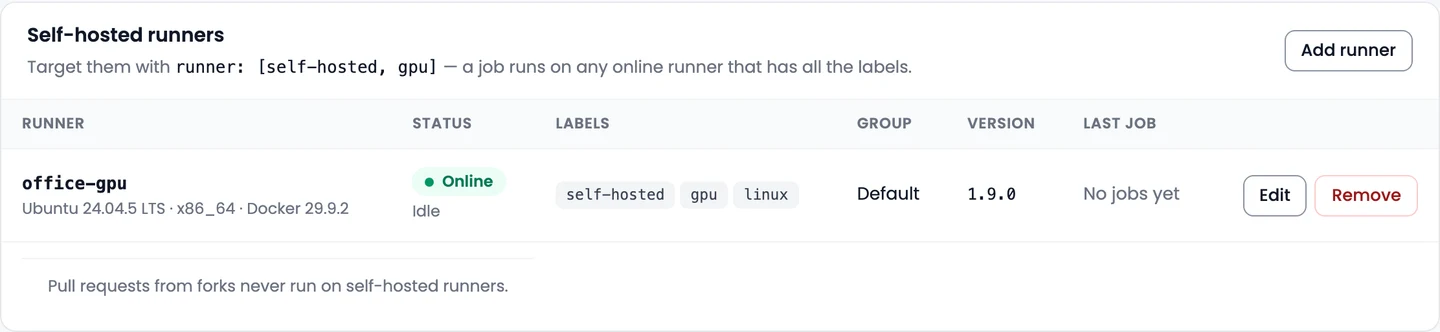
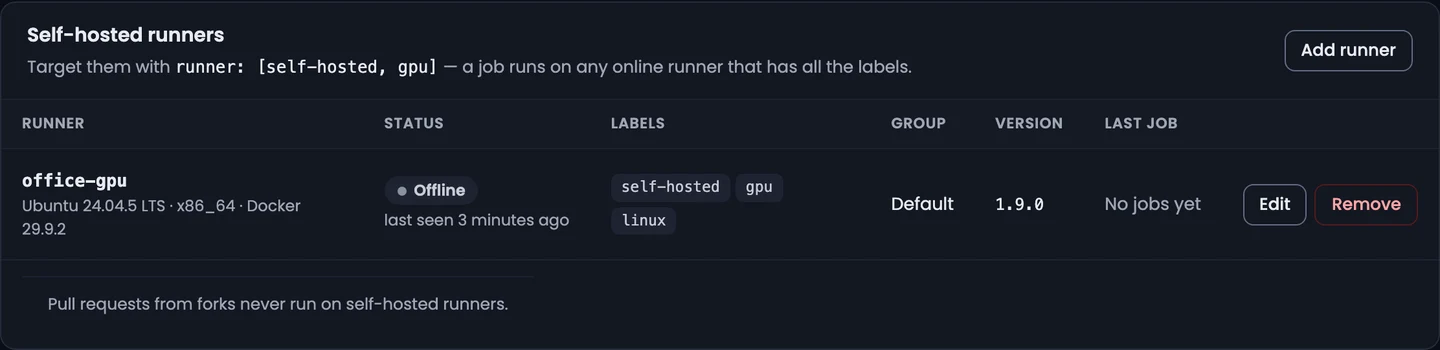
When the runner connects, it appears in the Self-hosted runners table as Online.
Send jobs to it
jobs:
  - name: train
    runner: [self-hosted, gpu]
    steps: [...]
A job runs on any online runner that has all of its labels. runner: self-hosted takes any of
your runners. Pull requests from forks never run on self-hosted runners.
Runner groups
Groups decide which pipelines may send jobs to their runners. New runners join the Default group, which allows all pipelines unless you change it.


To limit a runner to some pipelines, select New group, choose the pipelines that may use it, and pick that group when you add the runner (or when you edit it).
Manage a runner
- Edit: change its name, labels, group, Jobs at a time (1 to 16), or turn off Takes new jobs to stop it taking jobs without removing it.
- Remove: its token stops working right away, and a job it's running is cancelled. Uninstall the service on the machine afterwards.
Related
Runners and billing
Choose the machine size for each job, and see how managed runner minutes, free minutes, concurrency and cache and artifact storage are billed and kept.
Code Security
Scan every push and pull request for vulnerable dependencies, leaked secrets, risky configuration and license issues, with a check that blocks risky changes.