

Pipeline settings
Change a pipeline's name, file path, default runner and timeout, cancel outdated runs, report status checks, add a status badge, and pause or delete it.
Open a pipeline and go to its Settings tab. Changing settings needs permission to manage Pipelines.
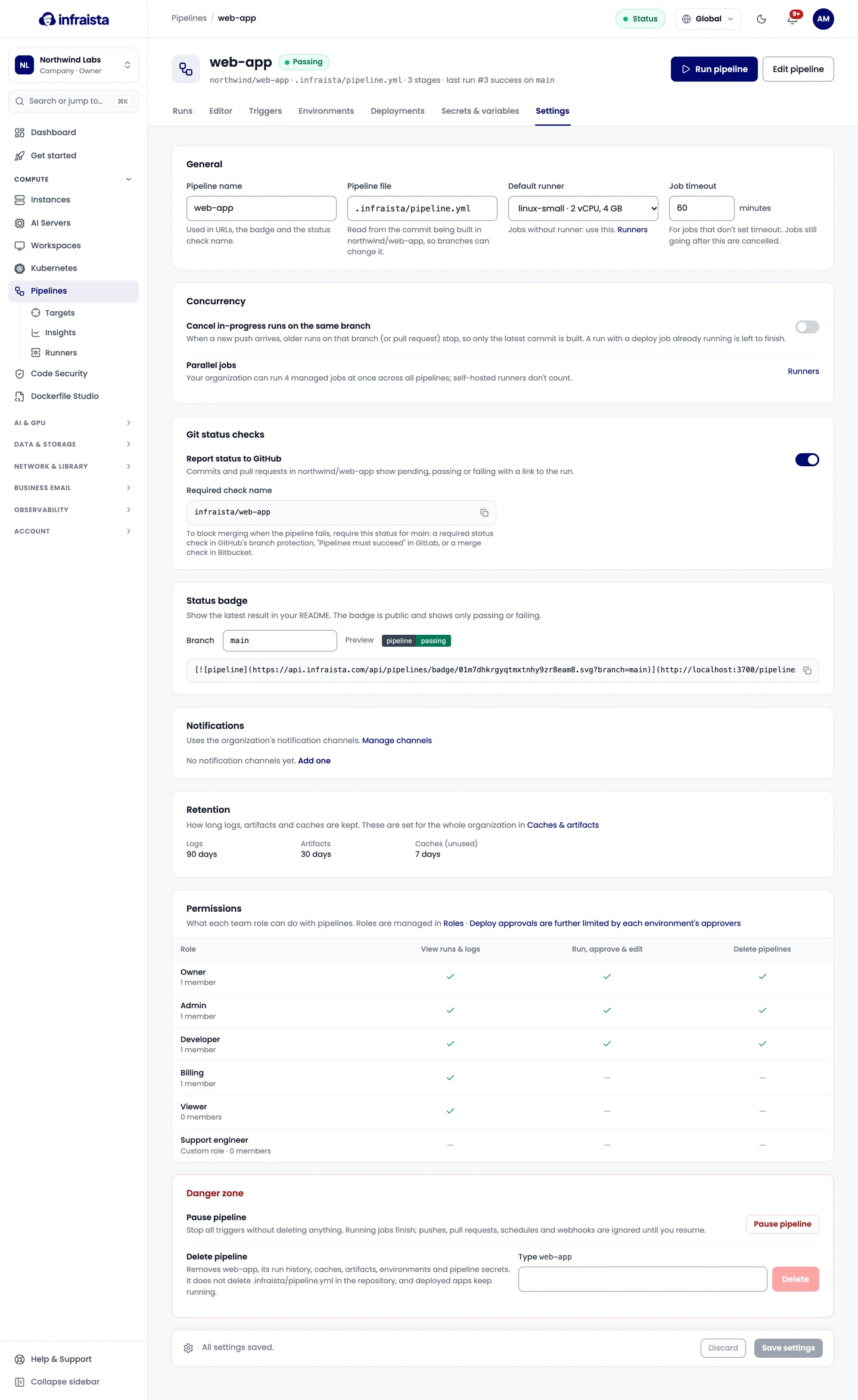
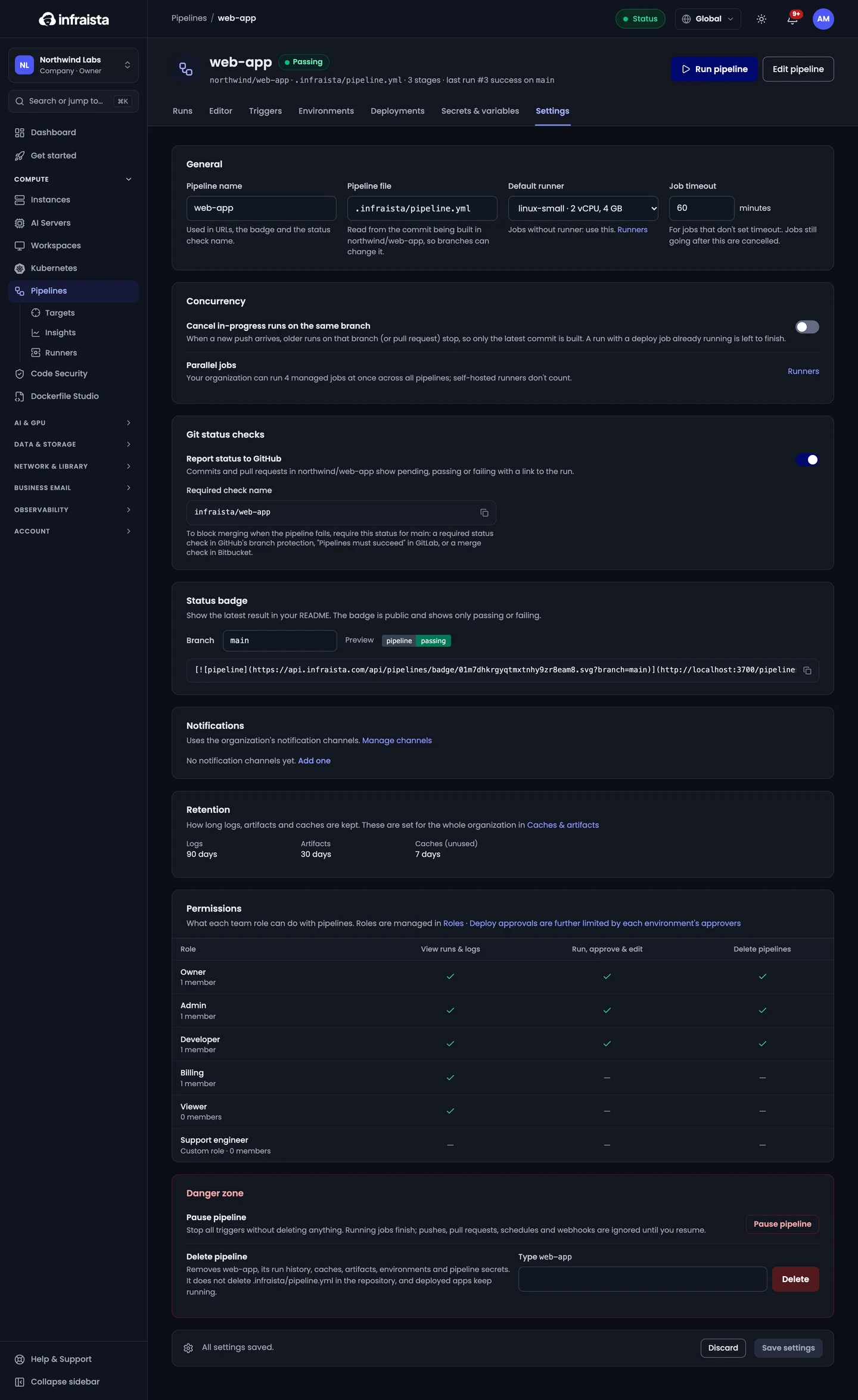
General
| Setting | What it does |
|---|---|
| Pipeline name | Used in URLs, the badge and the status check name. Letters, digits, dots, dashes and underscores, up to 60 characters |
| Pipeline file | The path of the file, read from the commit being built, so branches can change it |
| Default runner | Used by jobs without runner: |
| Job timeout | For jobs that don't set timeout:, from 5 to 4,320 minutes. Jobs still going after this are cancelled |
Runs
- Honor [skip ci]: commits and pull requests whose message contains a skip marker don't start a run. Manual runs ignore it.
- Cancel in-progress runs on the same branch: when a new push arrives, older runs on that branch (or pull request) stop, so only the latest commit is built. A run with a deploy job already running is left to finish.
Managed jobs share your organization's concurrency limit.
Git status checks
With status reporting on (Report status to GitHub), commits and pull requests show pending, passing or failing with a link to the run. To block merging when the pipeline fails, require the Required check name shown here in your branch protection rules (on GitLab, "Pipelines must succeed").
Status badge
Show the latest result in your README: choose the Branch and select Copy Markdown. The badge is public and shows only passing or failing.
Retention and permissions
How long logs, artifacts and caches are kept is set for the whole organization in Caches & artifacts. What each role can do with pipelines (view runs and logs; run, approve and edit; delete) is managed in Roles. Deploy approvals are further limited by each environment's approvers.
Pause or delete
- Pause pipeline: stops all triggers without deleting anything. Running jobs finish; pushes, pull requests, schedules and webhooks are ignored until you resume. Missed events aren't replayed.
- Delete pipeline: removes the pipeline, its run history, caches, artifacts, environments and pipeline secrets. The pipeline file in the repository isn't deleted, and deployed apps keep running.
Related
Deploy targets
Connect the servers, agents, registries and cloud accounts your pipelines deploy to once, then name them in any pipeline in your organization.
Runners and billing
Choose the machine size for each job, and see how managed runner minutes, free minutes, concurrency and cache and artifact storage are billed and kept.