

Runners and billing
Choose the machine size for each job, and see how managed runner minutes, free minutes, concurrency and cache and artifact storage are billed and kept.
A runner is the machine a job runs on. Managed runners are run by Infraista: every job gets a fresh container with the size's resources, removed when the job ends, billed per minute. Self-hosted runners are your own machines and are never billed.
Choose a size
Set the size per job with runner:, or for the whole file under defaults::
defaults:
  runner: linux-small

stages:
  - name: test
    jobs:
      - name: e2e
        runner: linux-large
steps: [...]| Size | Resources | Free minutes apply |
|---|---|---|
linux-small | 2 vCPU, 4 GB RAM, x64 | Yes |
linux-medium | 4 vCPU, 8 GB RAM, x64 | Yes |
linux-large | 8 vCPU, 16 GB RAM, x64 | Yes |
arm-medium | 4 vCPU, 8 GB RAM, Arm64 | Yes |
gpu-rtx3090 | 1× RTX 3090 GPU | No, always billed |
Without runner:, a job uses the pipeline's default runner.
How minutes are billed
- Each finished job on a managed runner counts its running time in whole minutes, rounded up (at least 1 minute). Time spent queued or waiting for approval isn't counted.
- Each organization gets free Linux and Arm minutes every month, shared by all pipelines. After that, minutes are billed at the size's price per minute. GPU minutes are always billed.
- Your invoice shows one line per pipeline and size:
<pipeline> · runner minutes.
Pipelines > Runners shows the minutes used this month by size, the free minutes left and when they reset, and the price of each size. See your price list in the console for current prices.
Concurrency
Your organization can run a set number of managed jobs at the same time across all pipelines. Jobs over the limit wait in the queue and start as others finish. Self-hosted runners don't count toward this limit. To raise it, contact support.
Caches, artifacts and logs
Pipelines > Caches & artifacts shows the storage your caches and artifacts use.
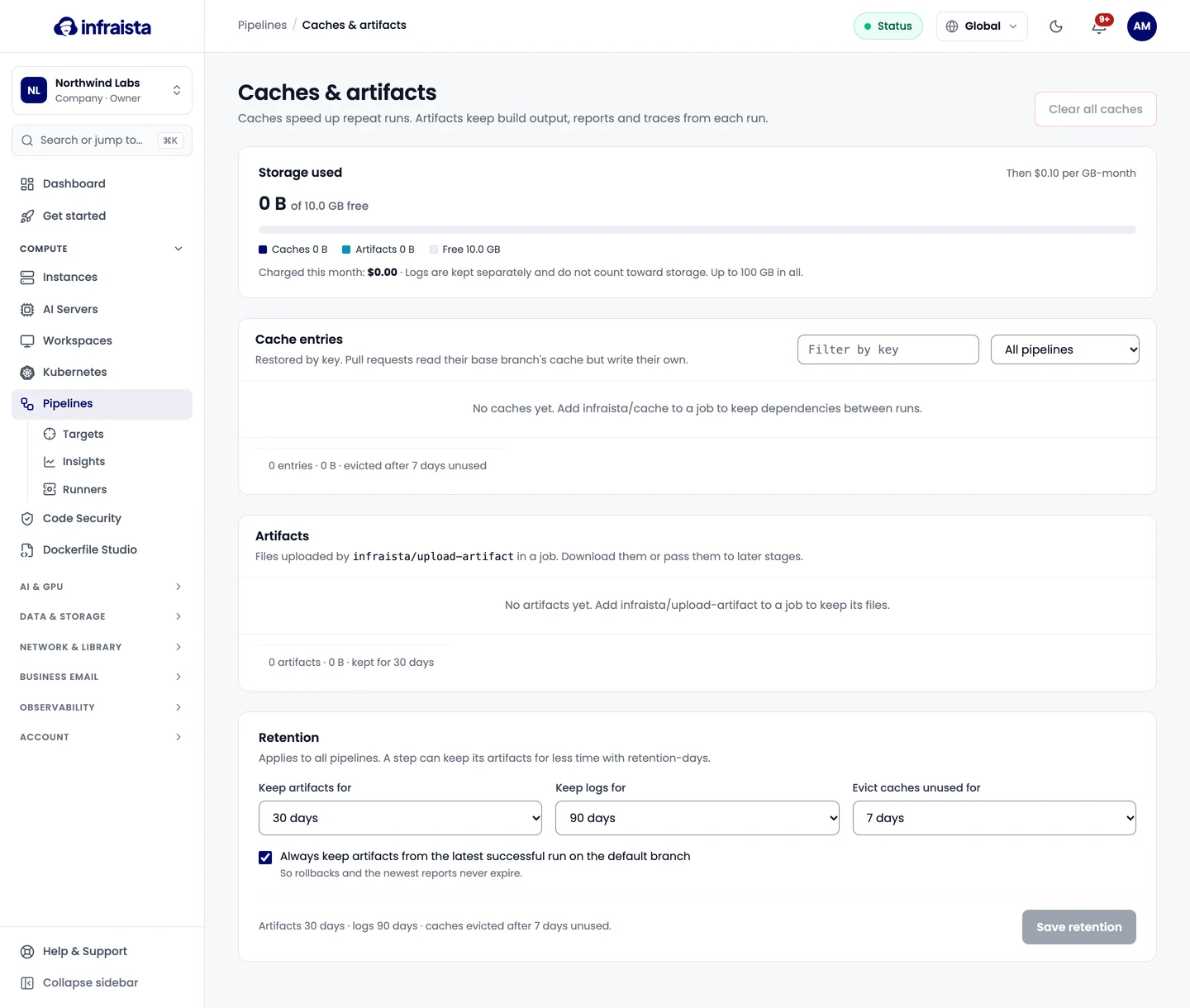
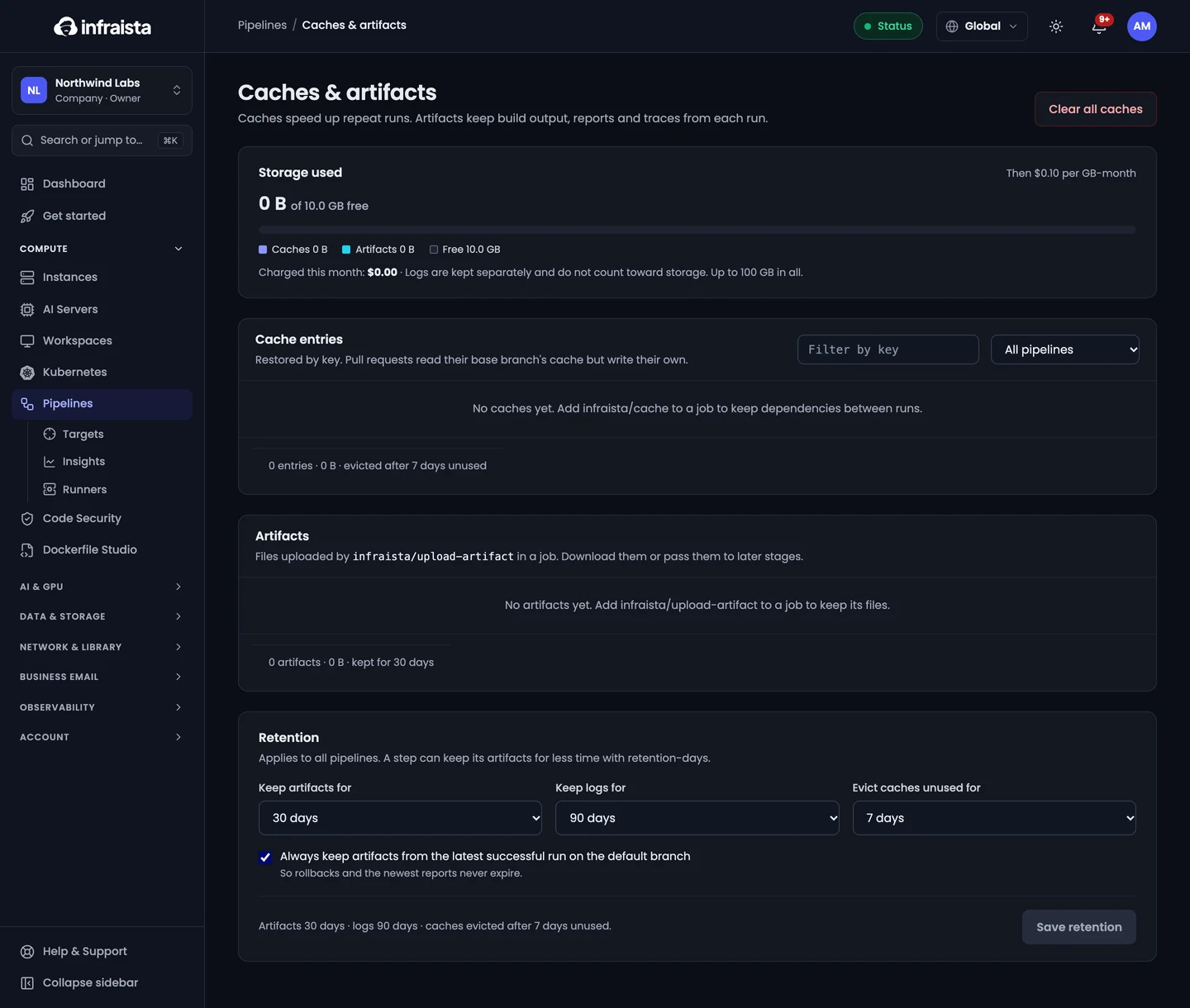
- Storage up to the free amount is included; above it, it's billed per GB-month. Job logs are kept separately and don't count toward storage.
- Clear one pipeline's caches, or all of them, with Clear all caches. The next runs rebuild them and take longer; artifacts aren't affected.
- Download or delete artifacts from the list, or from the run that made them.
Retention
Under Retention, choose how long things are kept, for every pipeline in the organization:
| Setting | Default |
|---|---|
| Keep artifacts for | 30 days (a step can keep its artifacts for less with retention-days) |
| Keep logs for | 90 days |
| Evict caches unused for | 7 days |
| Always keep artifacts from the latest successful run on the default branch | On, so rollbacks and the newest reports never expire |
Shorter periods remove older items within a day of saving.
Related
Pipeline settings
Change a pipeline's name, file path, default runner and timeout, cancel outdated runs, report status checks, add a status badge, and pause or delete it.
Self-hosted runners
Run pipeline jobs at no charge on your own Linux machines or Docker hosts, such as office servers and GPU workstations, with labels and groups.