

Your profile and preferences
Change your name, phone, country and password, update your profile picture, and choose the light, dark or system theme for the console.
Your profile belongs to you, not to an organization: it's the same in every organization you're in.
Change your details
- Go to Settings › Account.
- Edit Full name, Phone or Country under Profile.
- Select Save changes.
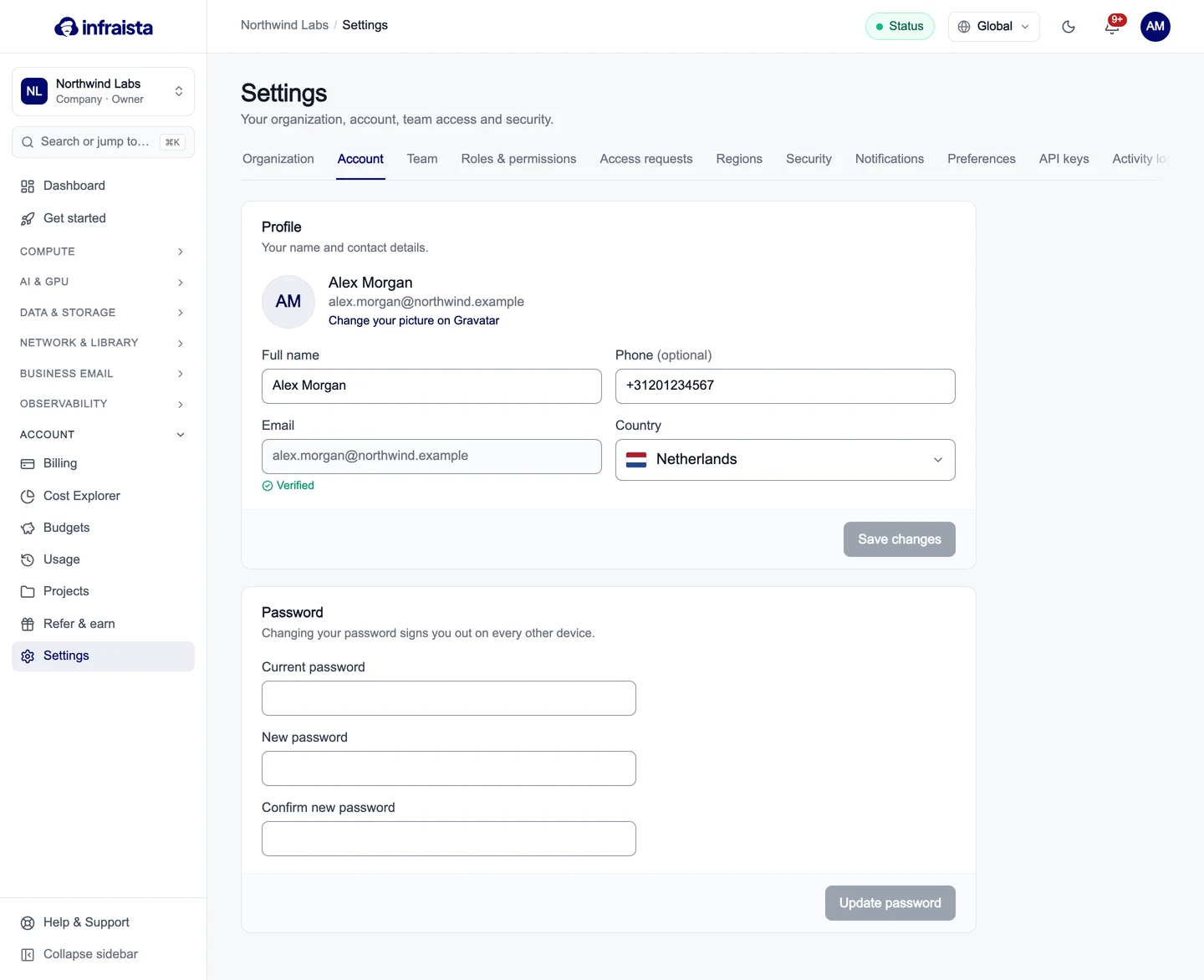
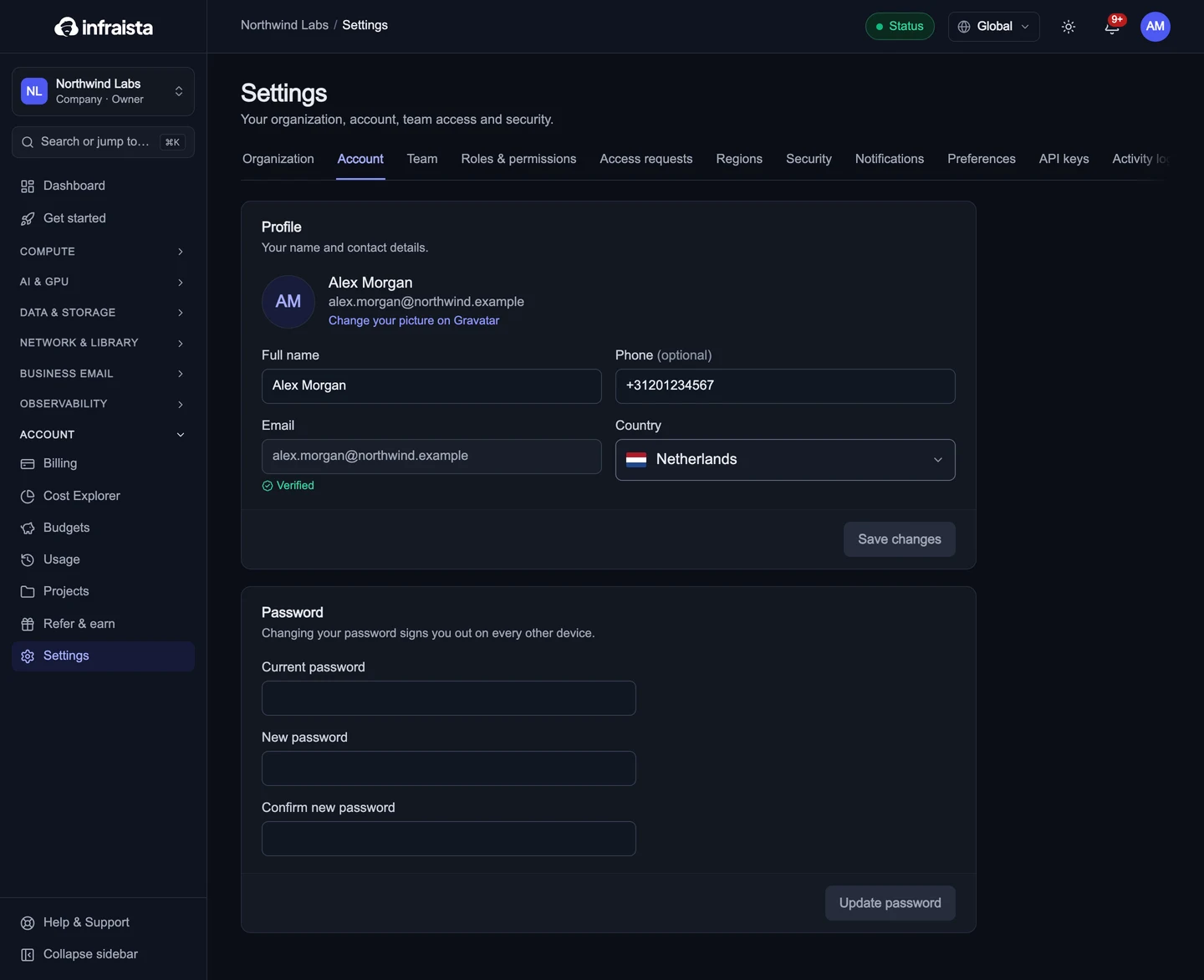
Your email is shown with Verified once confirmed. To use a different email address, contact us from Help & Support.
Your picture comes from Gravatar: select Change your picture on Gravatar and set one for your email address. Without one, the console shows your initials.
Change your password
- In Settings › Account › Password, enter your Current password.
- Enter the New password twice.
- Select Update password.
Changing your password signs you out on every other device. Forgot it? Use Forgot password? on the sign-in page.
Choose light or dark
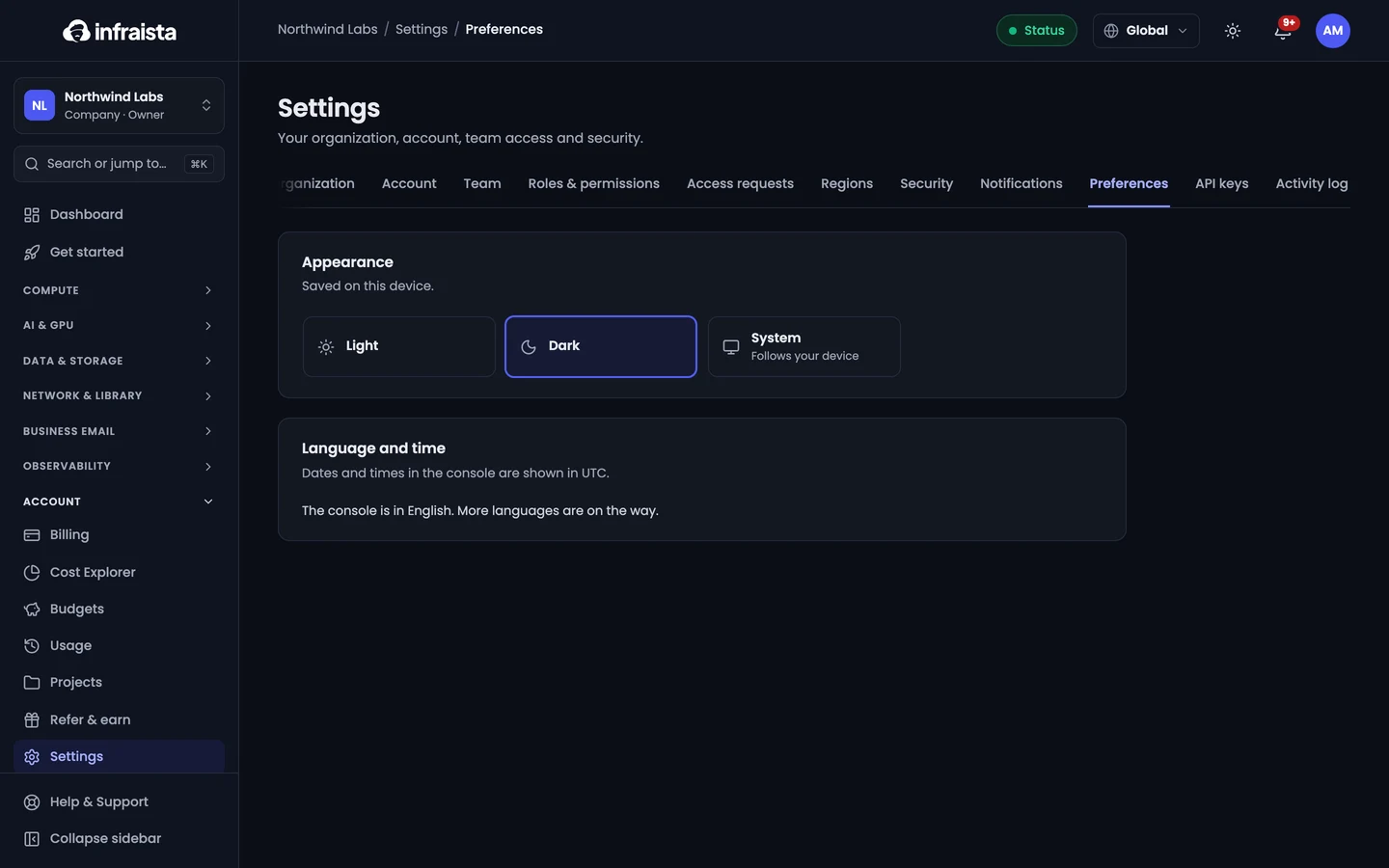
Go to Settings › Preferences › Appearance and select Light, Dark or System (follows your device). The choice is saved on this device. The moon and sun button in the top bar switches quickly too.
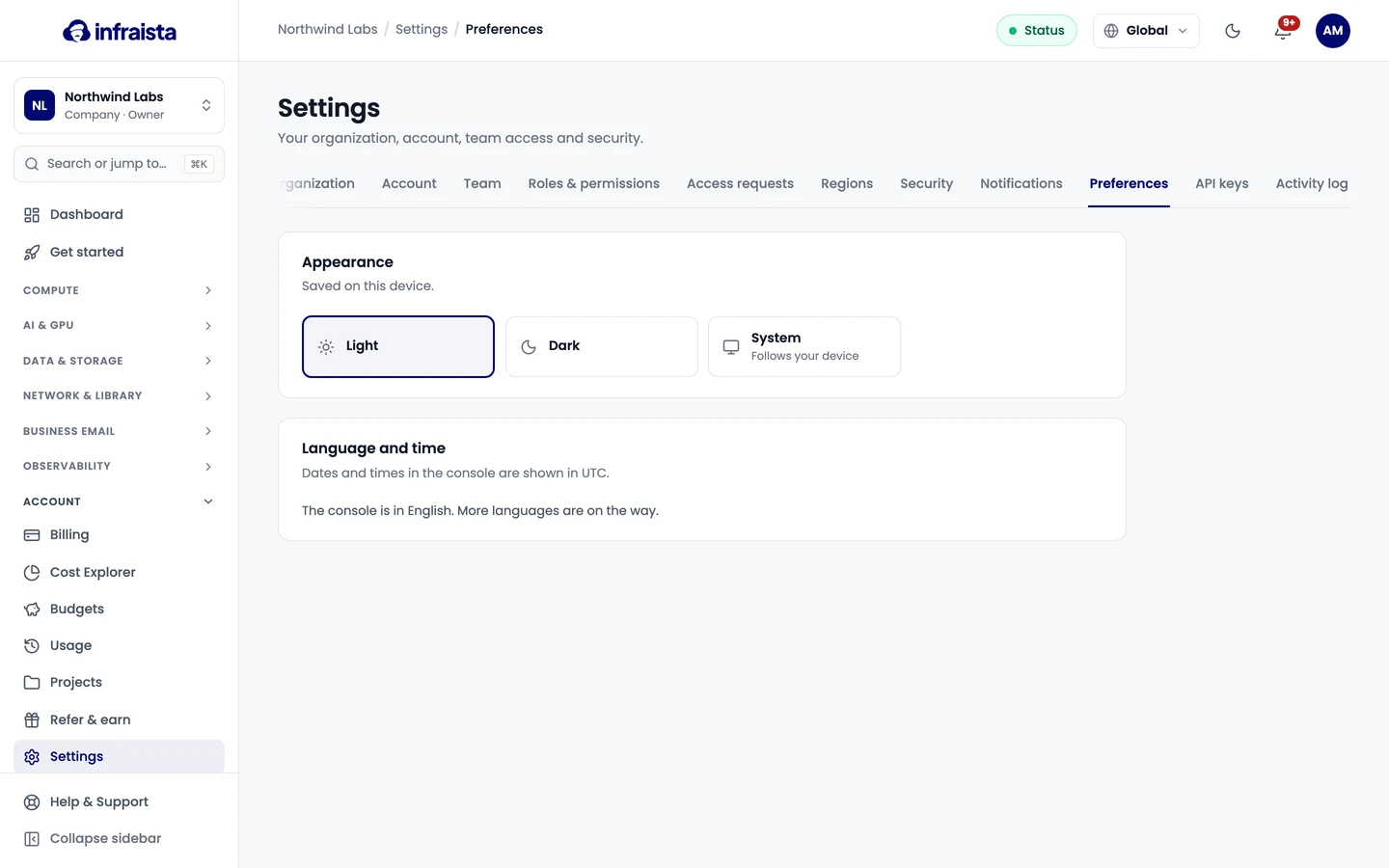
Dates and times in the console are shown in UTC.
Related
Team and account
Manage your profile and sign-in security, bring your team in with the right roles, and keep track of who changed what in your organization.
Sign-in security
Protect your account with two-factor sign-in and passkeys, see where you're signed in, review your sign-in history and set how long sessions last.