

Team and account
Activity log
See who changed what in your organization, from servers and team changes to billing and support, kept for audits.
The activity log records who changed what in an organization: resources created or deleted, team and role changes, billing and support actions, and access decisions. It's kept for audits.
Go to Settings › Activity log, or select Activity log under Recent activity on the dashboard.
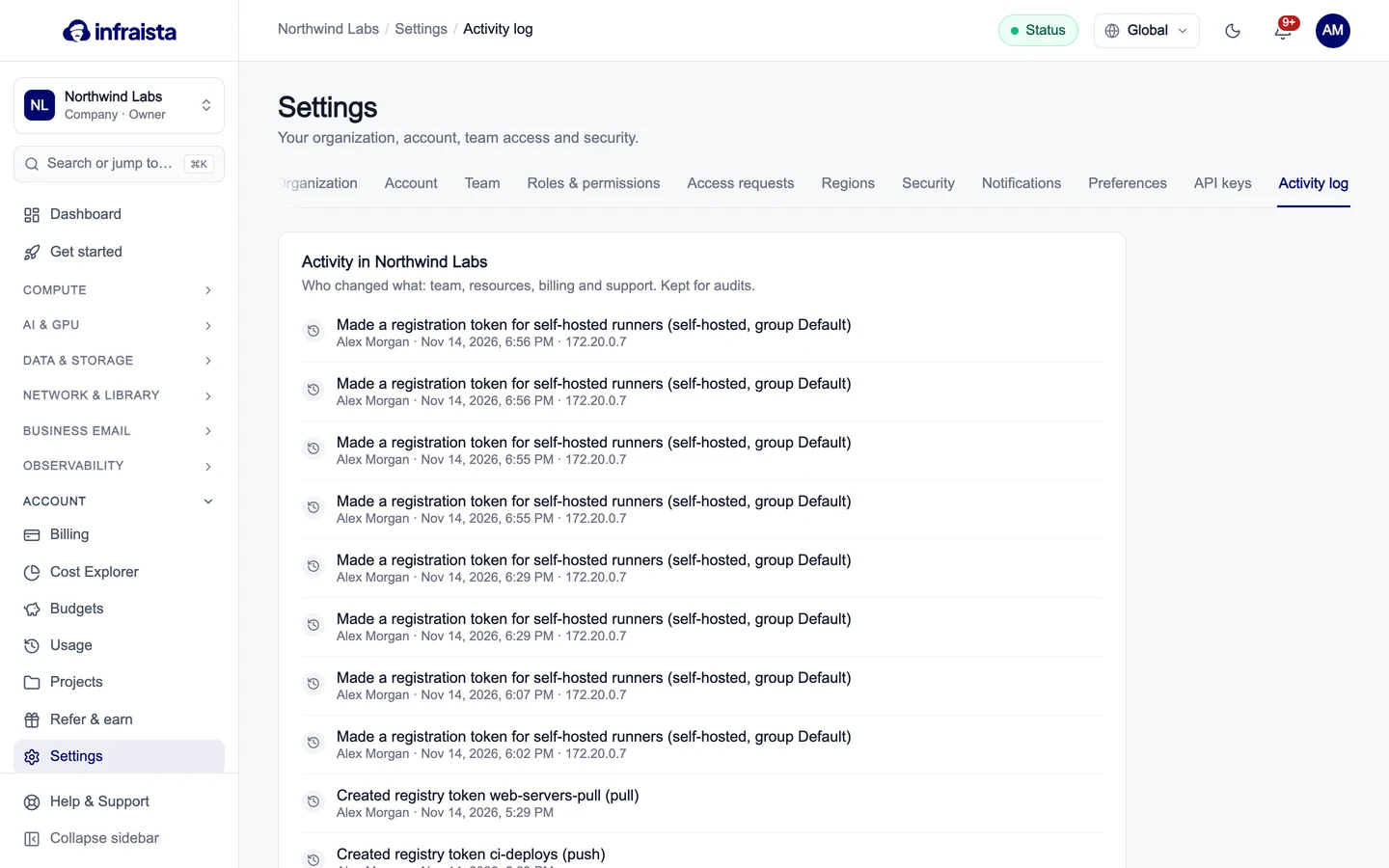
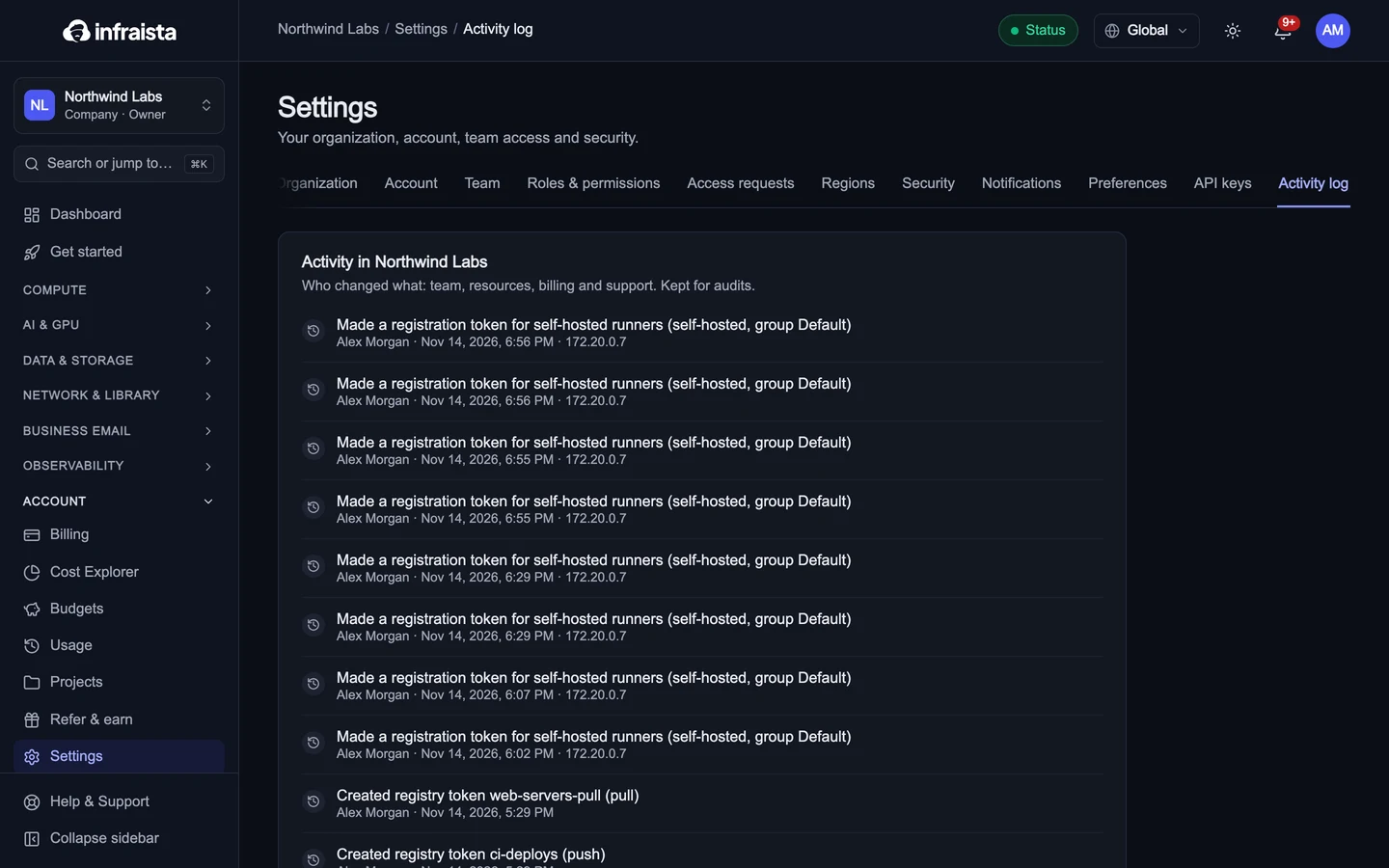
Each entry shows what happened, who did it and when (in UTC).
Who can see the log depends on their role (the Activity log permission under Organization in Roles and permissions).