

Access requests
Members ask for access their role doesn't include; Owners and Admins grant it to that person for a while, change their role, add it to their role, or decline.
When a member opens a page or button their role doesn't allow, the console shows what's missing and who can grant it, instead of an error. From there they can Request access, and the Owners and Admins decide.
Ask for access (members)
- On the locked page, select Request access (or Request more access where you already have some).
- Choose an Access level:
- View only: see everything, change nothing;
- View & manage: create, start, stop and change, but not delete;
- Full: everything, including deleting.
- Choose For how long: Permanent, 7 days, 30 days or Until a date.
- Write a Reason: what you need to do and why. Admins see this.
- Under Send request to, pick Owner & Admins or A specific person, then select Send request.
The request shows as Request pending on that page. Admins usually answer within a day; you get a notification and an email when they decide. Cancel request withdraws it.
For a one-off task, Ask a teammate to do it instead: they get a message with a link to the page, and your access doesn't change.
Answer a request (Owners and Admins)
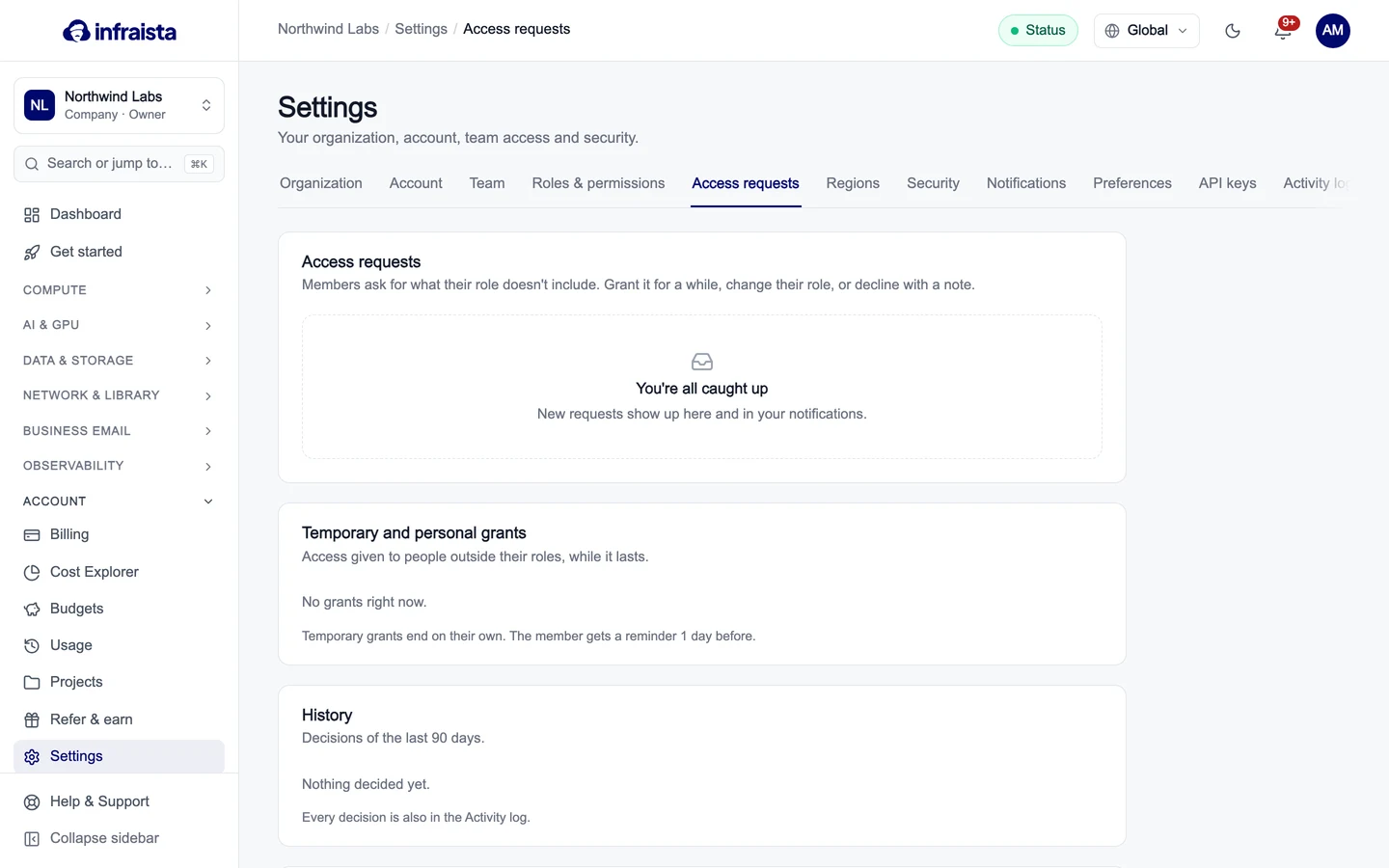
Go to Settings › Access requests. New requests also arrive in your notifications and by email; the first answer decides.
Select Approve and choose how to grant it:
| Option | Effect |
|---|---|
| Grant to (member) only | Just this person, for the time they asked (or change it). Their role stays the same |
| Change (member's) role | Permanent; replaces their role. The page shows what they'd gain and lose |
| Add it to their role | Everyone with that custom role gets it. Not available for built-in roles |
Add an optional Note they'll see with the decision. To refuse, select Decline and tell them why, or what to do instead.
Review grants and history
- Temporary and personal grants lists access given to people outside their roles, with when each ends. Temporary grants end on their own, and the member gets a reminder one day before. Revoke ends one early.
- History shows the decisions of the last 90 days. Every decision is also in the Activity log.
Request settings
Under Request settings:
- Allow members to request access: when off, members see who to contact instead of a Request access button.
- Who receives requests: Owners & Admins, Owners only, or Specific people.
- Longest temporary grant: 90 days, 1 year or No limit. Members can't ask for longer.
Select Save settings.
Related
Roles and permissions
What each built-in role can do, how to adjust the built-in roles, and how to create custom roles that grant exactly the actions a teammate needs.
Organization settings
Edit your organization's profile, invoice details and contacts, require two-factor sign-in for every member, and transfer or delete the organization.