

API keys
Create API keys to automate Infraista from scripts and CI, choose full access or a key limited to one API, and set an expiry or revoke a key.
An API key lets scripts, CI pipelines and other tools use the Infraista API as you. Treat keys like passwords.
Key types
| Key type | Reaches | Good for |
|---|---|---|
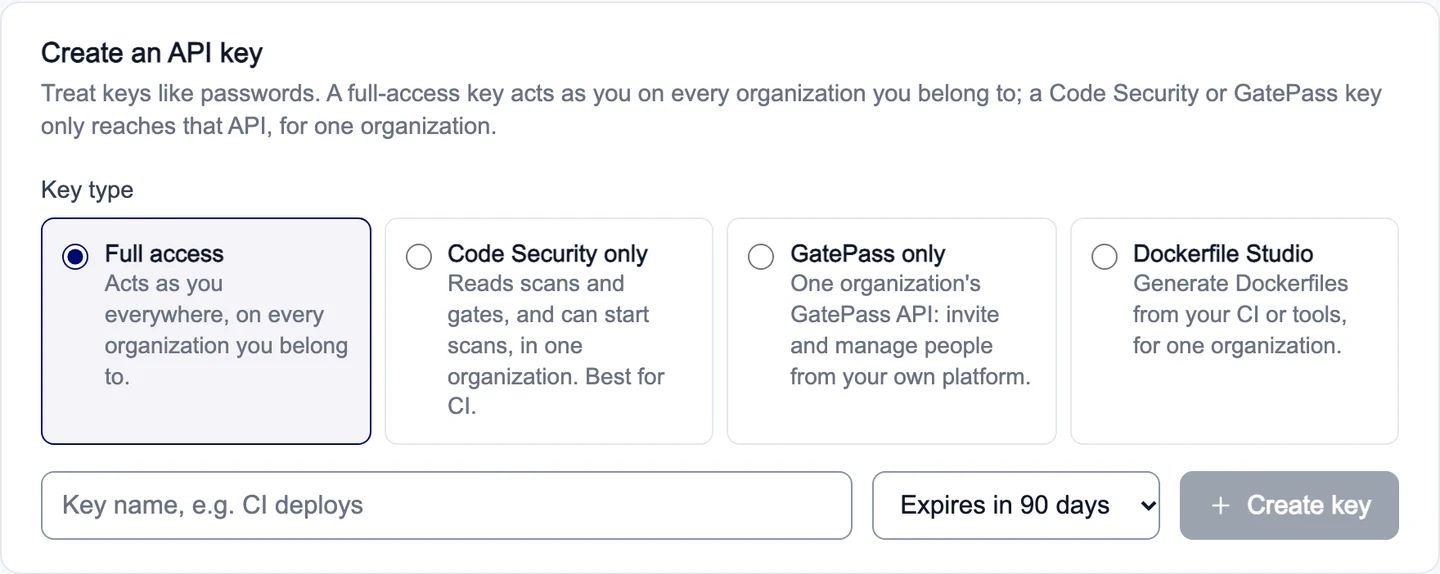
| Full access | Everything you can do, in every organization you belong to | Your own scripts and infrastructure-as-code |
| Code Security only | Reads scans and gates, and can start scans, in one organization | CI checks |
| GatePass only | One organization's GatePass API: invite and manage people from your own platform | Provisioning users |
| Dockerfile Studio | Generate Dockerfiles from your CI or tools, for one organization | Build pipelines |
A limited key can only do what you can do yourself in that organization.
Create a key
- Go to Settings › API keys.
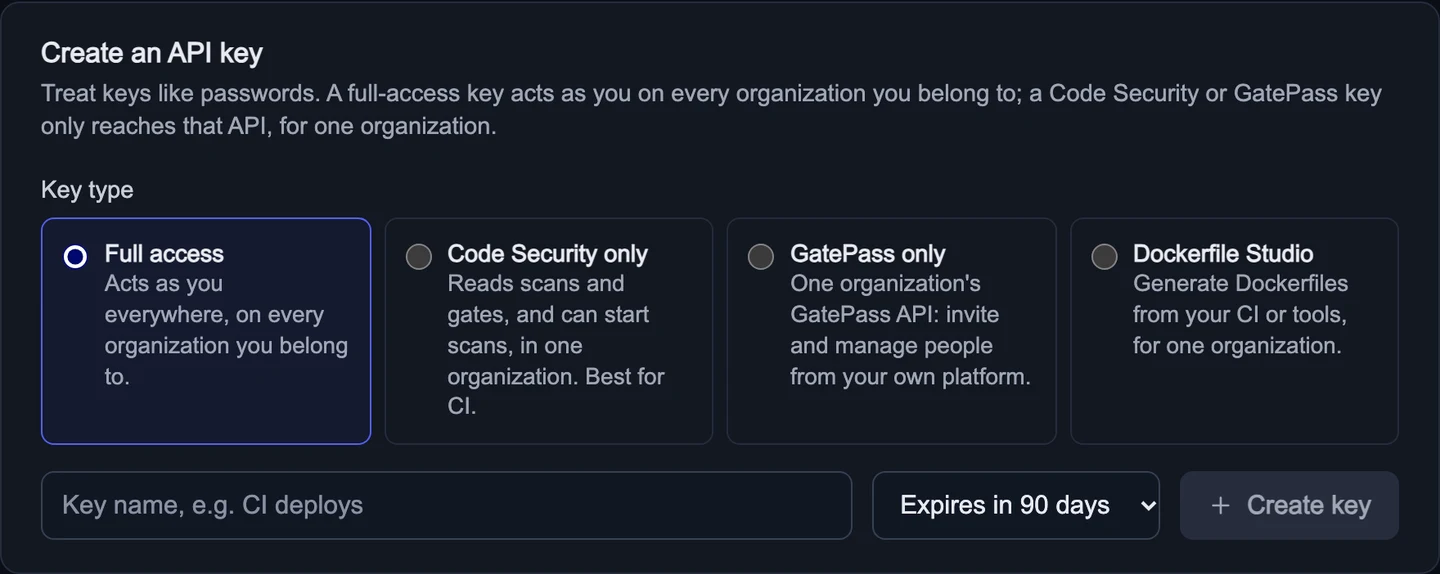
- Under Key type, pick the type. Limited types also ask for the Organization and the Scopes the key gets.
- Enter a Key name that says where it's used, for example "CI deploys".
- Choose when it expires: 30 days, 90 days, 1 year, or Never expires.
- Select Create key.
Copy your key now: you won't see it again. Store it in your CI's secret store or a password manager.
You can have up to 20 keys. API keys can't change account security (passwords, two-factor, other keys); those need the console.
Use a key
Send it as a bearer token. This lists the organizations the key can reach:
curl https://api.infraista.com/api/organizations \
  -H "Authorization: Bearer YOUR_API_KEY" \
  -H "Accept: application/json"
See and revoke keys
Your API keys lists each key with its type, when it was created, when it was last used and when it expires. Select Revoke to stop a key at once, for example when someone leaves or a key may have leaked.