

Notifications
Choose which events reach you by email or browser push, from server status changes to billing and security alerts, and find everything under the bell.
Infraista tells you about server status changes, billing and security events. Everything shows under the bell in the top bar; you choose which events also reach you by email or browser push.
These settings are personal: each teammate sets their own.
Choose your channels
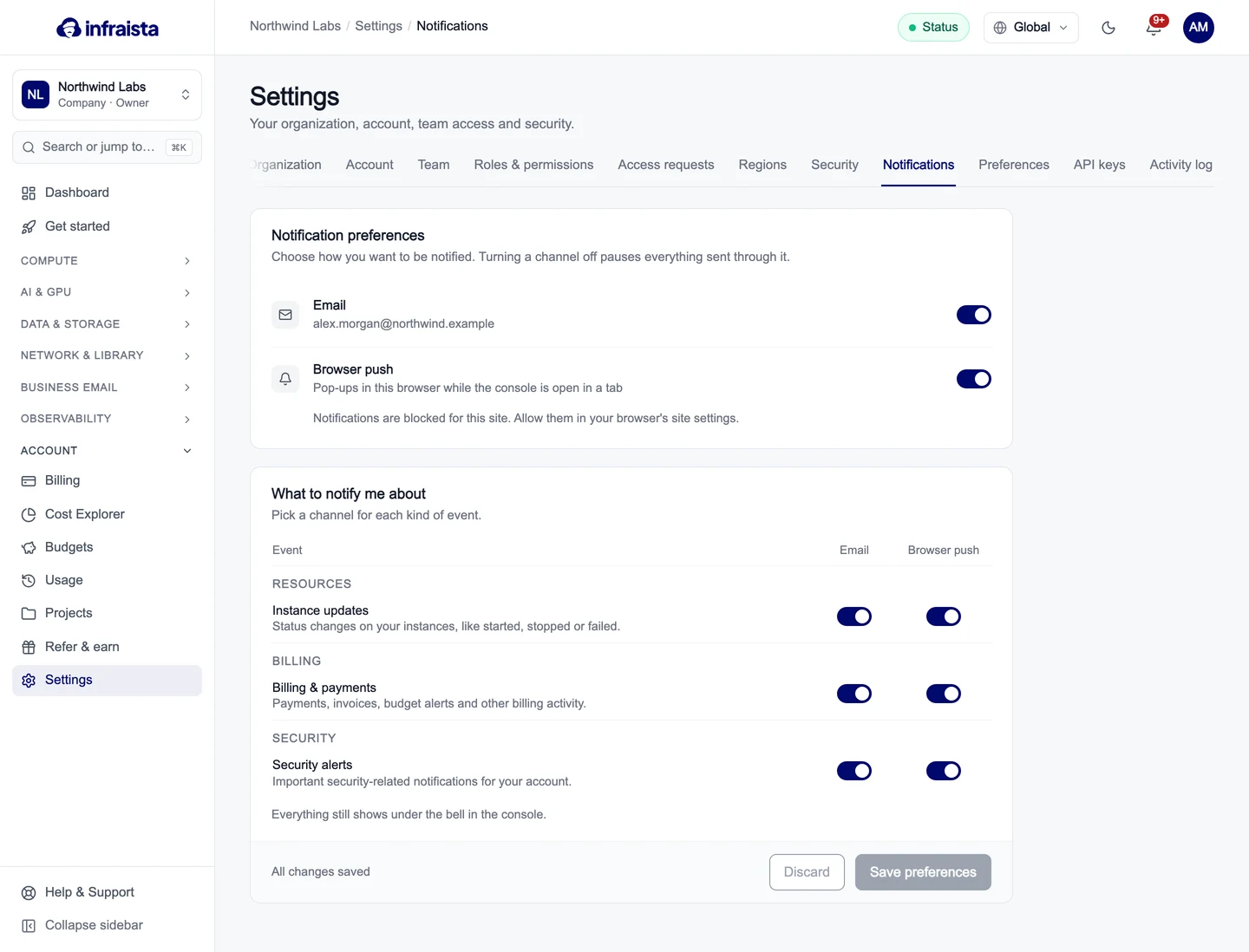
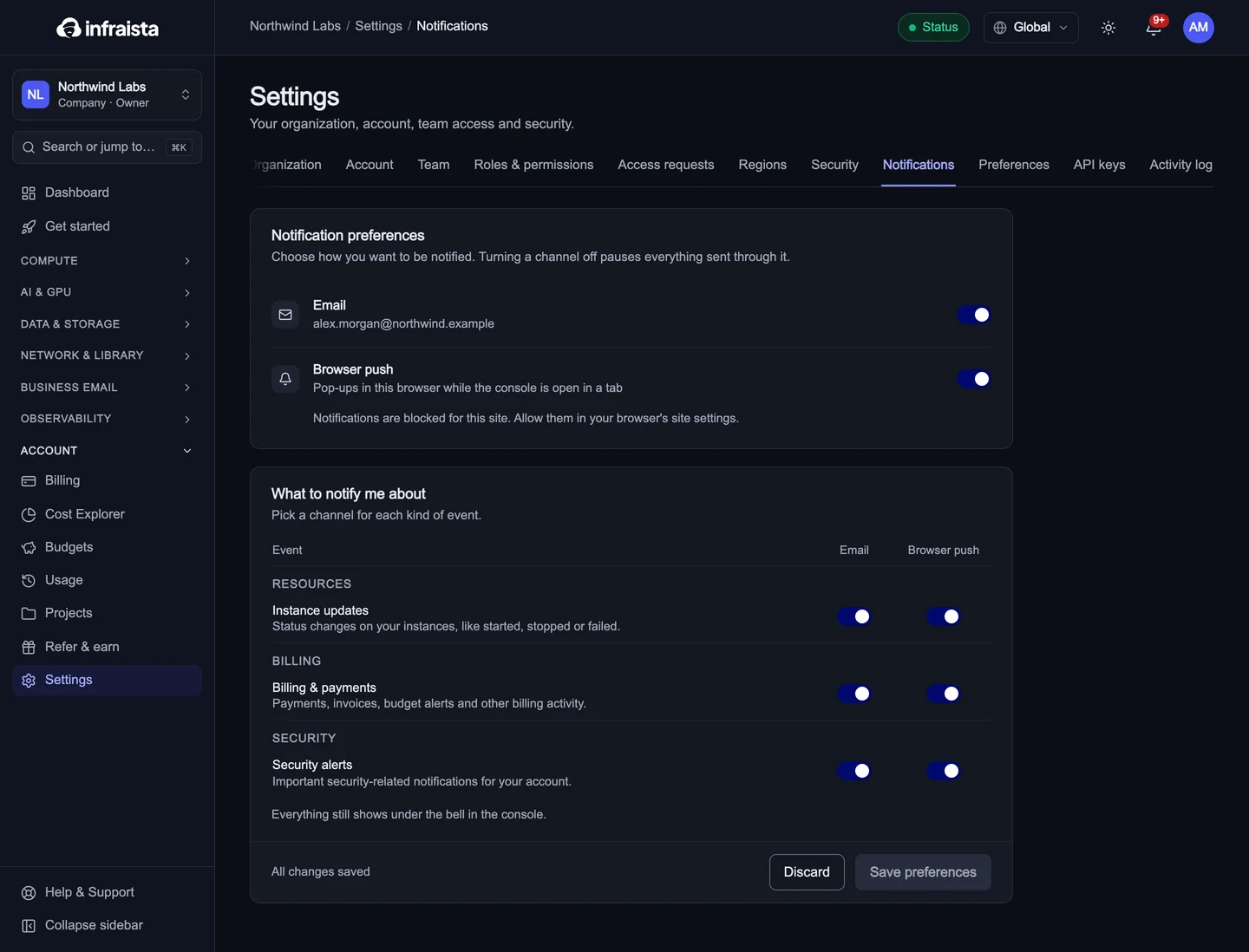
Go to Settings › Notifications. Under Notification preferences, turn each channel on or off:
- Email, to the address on your account;
- Browser push: pop-ups in this browser while the console is open in a tab. If it says notifications are blocked, allow them in your browser's site settings.
Turning a channel off pauses everything sent through it.
Choose what you're told about
Under What to notify me about, pick the channels for each kind of event:
| Event | What it covers |
|---|---|
| Instance updates | Status changes on your servers, like started, stopped or failed |
| Billing & payments | Payments, invoices, budget alerts and other billing activity |
| Security alerts | Important security notifications for your account |
Select Save preferences. Everything still shows under the bell, whatever you turn off here.
Some emails always arrive because they protect your account, such as sign-in codes and alerts about sign-ins from a new device. Organization contacts (billing, technical, security) also get those emails; see Organization settings.
Related
Organization settings
Edit your organization's profile, invoice details and contacts, require two-factor sign-in for every member, and transfer or delete the organization.
API keys
Create API keys to automate Infraista from scripts and CI, choose full access or a key limited to one API, and set an expiry or revoke a key.