

Create a storage box
Order a storage box for backups. Pick a plan and a location, choose password or SSH key sign-in, the protocols to allow and an automatic snapshot schedule.
Before you start: you need permission to create storage boxes (Owners, Admins and Developers by default). To sign in with a key, save your SSH key first.
Create the box
Go to Data & Storage › Backup Storage and select New storage box.
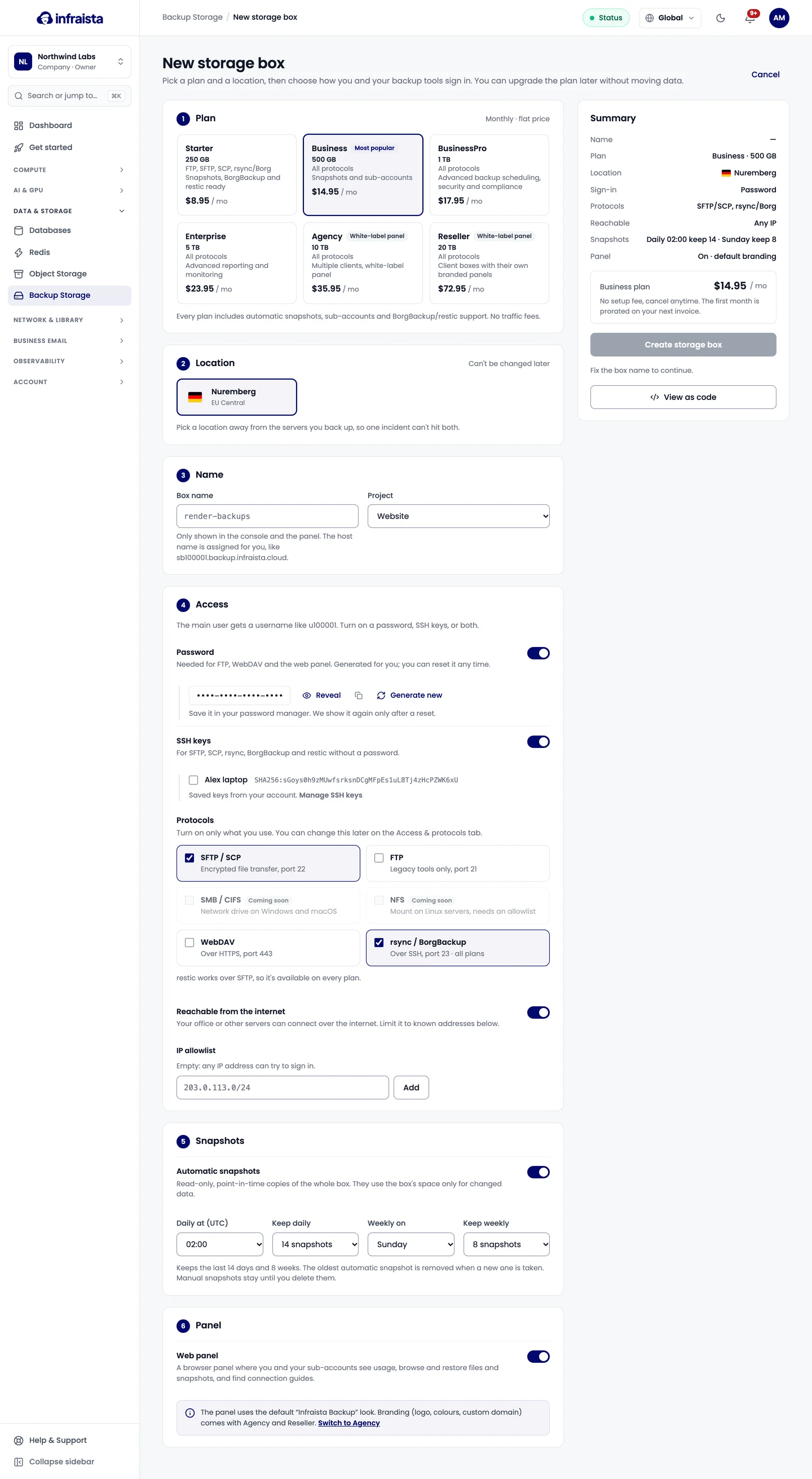
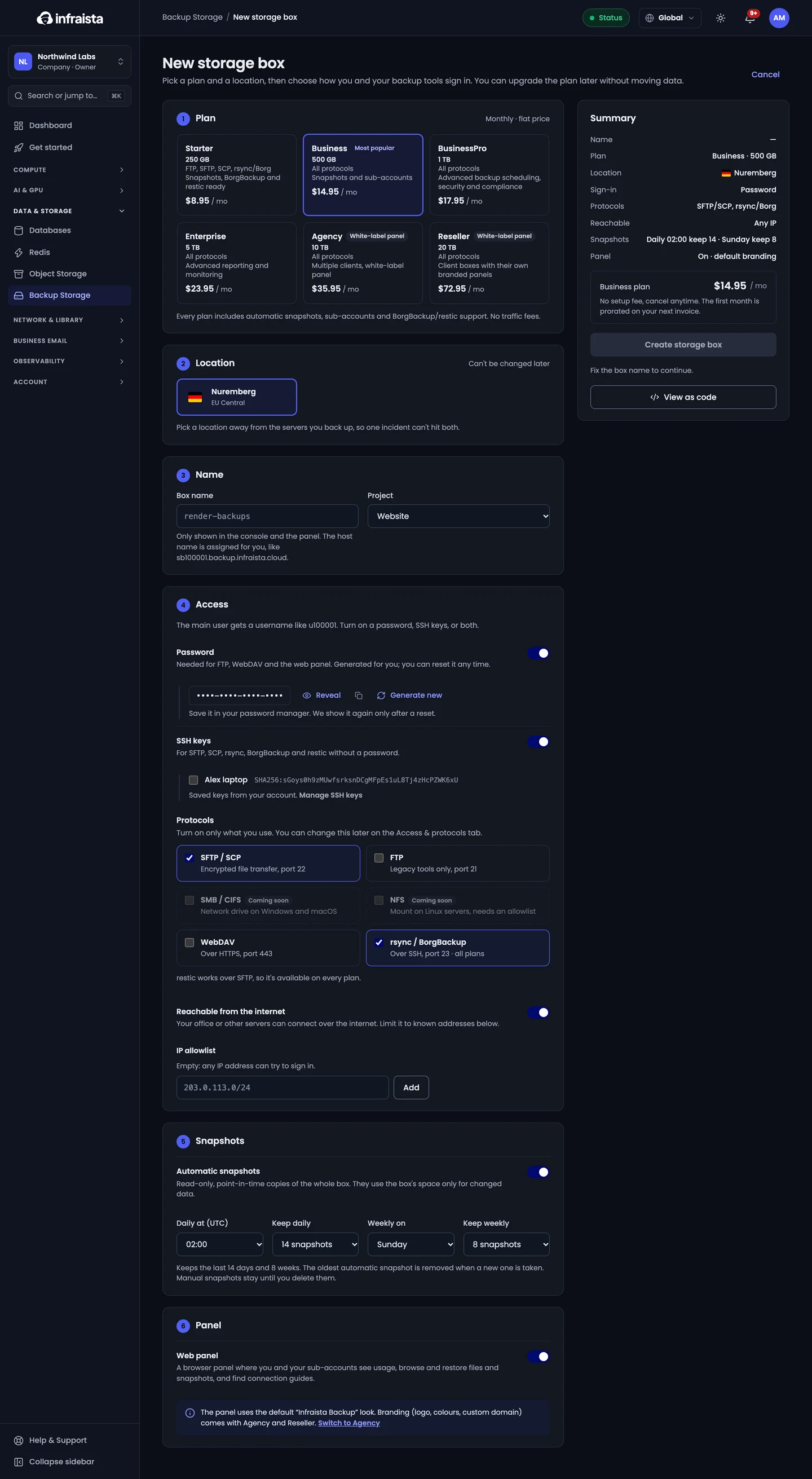
-
Plan: pick the size. See Plans.
-
Location: it can't be changed later. Pick a location away from the servers you back up, so one incident can't hit both.
-
Name: a label for the console and the panel (3 to 40 lowercase letters, numbers and dashes). The host name is assigned for you.
-
Project (optional): groups the cost on invoices.
-
Access: the main user gets a username like
u100001. Turn on:- Password: needed for FTP, WebDAV and the web panel. It's generated for you; Copy password and save it now. It's shown again only after a reset.
- SSH keys: tick saved keys for SFTP, SCP, rsync, BorgBackup and restic without a password.
You need at least one of the two.
-
Protocols: turn on what you'll use. See Connect to a storage box.
-
Reachable from the internet: on, your office or other servers connect over the internet; add addresses to the IP allowlist to accept only those. Off, the box is only reachable from Infraista servers on the private network.
-
Snapshots: Automatic snapshots keeps read-only copies of the whole box. Set Daily at (UTC) and Keep daily, and optionally a weekly snapshot (Weekly on, Keep weekly).
-
Panel: turn on the Web panel to give you and your sub-accounts a browser view of the box.
-
Check the Summary and select Create storage box.
View as code shows the same order as an API call (the password is never included).
Check that it worked
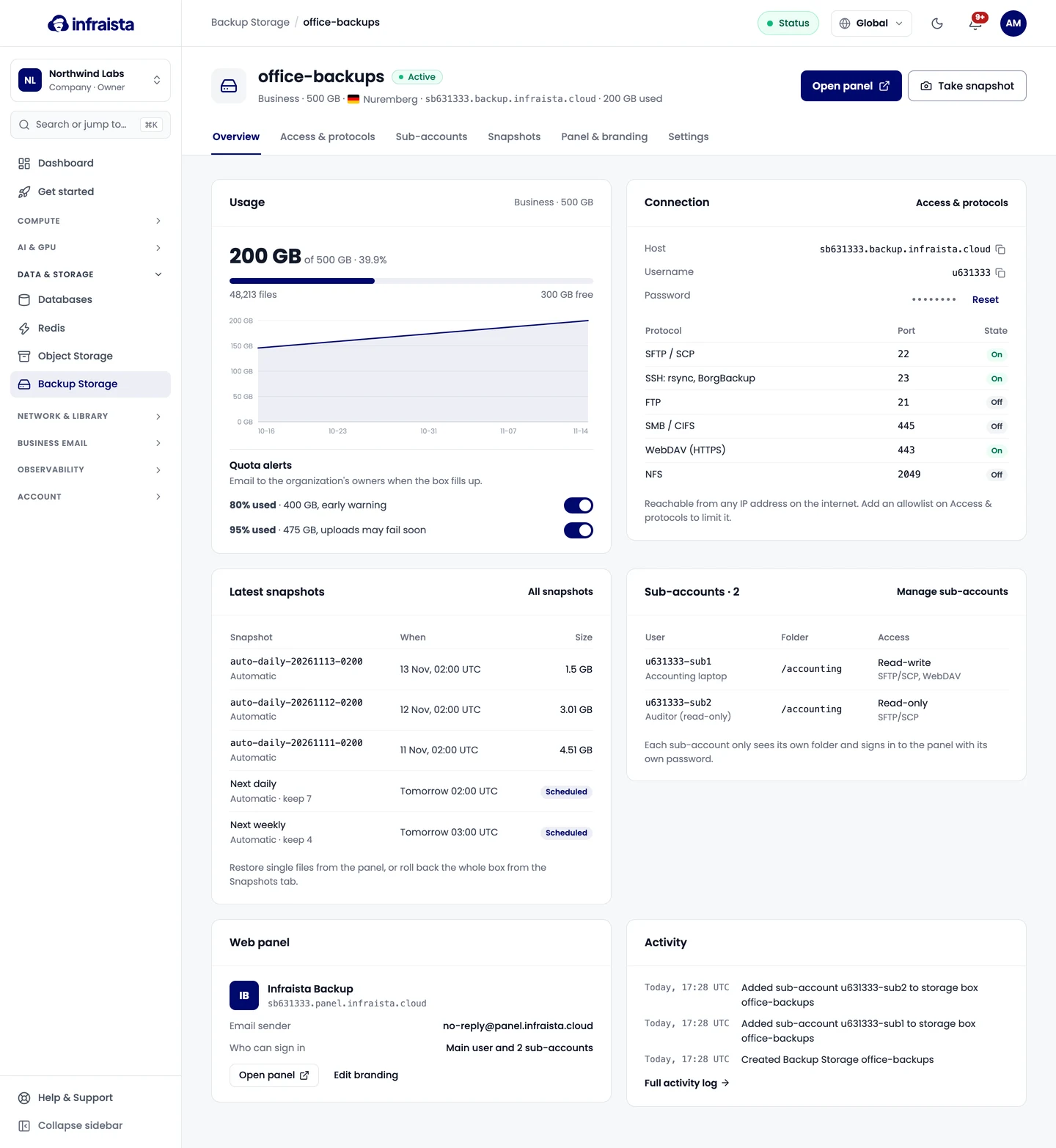
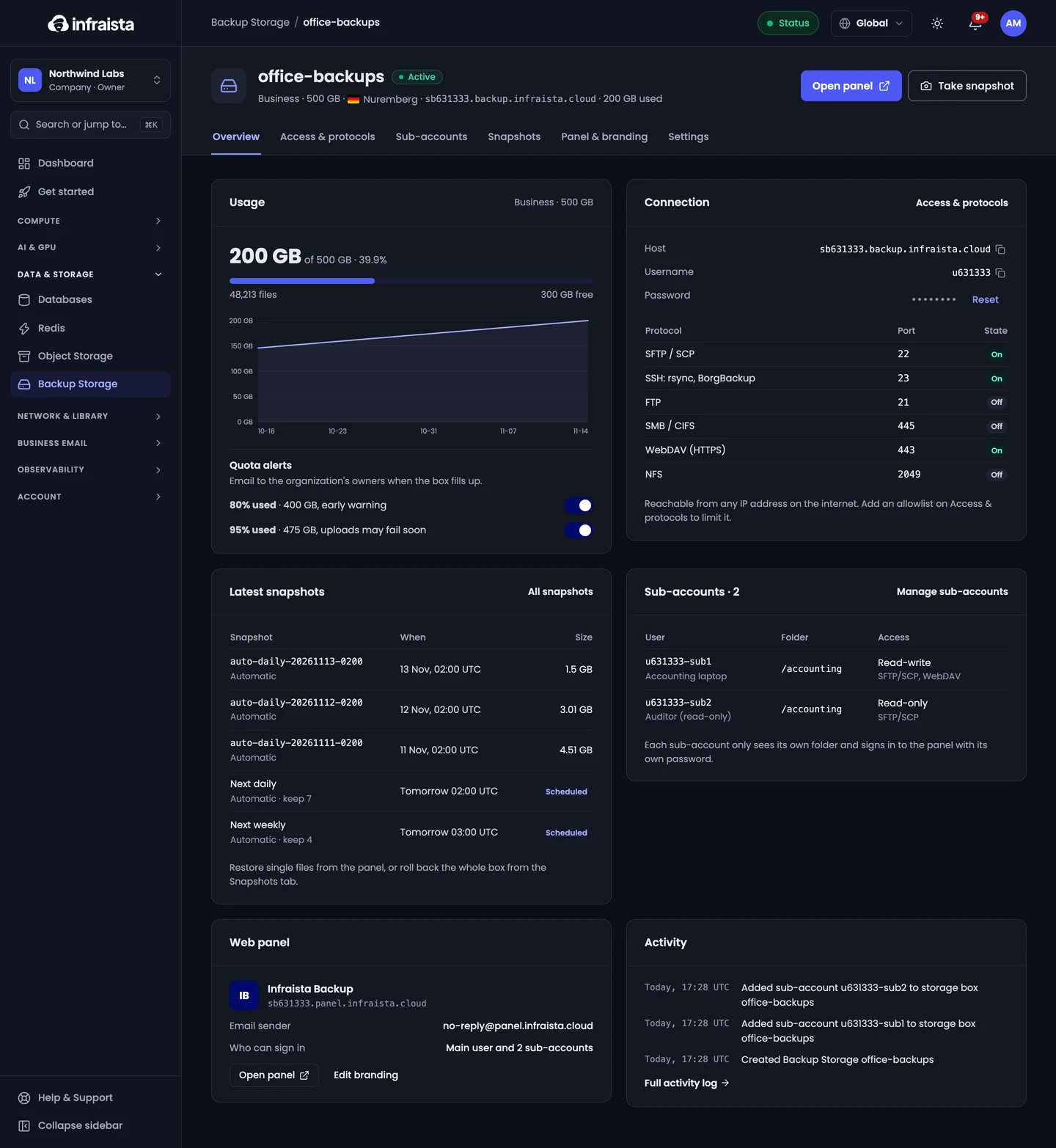
The box shows Creating and then Active. Its Overview shows the host, username, protocols and their ports, usage, snapshots and sub-accounts.
Related
Backup Storage
Storage boxes are fixed-size spaces for backups that you mount over SFTP, WebDAV or FTP, or fill with rsync, BorgBackup and restic, for a flat monthly price.
Connect to a storage box
Connect to a storage box over SFTP, SCP, WebDAV or FTP, use rsync and BorgBackup over SSH on port 23, and limit access to known IP addresses.