

Verify a sending domain
Add the domain your app sends from to MailGate and publish its ownership, DKIM, SPF and DMARC records at your DNS provider.
MailGate only sends From domains you've verified. Adding a domain shows exactly which DNS records to publish.
Add the domain
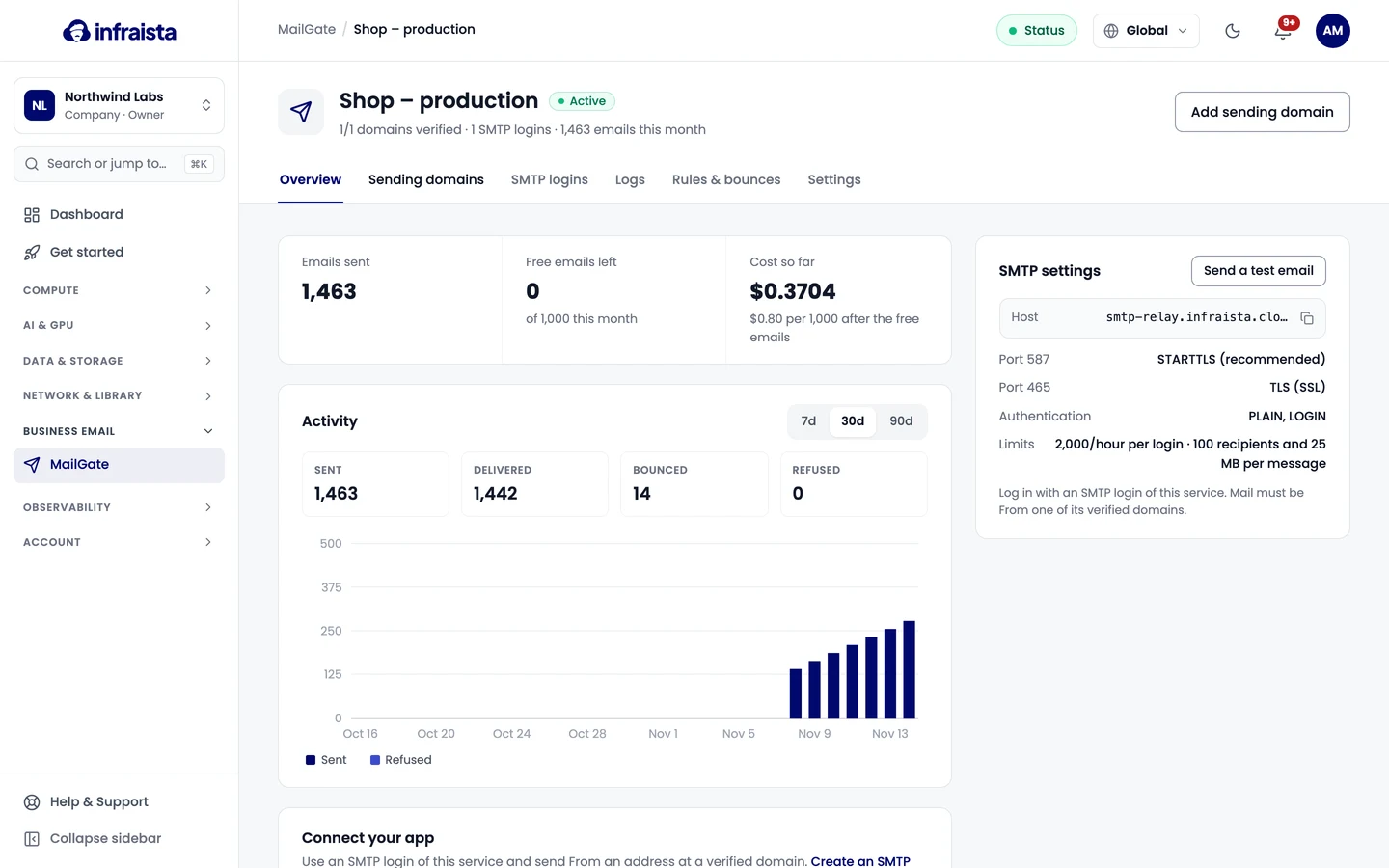
- Open the service and go to Sending domains.
- Select Add sending domain and enter the Domain, like
example.com(withoutwww,@orhttps). Subdomains are covered, somail.example.comworks too. - Select Add and show DNS records.
Publish the records
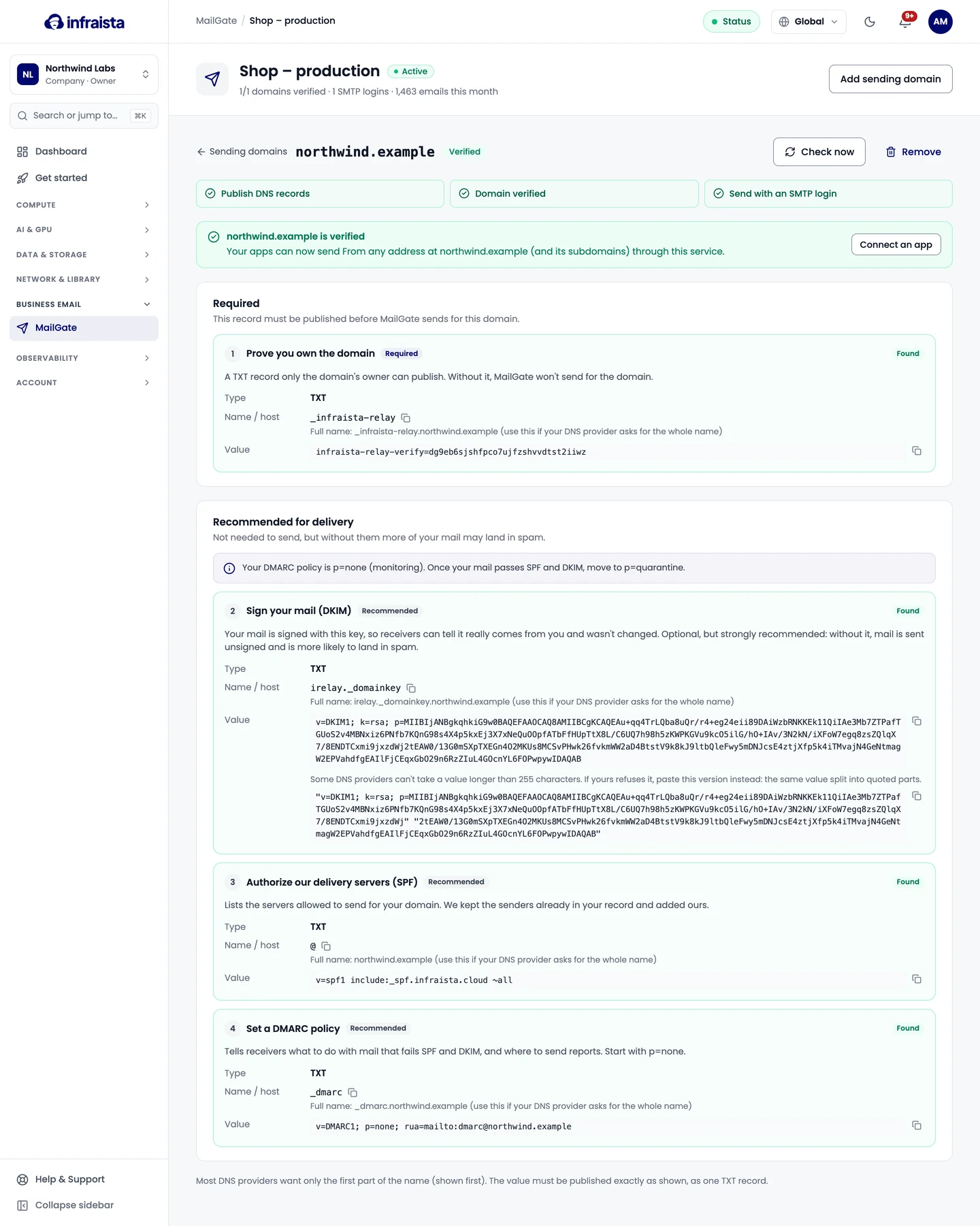
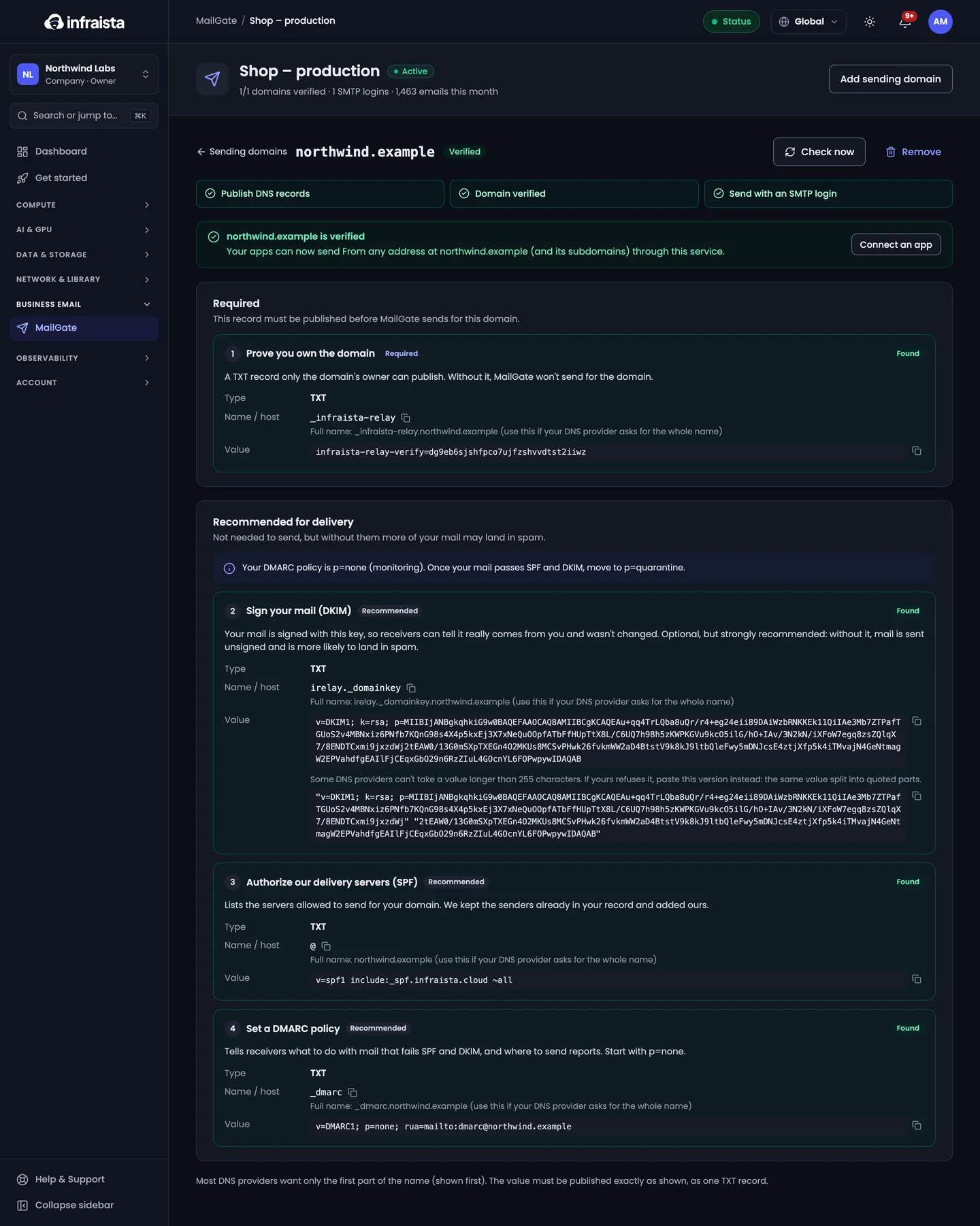
The domain's page lists four TXT records. Copy each Name / host and Value into your DNS provider:
| Record | Purpose | Needed? |
|---|---|---|
| Ownership | Proves you own the domain. Without it, MailGate won't send for the domain | Required |
| DKIM | Signs your mail so receivers can tell it really comes from you and wasn't changed | Recommended |
| SPF | Lists the servers allowed to send for your domain. We keep the senders already in your record and add ours | Recommended |
| DMARC | Tells receivers what to do with mail that fails SPF and DKIM, and where to send reports. Start with p=none | Recommended |
Tips:
- Most DNS providers want only the first part of the name (shown first). If yours asks for the whole name, use the full name shown under it.
- Publish each value exactly as shown, as one TXT record. If your provider refuses values longer than 255 characters, use the split version shown below the value.
- A domain may only have one SPF record. If you already have one, replace it with the value shown.
- Without DKIM, SPF and DMARC you can still send, but more of your mail may land in spam.
Check that it worked
While the page is open, we check automatically; you can also select Check now. Changes can take a few minutes (sometimes an hour) to show up. Each record shows Found, Different value or Not found yet. When the ownership record is found, the domain shows Verified and your apps can send From any address at it.
Once your mail passes SPF and DKIM, move your DMARC policy from p=none to p=quarantine.
Remove a domain
Select Remove. MailGate refuses mail from it straight away. You can add it again later, with new records.