

EmailMailGate
MailGate
MailGate is our SMTP relay for your apps' email. Use your own SMTP logins and verified domains, with mail delivered by our own mail network.
MailGate sends email from your apps (order confirmations, password resets, notifications) through our SMTP relay. You verify the domains you send from, create an SMTP login per app, and point your app at MailGate. You only pay per email sent, with no monthly fee.
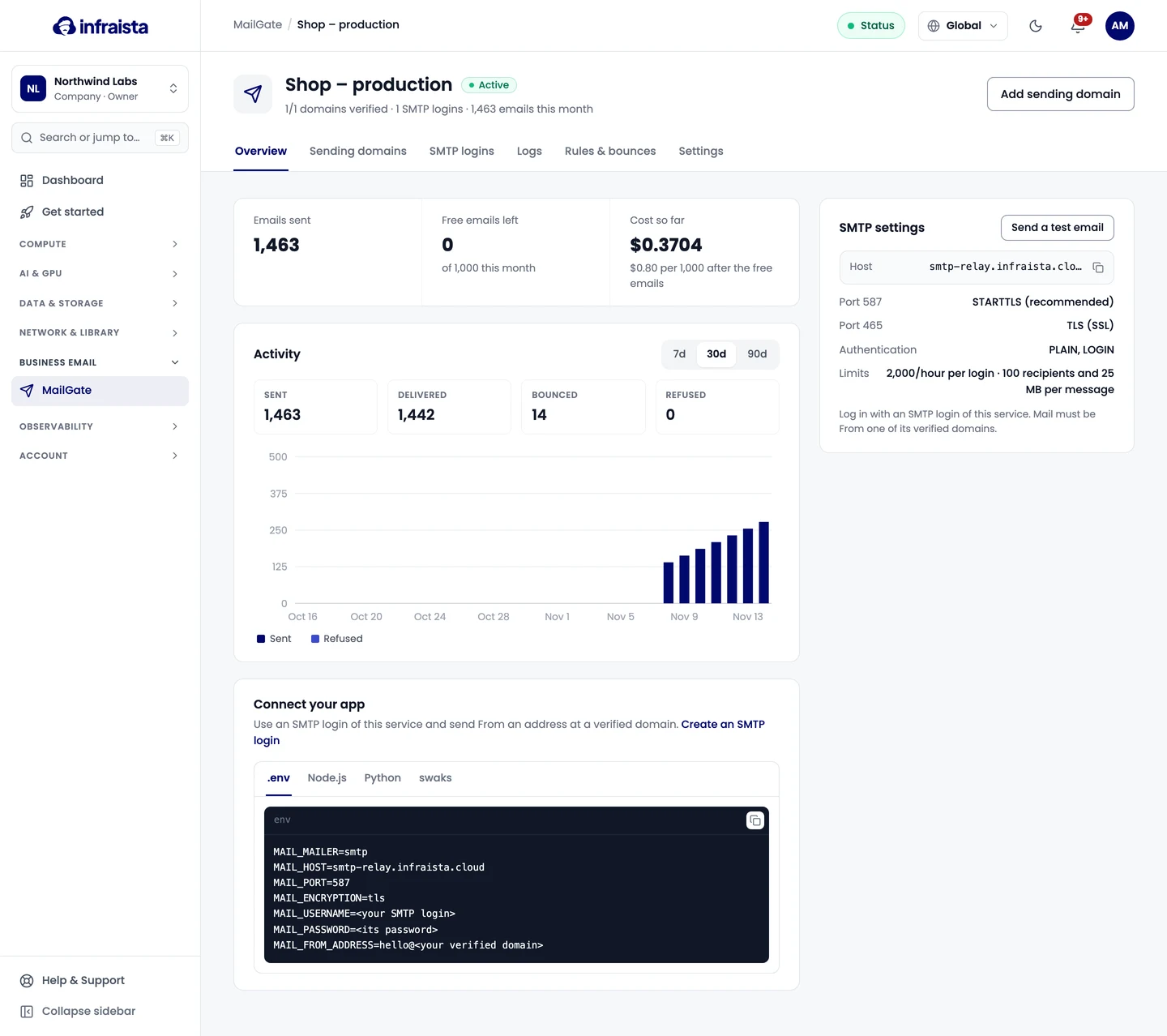
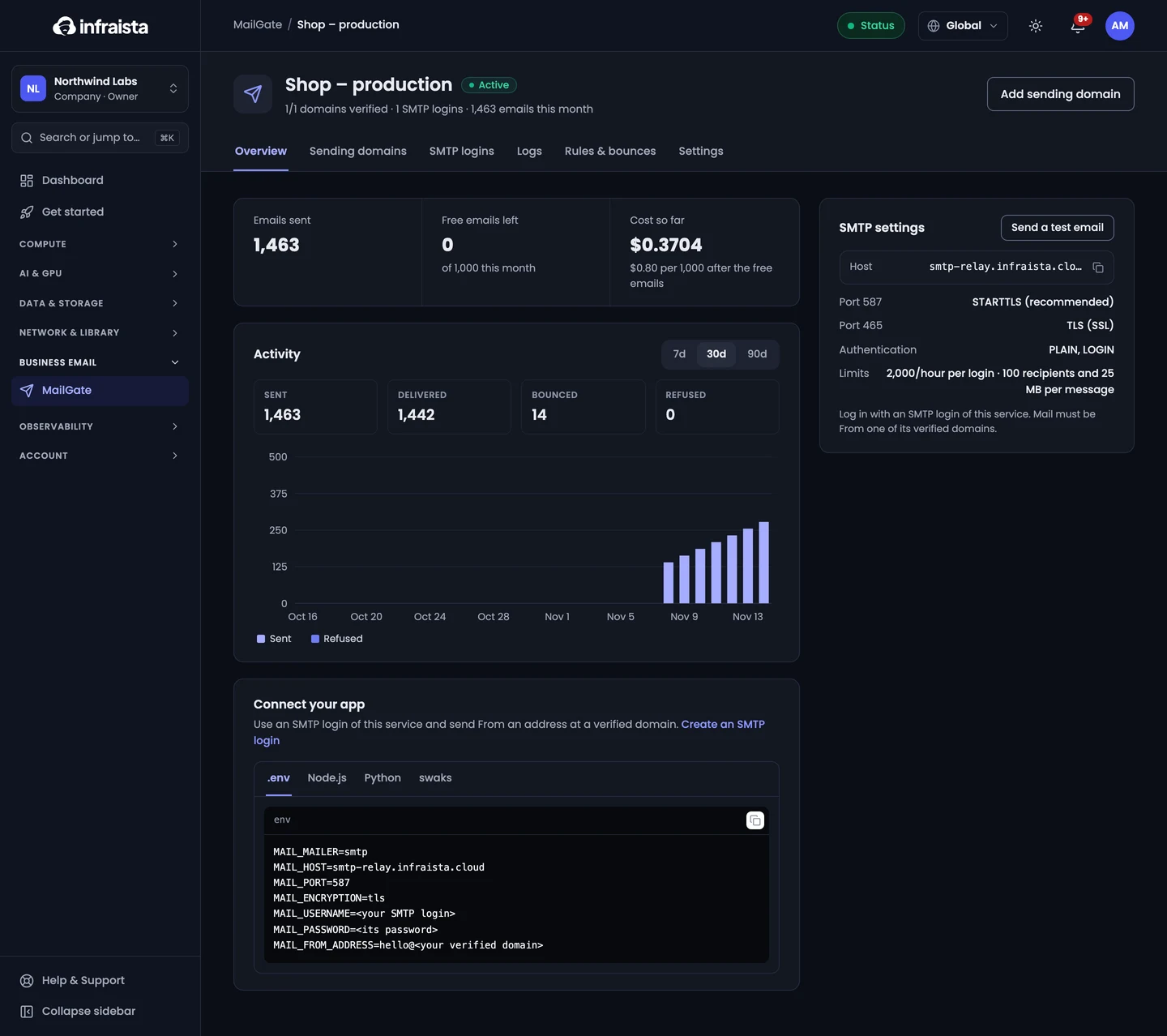
How it's organized
- A service is one app or environment, for example "Shop – production". Each has its own sending domains, SMTP logins, rules and logs.
- A sending domain is a domain your app sends From. MailGate only accepts mail from domains you've verified.
- An SMTP login is the username and password one app uses to send.
Get started
Create a MailGate service
Create a MailGate service for one app or environment, then add the domain it sends from and an SMTP login.
Verify a sending domain
Add the domain your app sends from to MailGate and publish its ownership, DKIM, SPF and DMARC records at your DNS provider.
Create an SMTP login
Create an SMTP username and password for each app that sends through MailGate, limit its domains and hourly rate, and rotate or pause it.
Connect your app
Point your app's SMTP settings at MailGate, send a test email, and check delivery in the logs.
Logs, rules and bounces
Track every message MailGate sends or refuses, see why a delivery failed, block senders or recipients with deny rules, and manage the bounce list.
Limits and pricing
MailGate is billed per 1,000 emails with free emails every month. See the sending limits and set a monthly cap per service.