

Logs, rules and bounces
Track every message MailGate sends or refuses, see why a delivery failed, block senders or recipients with deny rules, and manage the bounce list.
Logs
Logs lists every message MailGate sent or refused in the last 30 days: time, status, from, to and subject. Search by from, to, subject or Message-ID, filter by status and date, and open a message for its timeline and delivery per recipient.
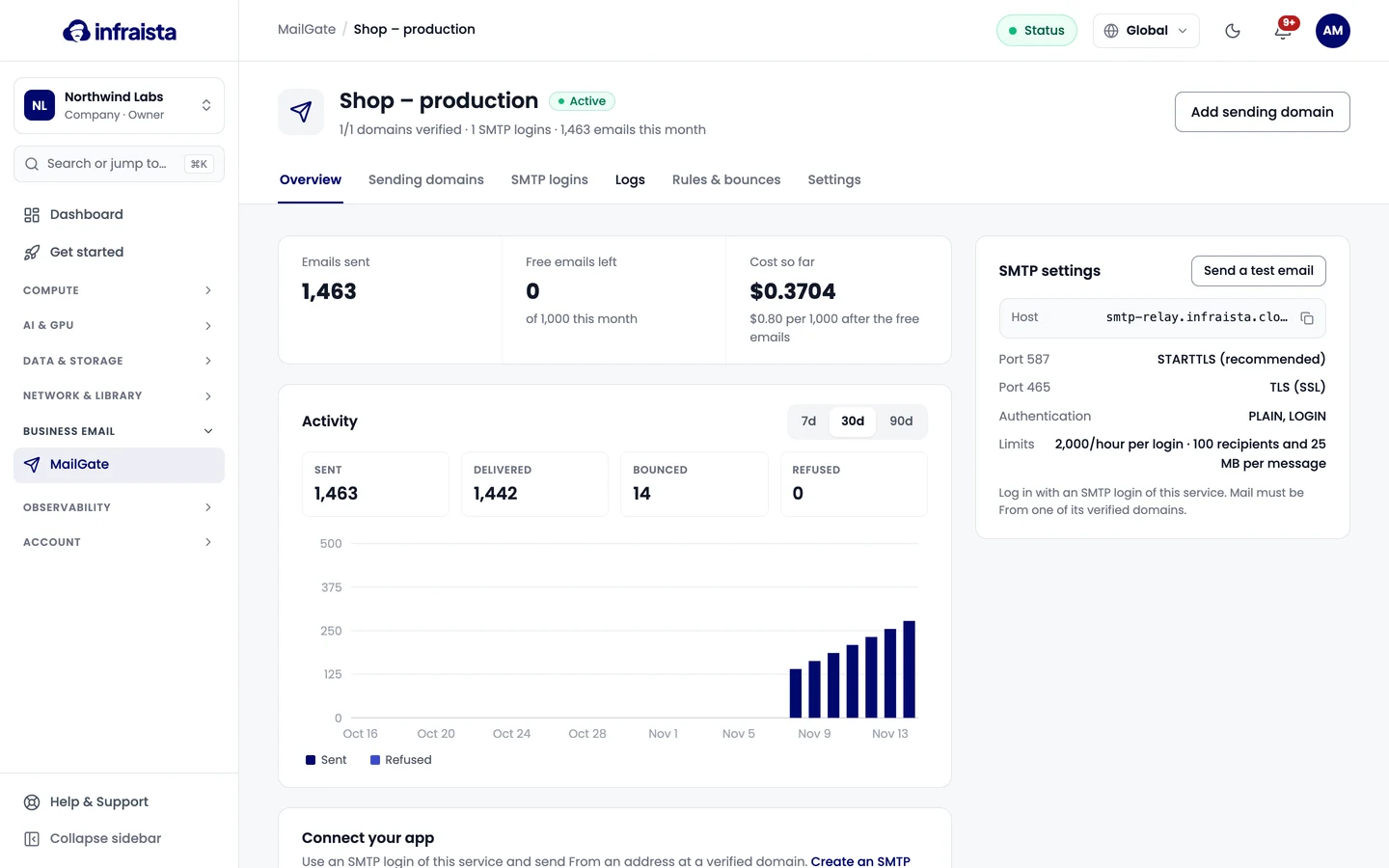
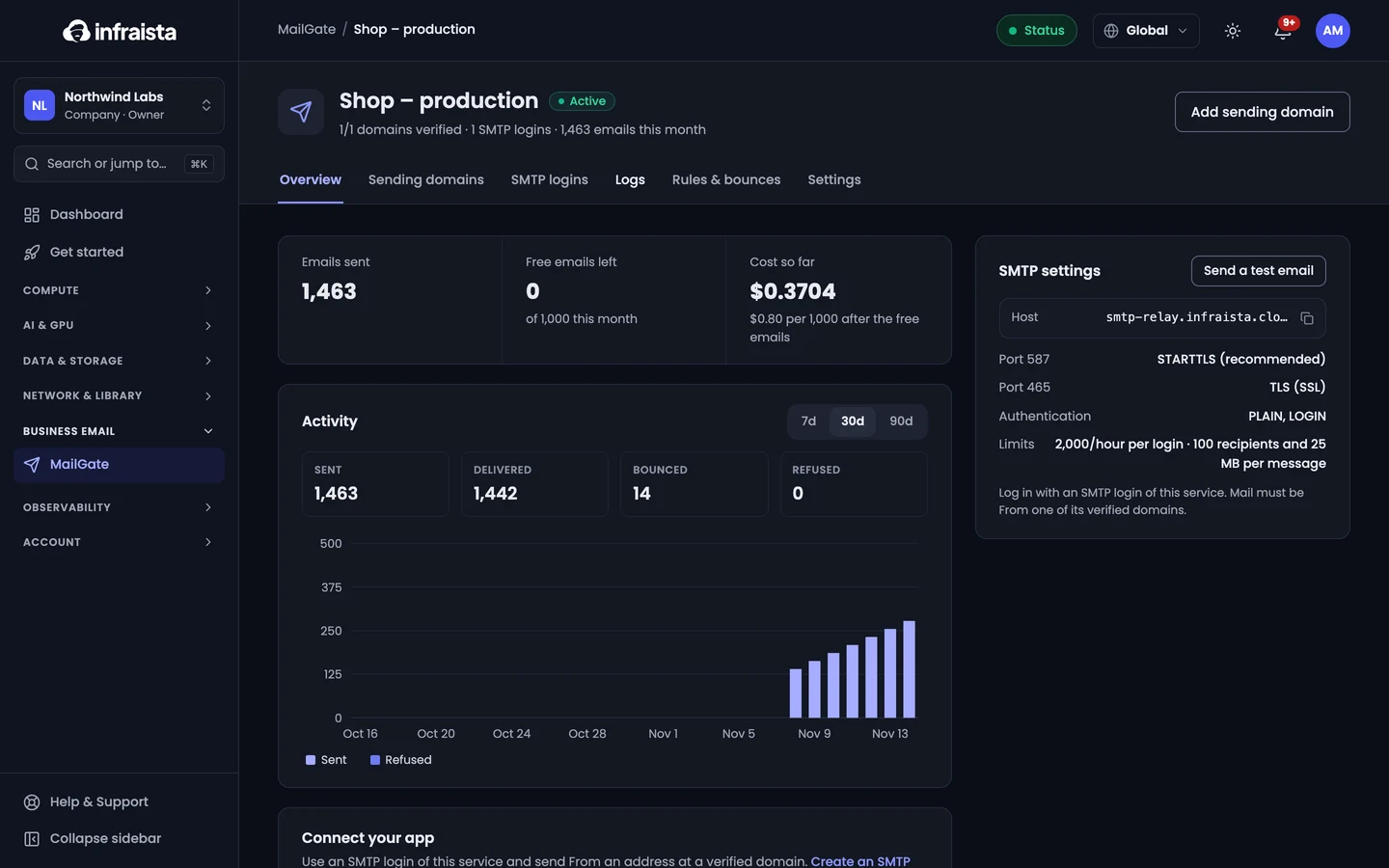
| Status | Meaning |
|---|---|
| Sent | Accepted and handed to the delivery network |
| Delivered | The receiving server accepted it |
| Delayed | The receiver asked us to try again later; we retry |
| Bounced | Couldn't be delivered (for example the address doesn't exist or the mailbox is full) |
| Refused | MailGate didn't send it (for example a deny rule, an unverified domain or the bounce list) |
Deny rules
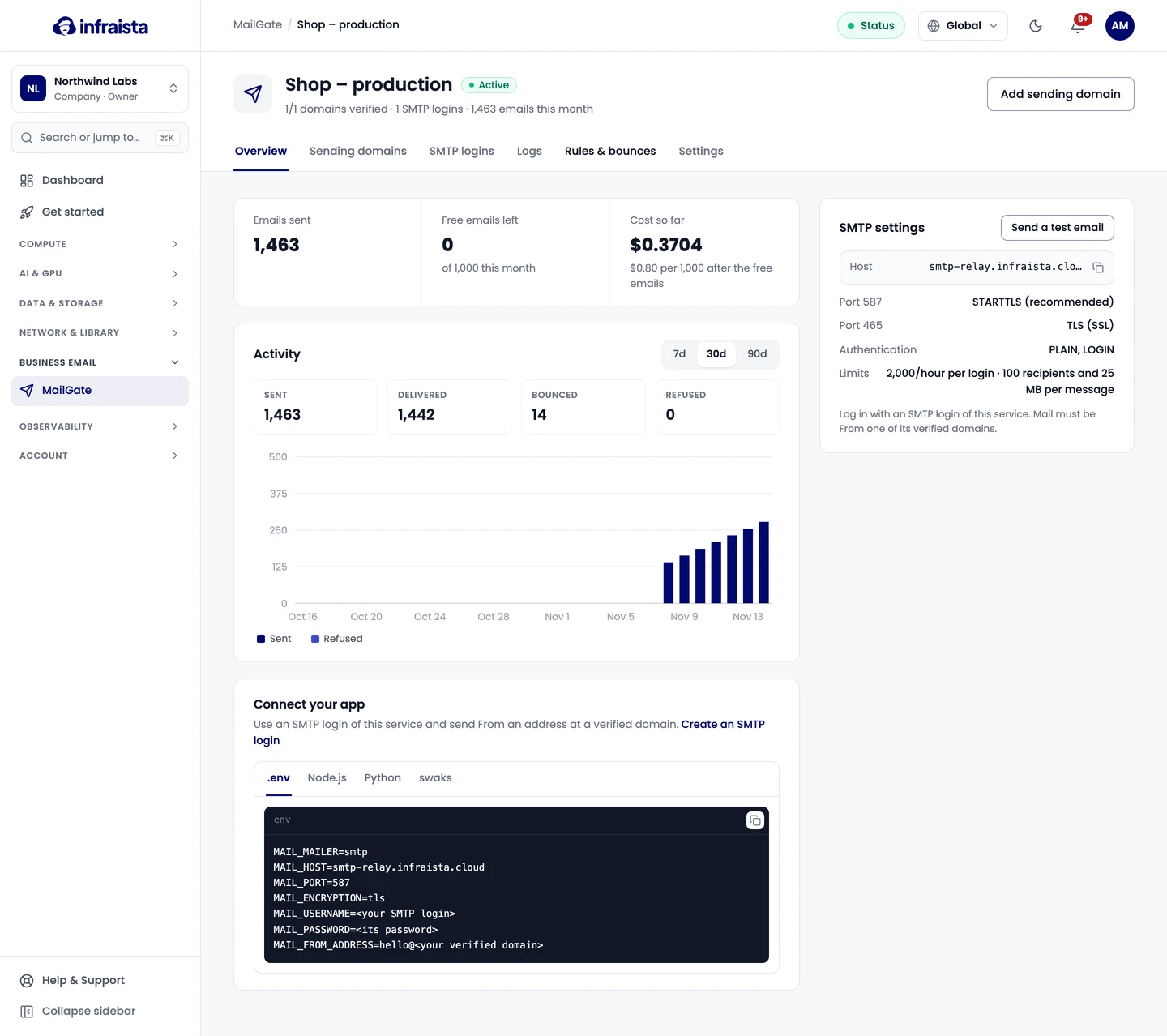
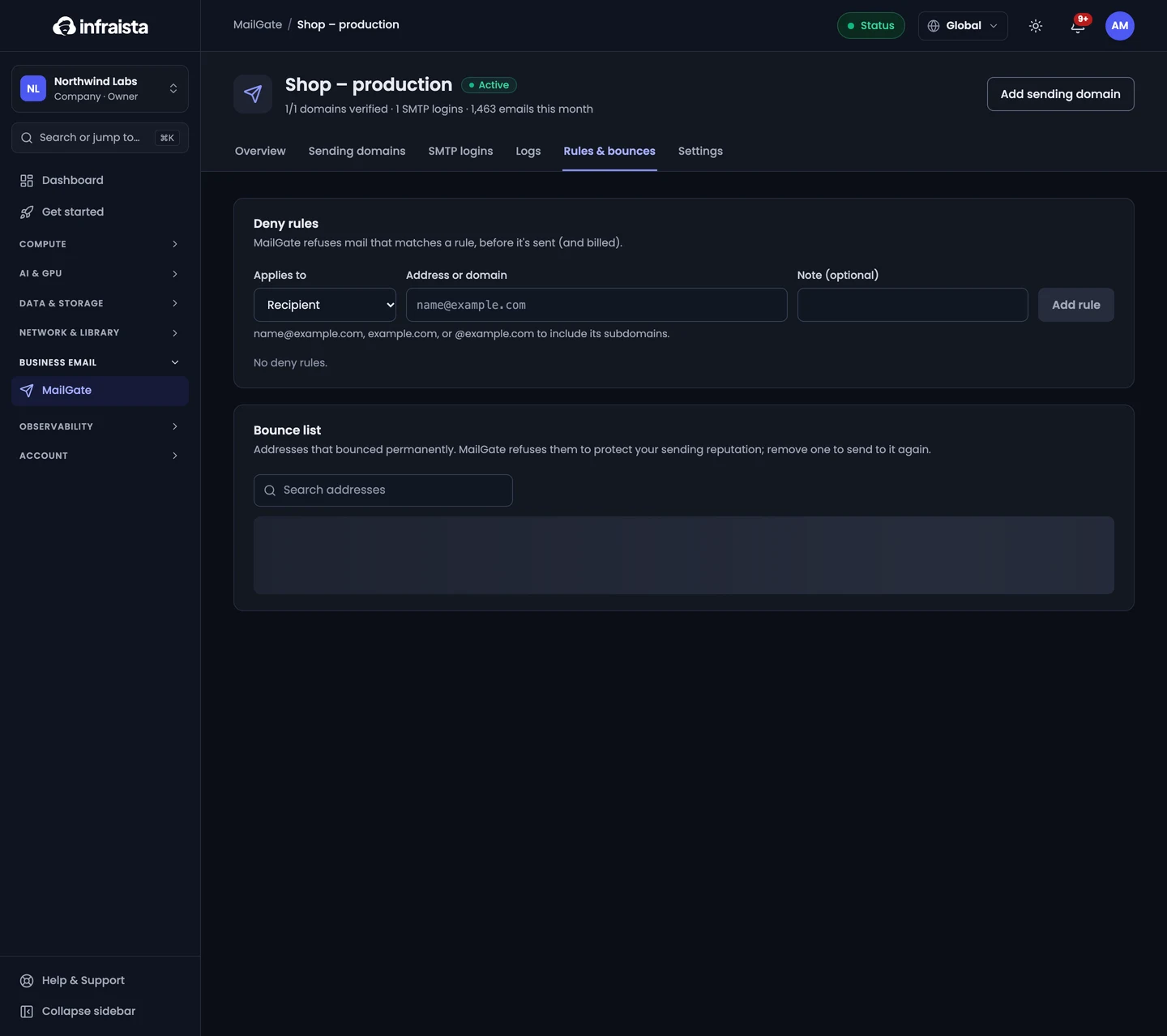
Under Rules & bounces › Deny rules, MailGate refuses mail that matches a rule before it's sent (and
billed). Pick what it Applies to (Recipient, Sender, or Sender or recipient) and enter
an address or domain: name@example.com, example.com, or @example.com to include its subdomains.
Bounce list
Addresses that bounce permanently are added to the Bounce list automatically. MailGate refuses them to protect your sending reputation; Remove one to send to it again.
Blocked by the delivery network lists senders at your domains that our delivery network blocked, for example after spam complaints or hitting a spam trap. Fix the cause first, then select Delist.