

EmailMailGate
Create a MailGate service
Create a MailGate service for one app or environment, then add the domain it sends from and an SMTP login.
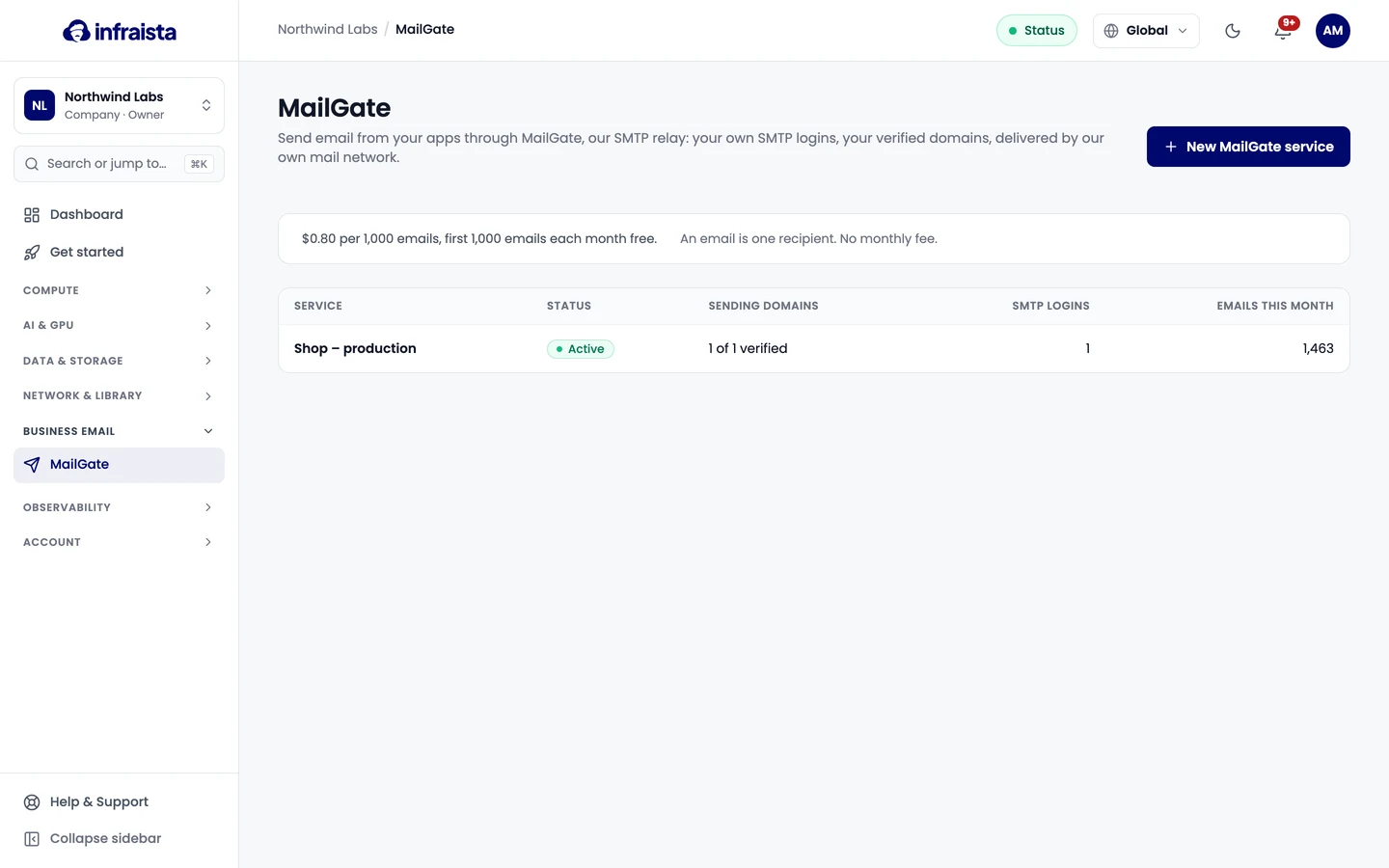
Create one service per app or environment, for example "Shop – production" and "Shop – staging", so each has its own logins, limits and logs.
Before you start: your organization needs a payment method. An organization can have up to 20 MailGate services.
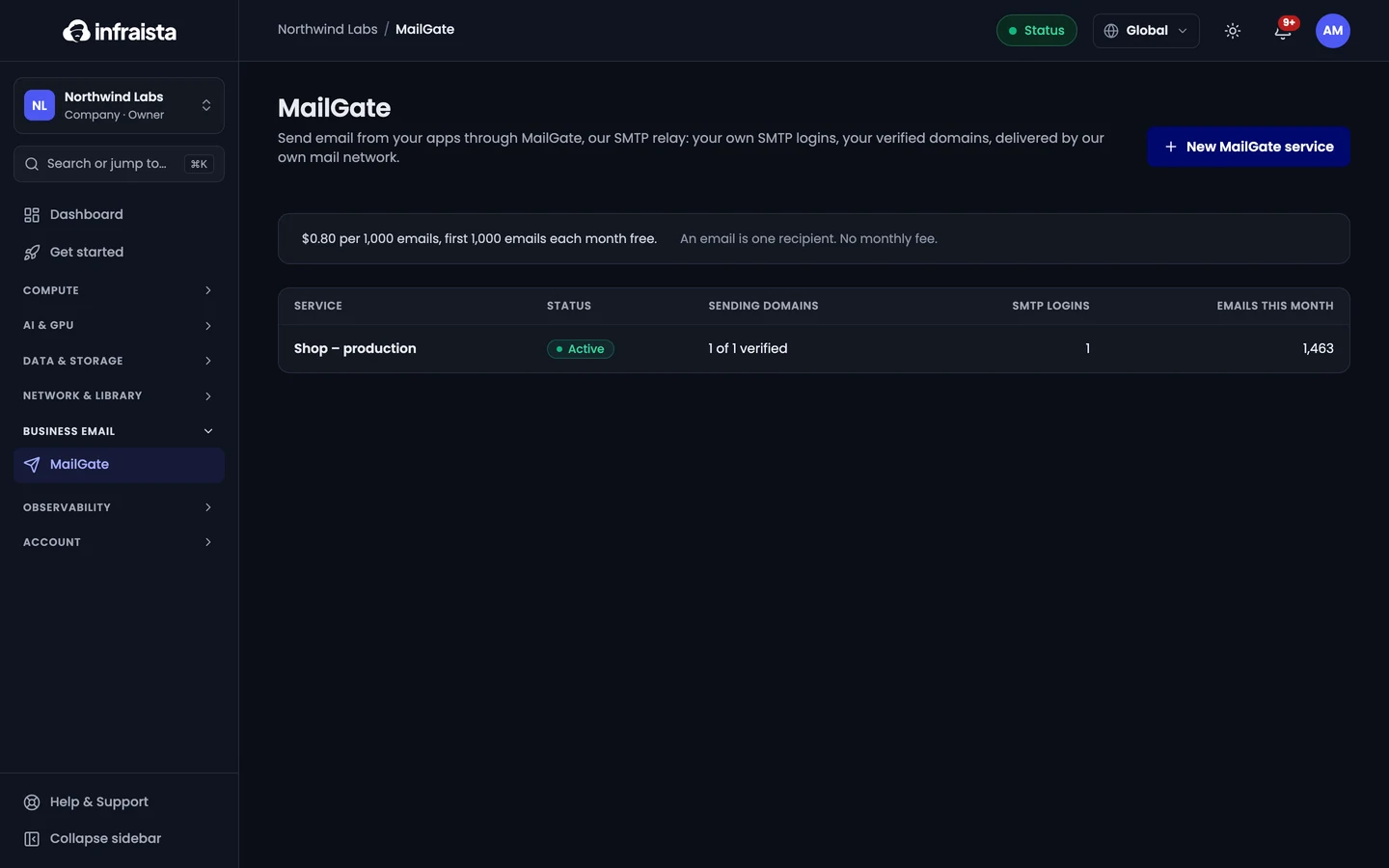
- Go to Email › MailGate and select New MailGate service.
- Enter a Name that says which app or environment sends through it.
- Optionally pick a Project so the cost shows under it.
- Select Create and add a domain.
Until a sending domain is verified, the service shows Add and verify a sending domain: MailGate only accepts mail from verified domains.