

EmailMailGate
Create an SMTP login
Create an SMTP username and password for each app that sends through MailGate, limit its domains and hourly rate, and rotate or pause it.
Create one SMTP login per app. You can then pause, rotate or delete one without affecting the others. A service can have up to 50 logins.
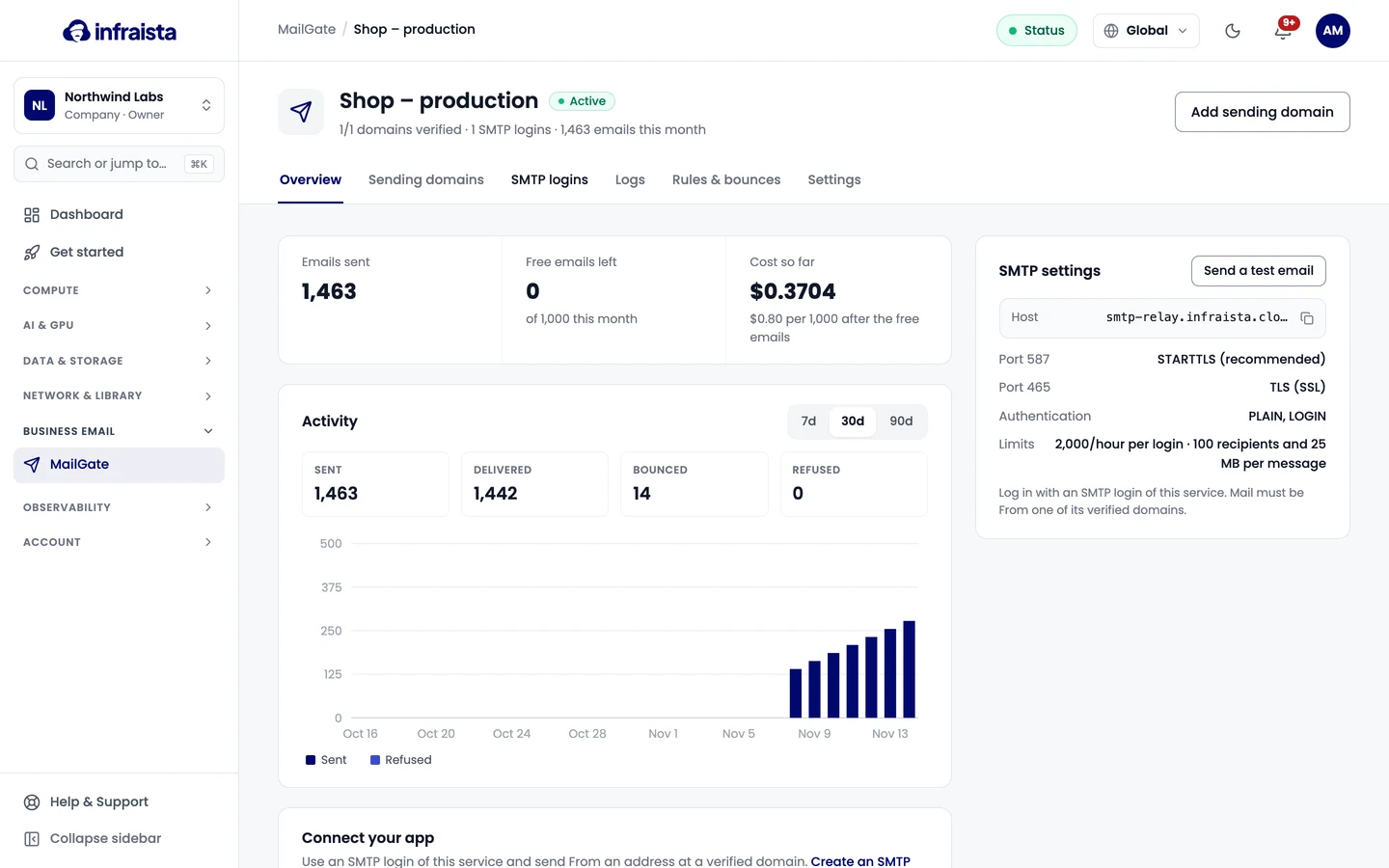
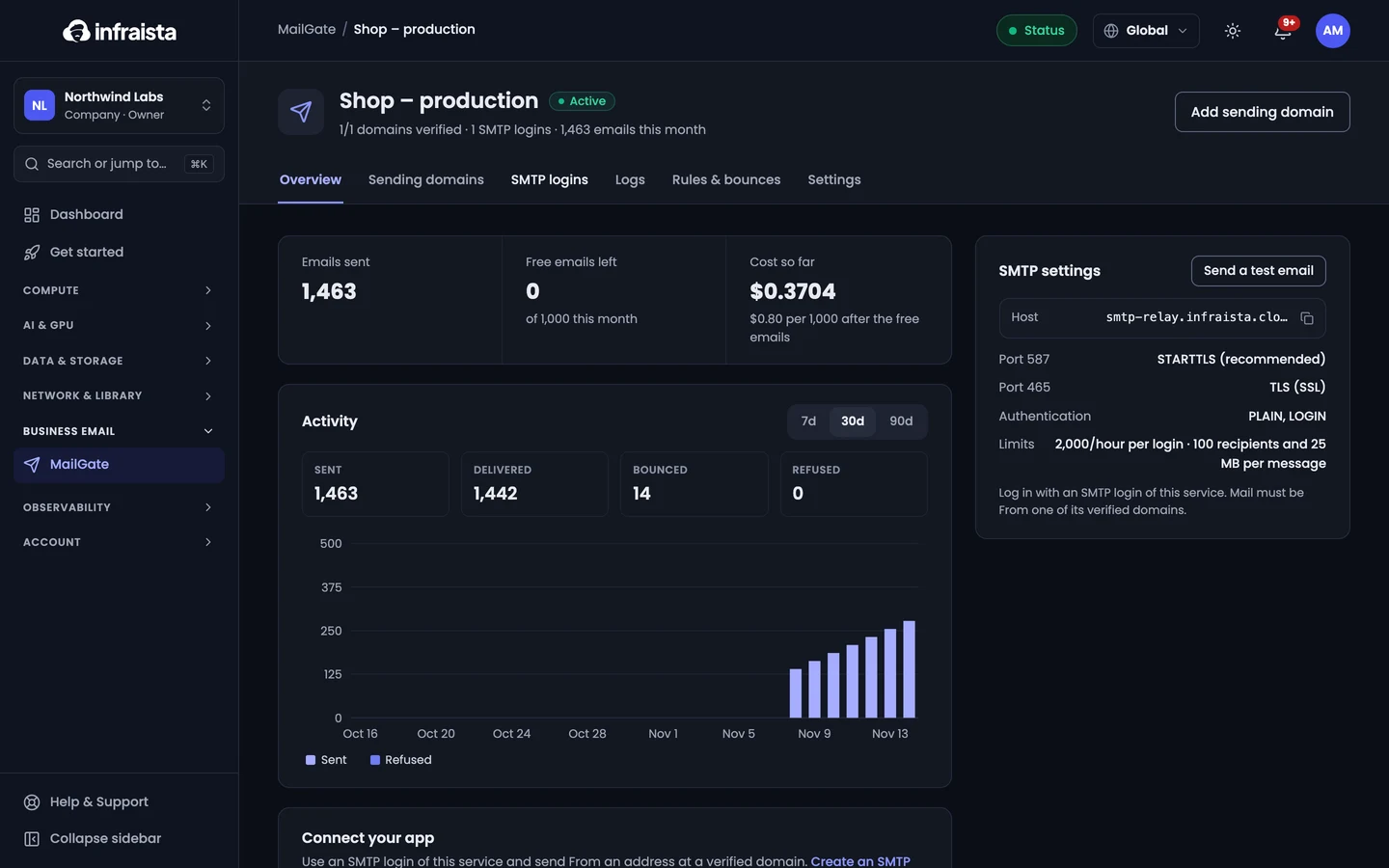
- Open the service and go to SMTP logins.
- Select New SMTP login and enter a Name (which app uses it).
- Under May send from, keep All verified domains of this service or pick only some.
- Optionally set an Hourly limit (emails per hour). Leave it empty for the maximum.
- Select Create login.
- Copy the Username and Password: the password is shown once. Select I've saved it.
Manage logins
- Edit changes the name, domains or hourly limit.
- Pause stops the login sending; Resume turns it back on.
- New password creates a new password. The current one stops working immediately, so update your app.
- Delete stops apps using the login from sending. Its past logs stay.