

Refer and earn
Join the Infraista partner program, share your referral link, and earn commission on what your referrals pay, paid out as credit or cash.
Refer & earn pays you a share of what the people you refer spend on Infraista. The current rate and commission period are shown on the Refer & earn page in the console.
How it works
- Share your link or code. Sign-ups within the tracking window after someone clicks your link count for you.
- They build on Infraista. You earn a percentage of every payment they make for a number of months from their sign-up, tracked live.
- Get paid. Commission waits a holding period, then becomes available. Refunds take it back. Pay it out as account credit any time, with a bonus.
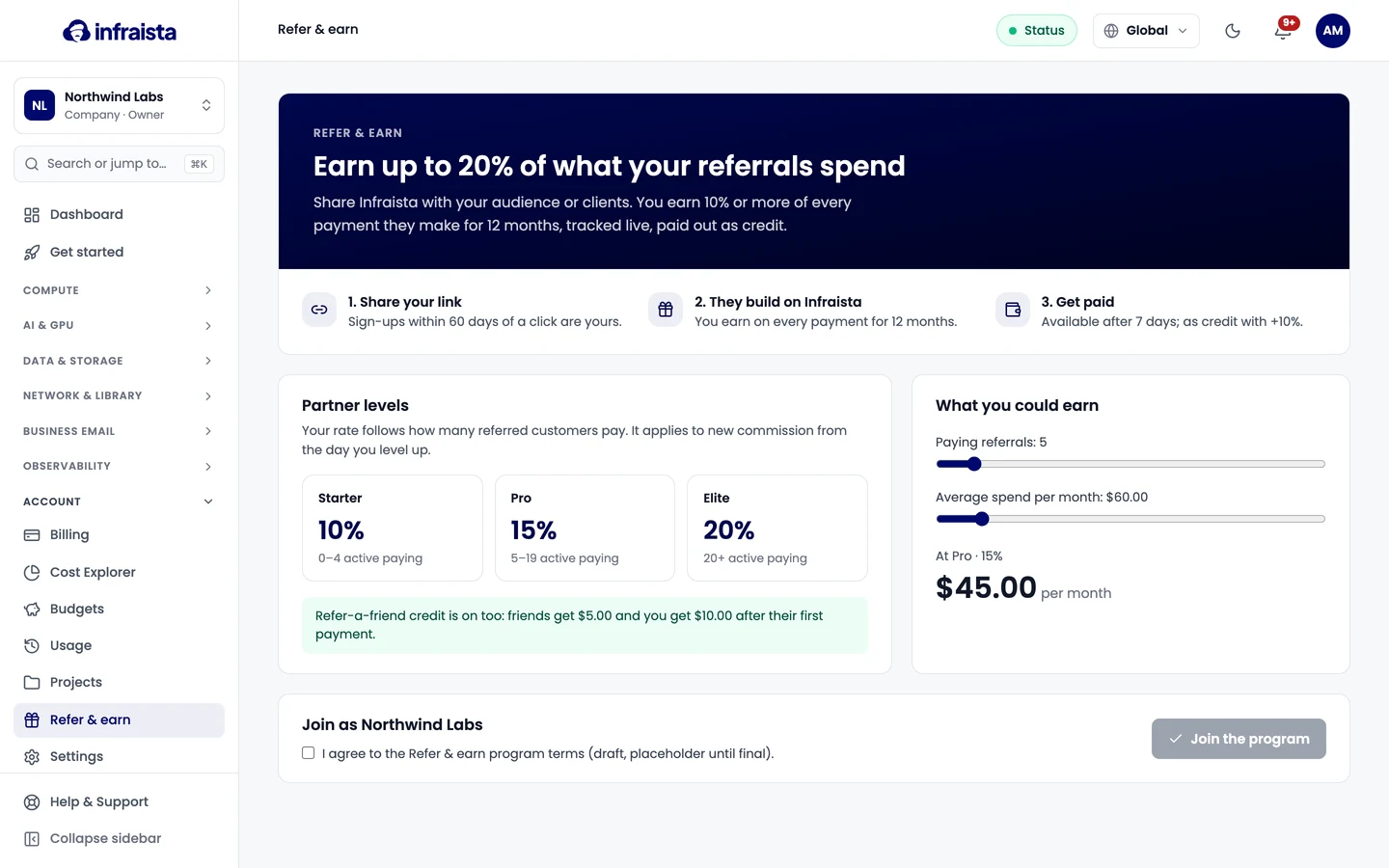
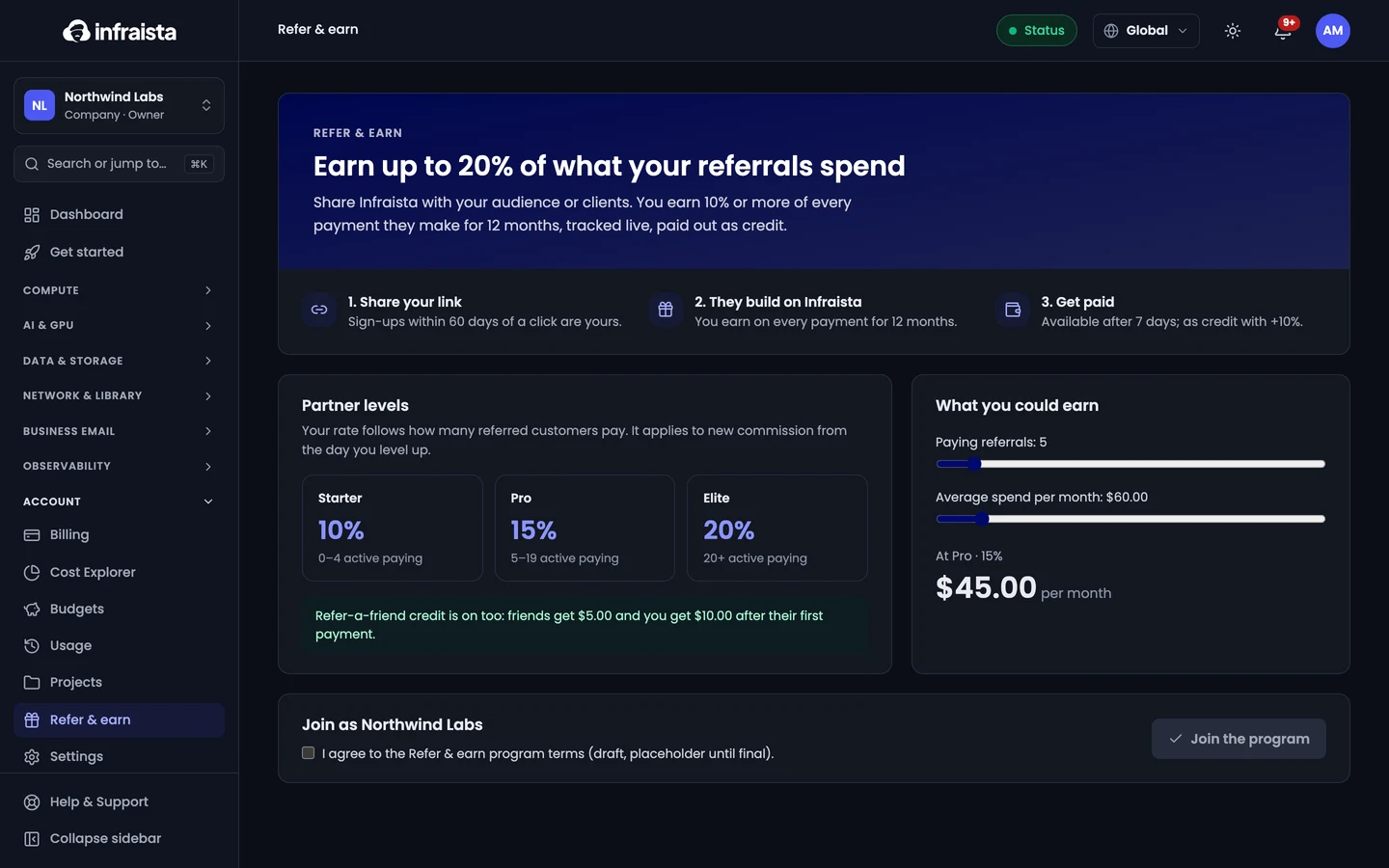
Join
Go to Account › Refer & earn, read the program terms, tick the box and select Join the program. You then get your Links, Referrals, Payouts, Campaigns, Analytics and Banners tabs.
Pay out
Under Payouts, select Request a payout and choose:
- Account credit: added to your Infraista balance instantly, with no minimum and a bonus;
- Bank transfer or PayPal: each has a minimum, and is sent after a review by our team. Add your bank account or PayPal address under payout methods first.
Some sign-ups also earn refer-a-friend credit: your friend and you each get credit after their first payment, when that's on.
Related
Projects
Group servers, clusters and storage into projects so each job's cost shows separately on usage, Cost Explorer and invoices, with optional budgets.
Team and account
Manage your profile and sign-in security, bring your team in with the right roles, and keep track of who changed what in your organization.