

Projects
Group servers, clusters and storage into projects so each job's cost shows separately on usage, Cost Explorer and invoices, with optional budgets.
Projects group resources so you can track usage and cost per job, client or environment. Roles still apply to the whole organization.
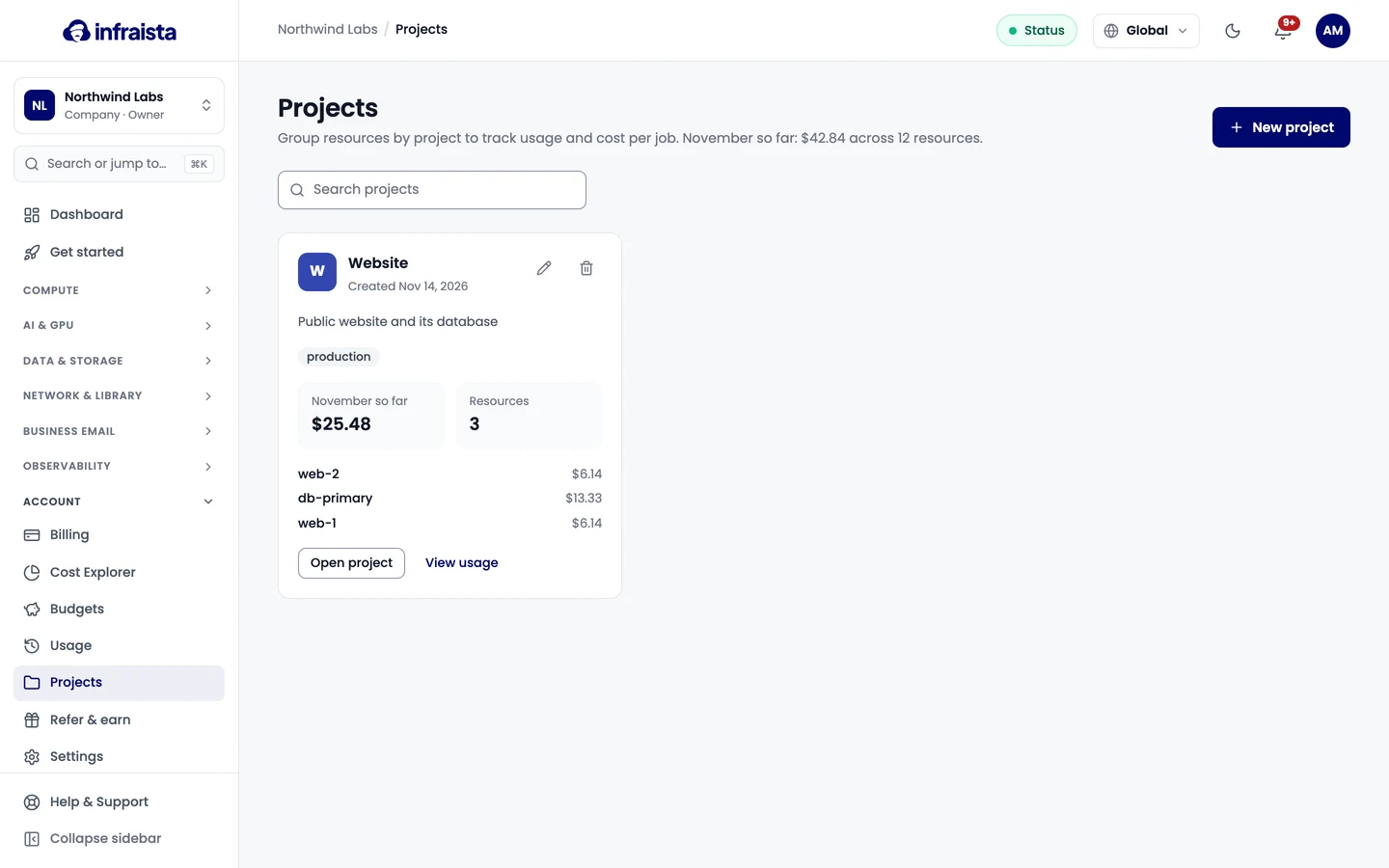
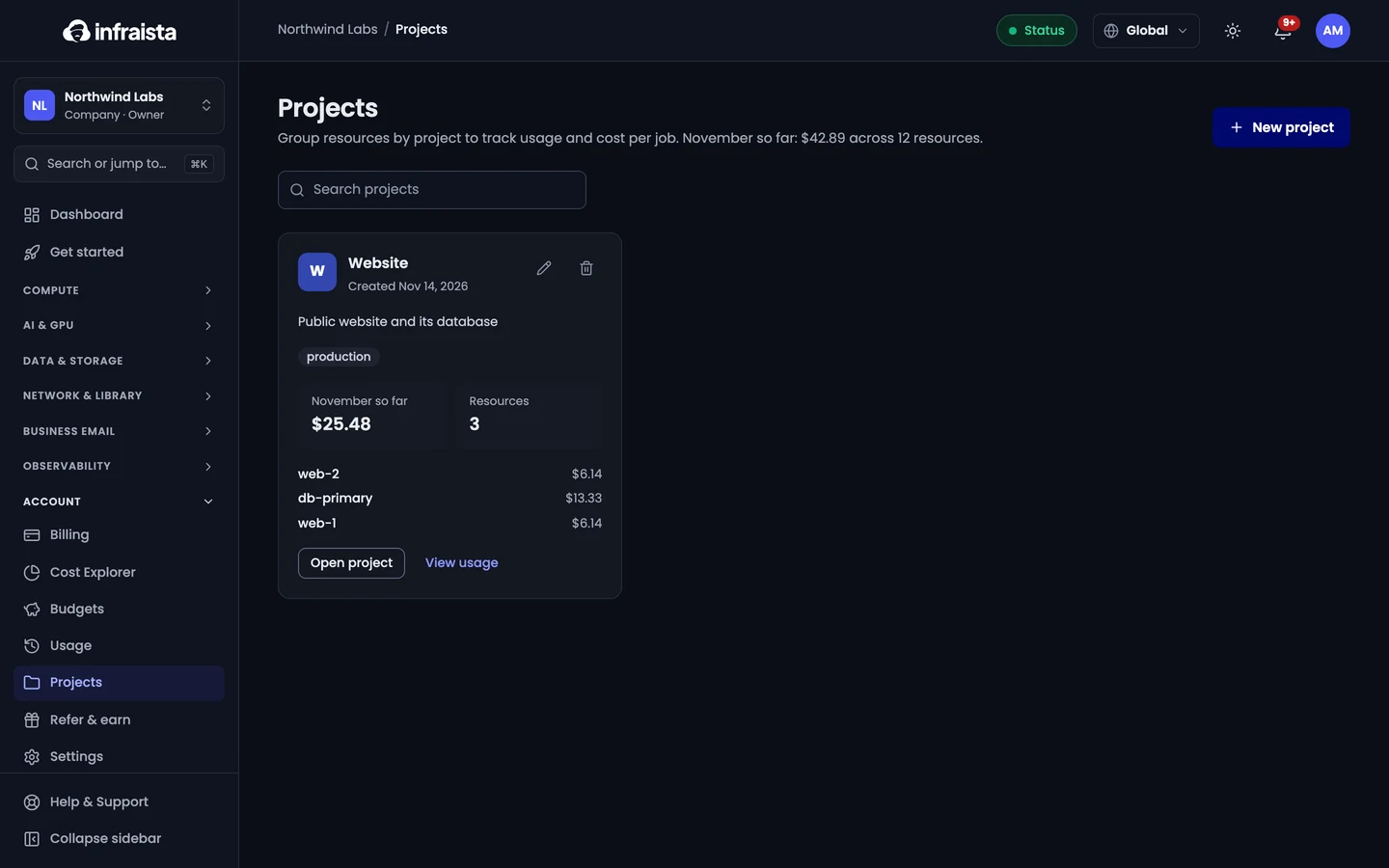
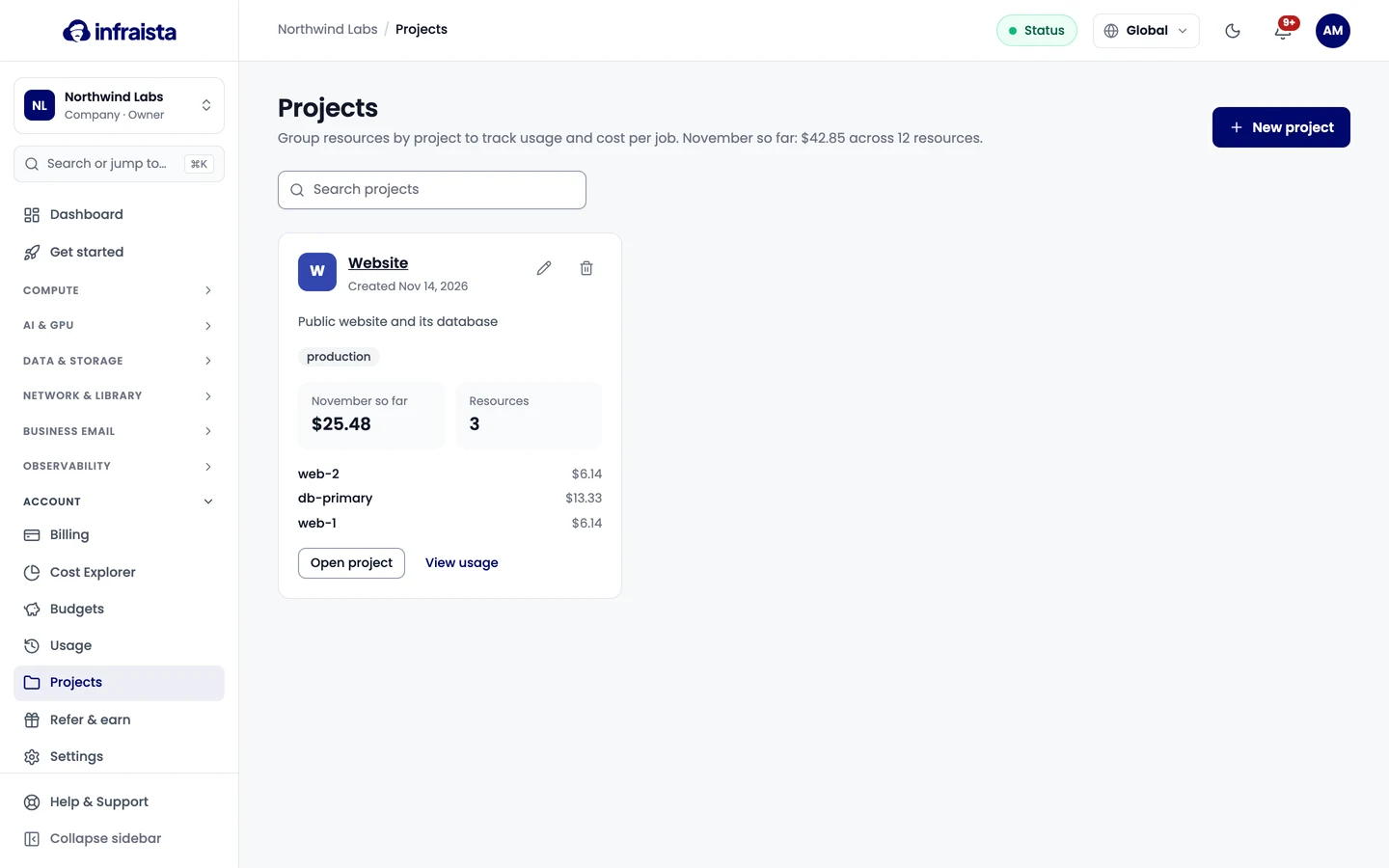
Create a project
- Go to Account › Projects and select New project.
- Enter a Name, and optionally a Description, Color and Tags.
- Select Create project.
Then pick the project when you create a resource, or move existing ones in.
A project's page
Open a project to see its cost this month and share of your total, its running rate, its budget, and its resources with their cost.
- Move resources moves selected resources to another project. New usage counts toward the target from that moment; costs already incurred stay where they were.
- Create a budget sets one for this project (see Budgets).
- Open in Cost Explorer filters Cost Explorer to the project.
Delete a project
Move its resources out first. Deleting removes the project and its budget link; billing history is kept, and past invoices keep the name used at the time.
Related
Budgets
Set a spending target for your whole account, a project or a product, and get alerts when spend or the period-end forecast passes your thresholds.
Refer and earn
Join the Infraista partner program, share your referral link, and earn commission on what your referrals pay, paid out as credit or cash.