

Budgets
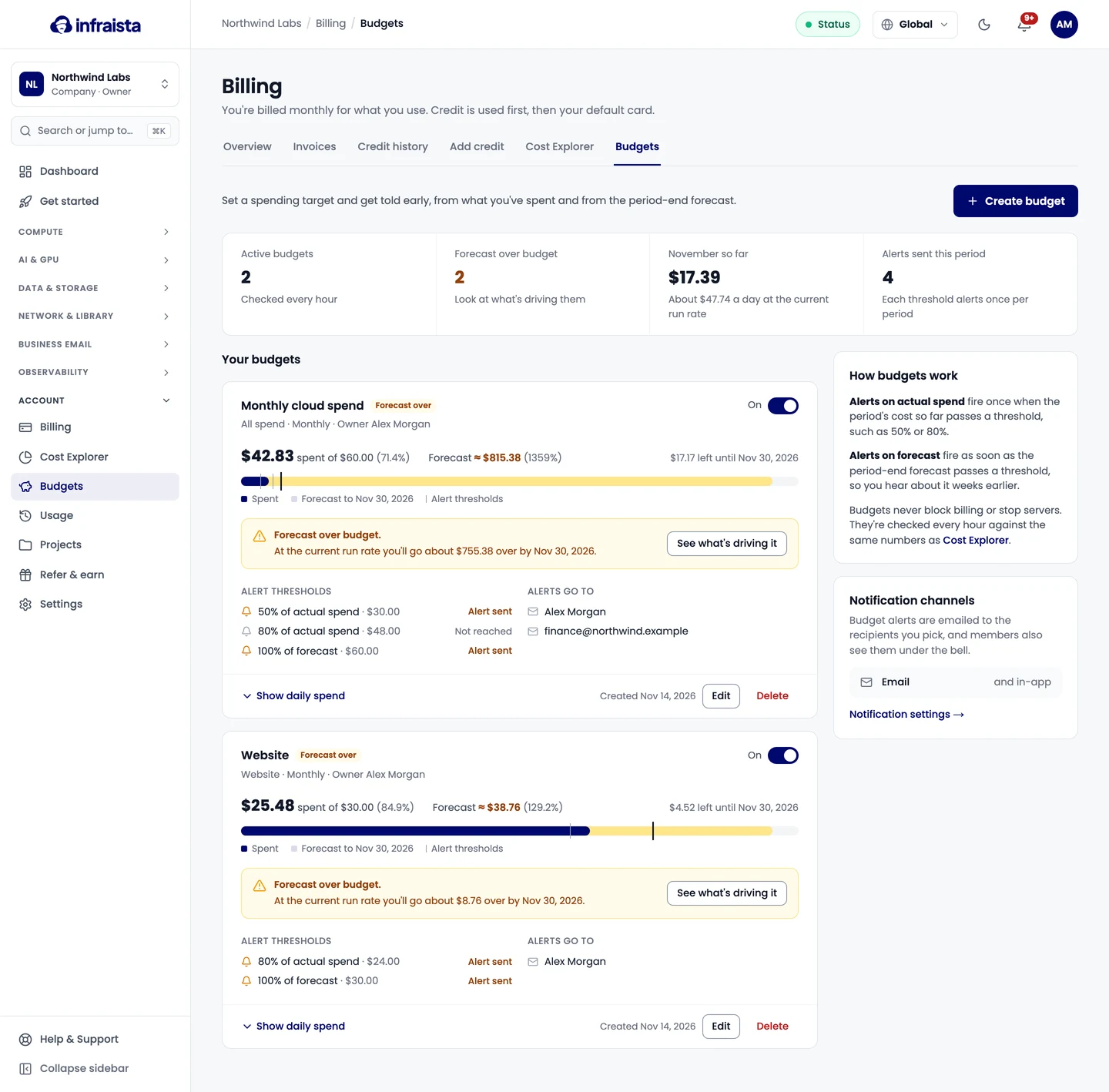
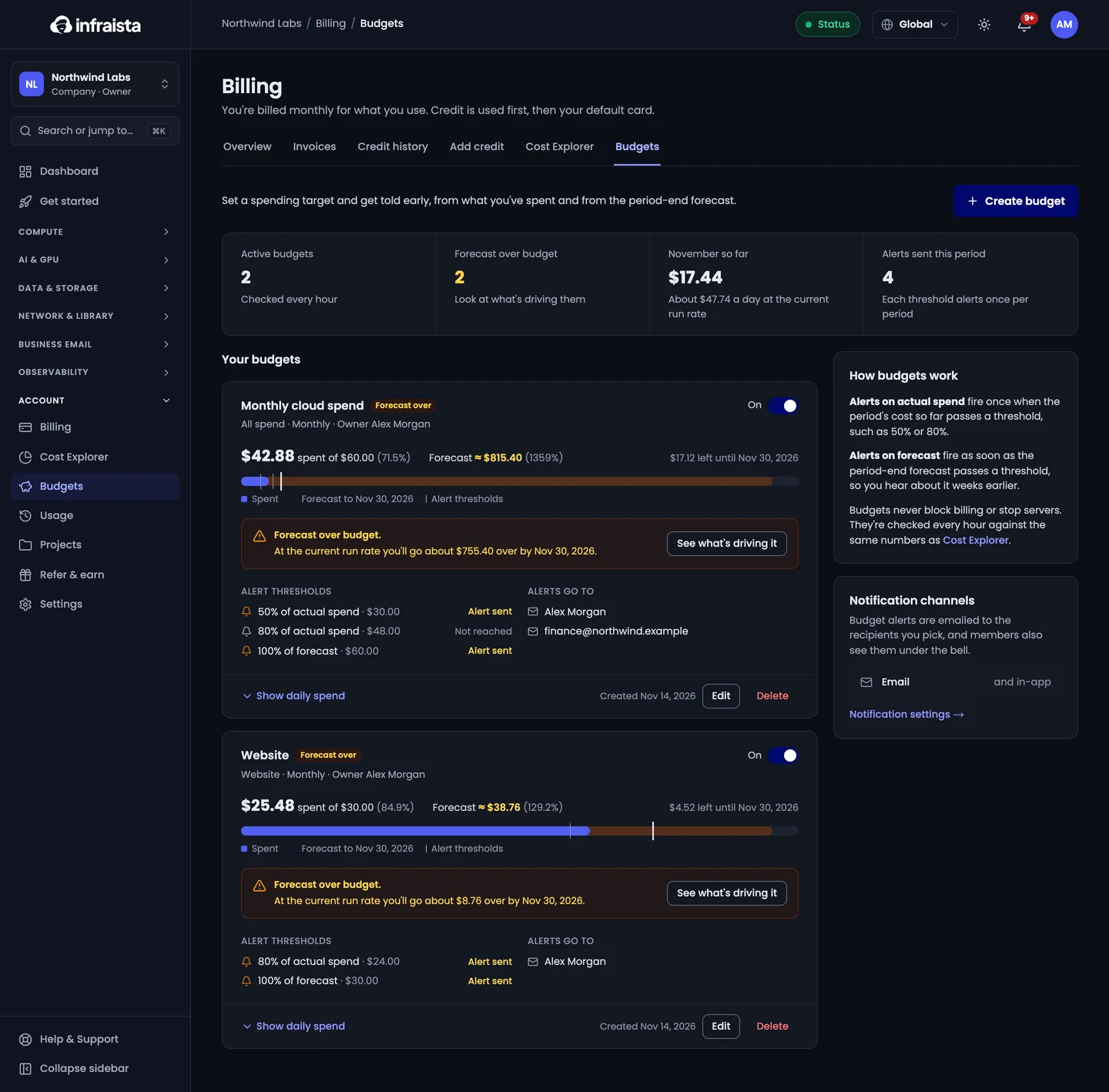
Set a spending target for your whole account, a project or a product, and get alerts when spend or the period-end forecast passes your thresholds.
A budget is a spending target with alerts. You hear early, from what you've spent and from the period-end forecast. Budgets never block billing or stop servers.
Create a budget
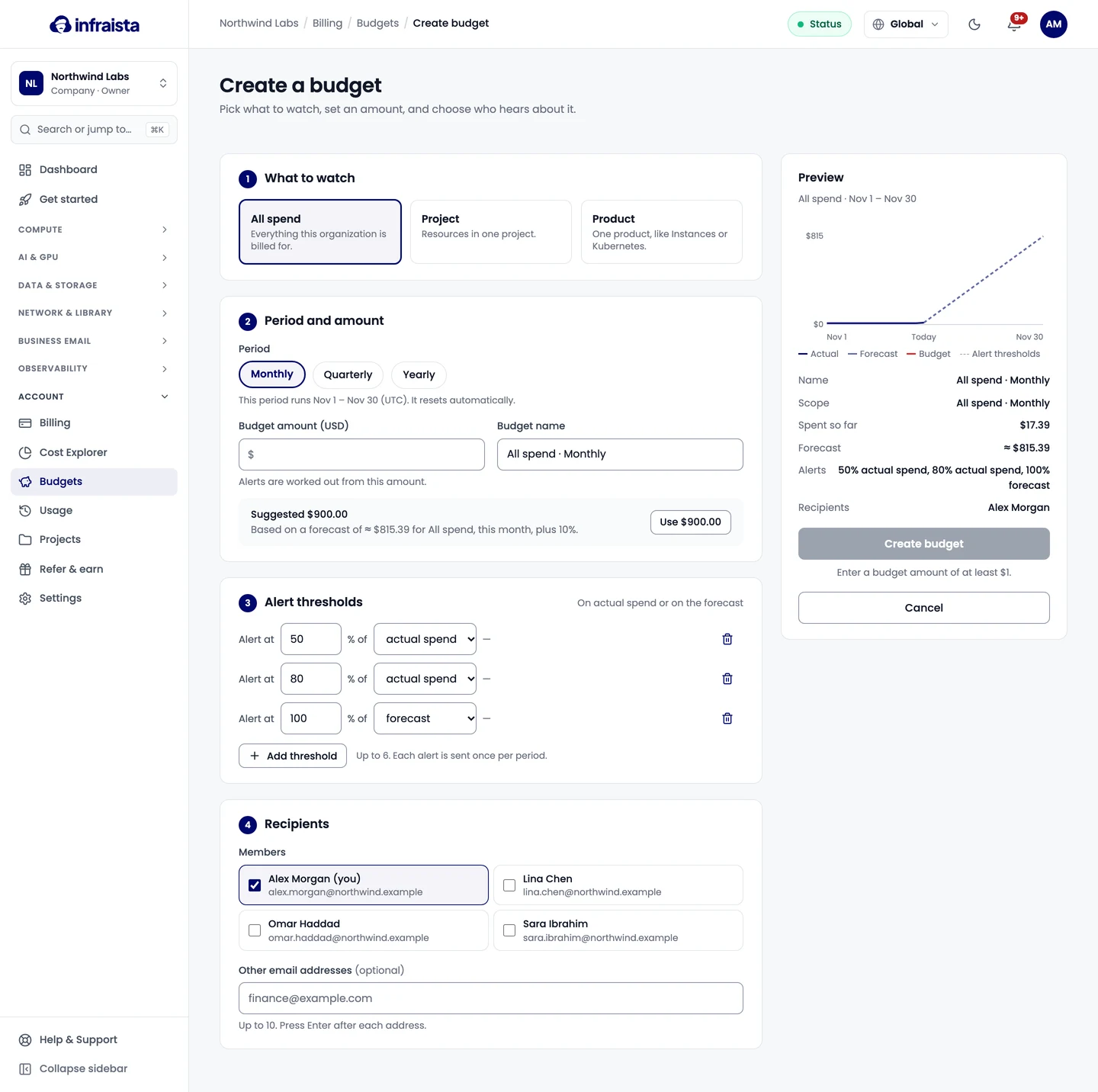
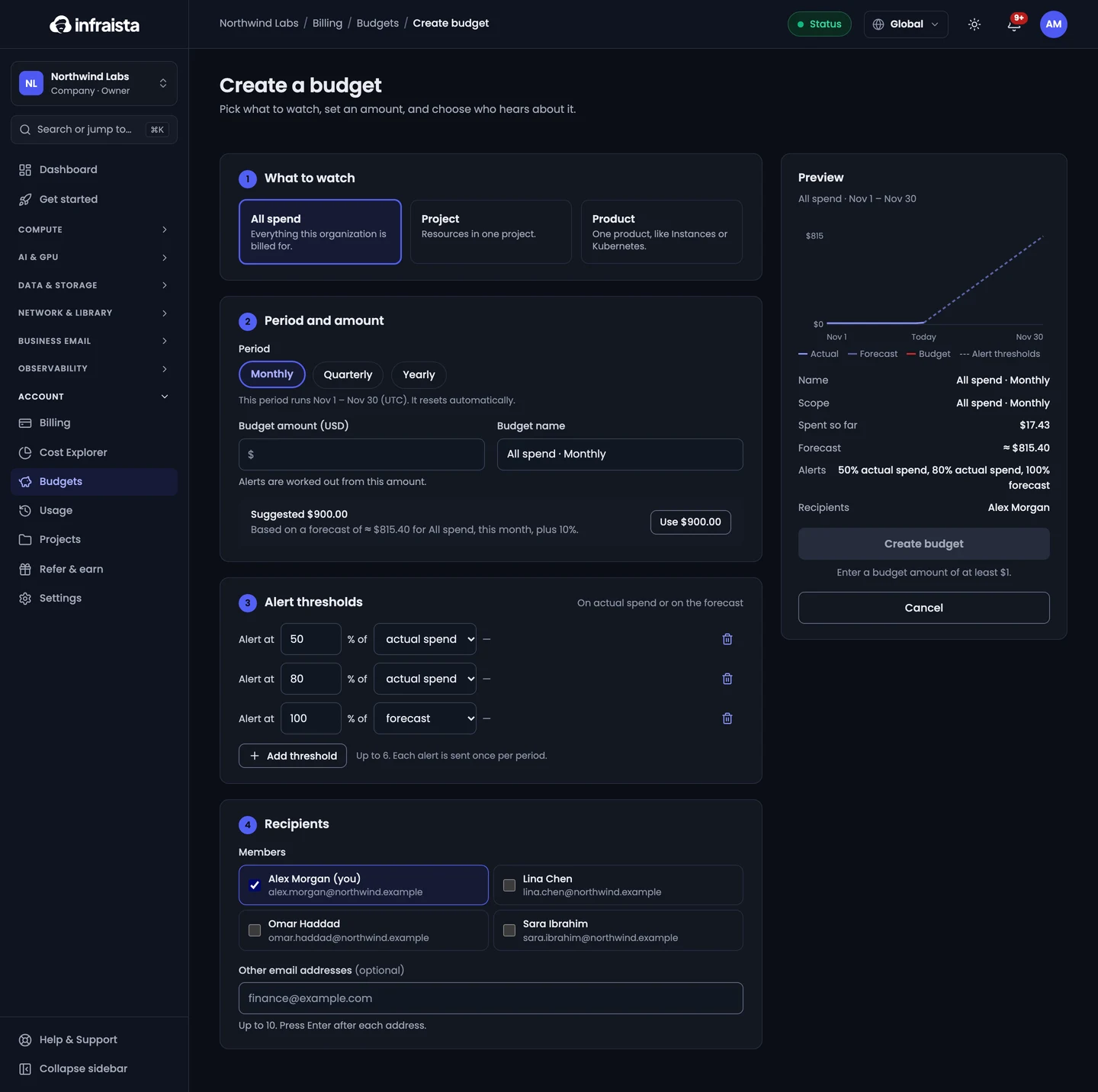
- Go to Account › Budgets and select Create budget.
- What to watch: All spend, one Project, or one Product (like Instances).
- Period and amount: Monthly, Quarterly or Yearly, and the Budget amount (USD). The page suggests an amount from your forecast plus 10%. The period resets automatically.
- Alert thresholds: up to 6, each a percentage of actual spend or of the forecast.
- Recipients: members, plus up to 10 other email addresses.
- Give it a Budget name and save.
How alerts work
- Alerts on actual spend fire once when the period's cost so far passes a threshold, such as 50% or 80%.
- Alerts on the forecast fire as soon as the period-end forecast passes a threshold, so you hear about it weeks earlier.
- Budgets are checked every hour. Each threshold alerts once per period.
Alerts are emailed to the recipients, and members also see them under the bell. Pause a budget's alerts with its switch, or Edit and Delete it.
Related
Usage and Cost Explorer
See what your organization has used this month by resource, and explore costs over time by product, project, region or resource with forecasts.
Projects
Group servers, clusters and storage into projects so each job's cost shows separately on usage, Cost Explorer and invoices, with optional budgets.