

Add credit
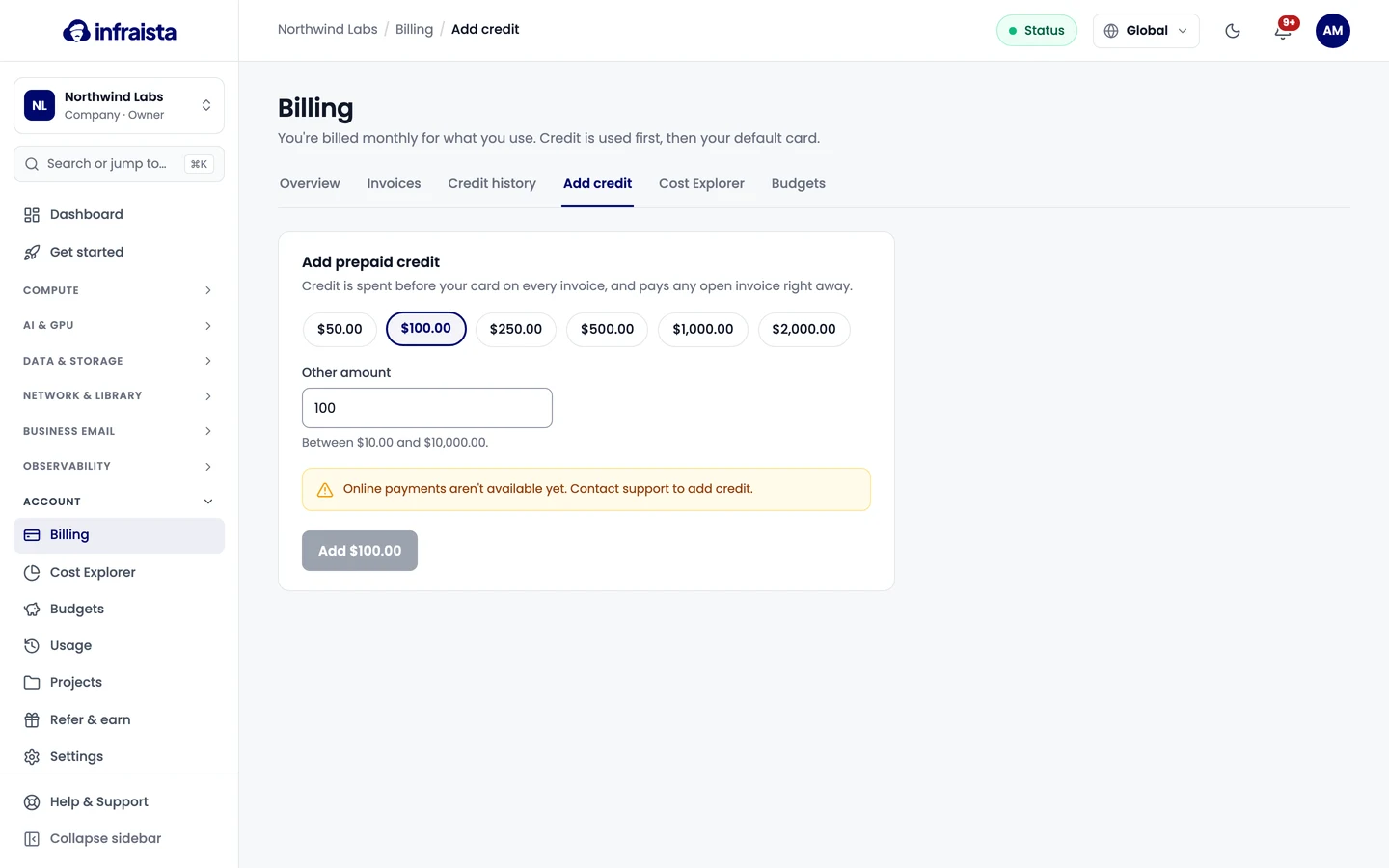
Prepay credit to cover upcoming usage. Credit is spent before your card on every invoice and pays open invoices right away.
Prepaid credit is spent before your card on every invoice, and pays any open invoice right away.
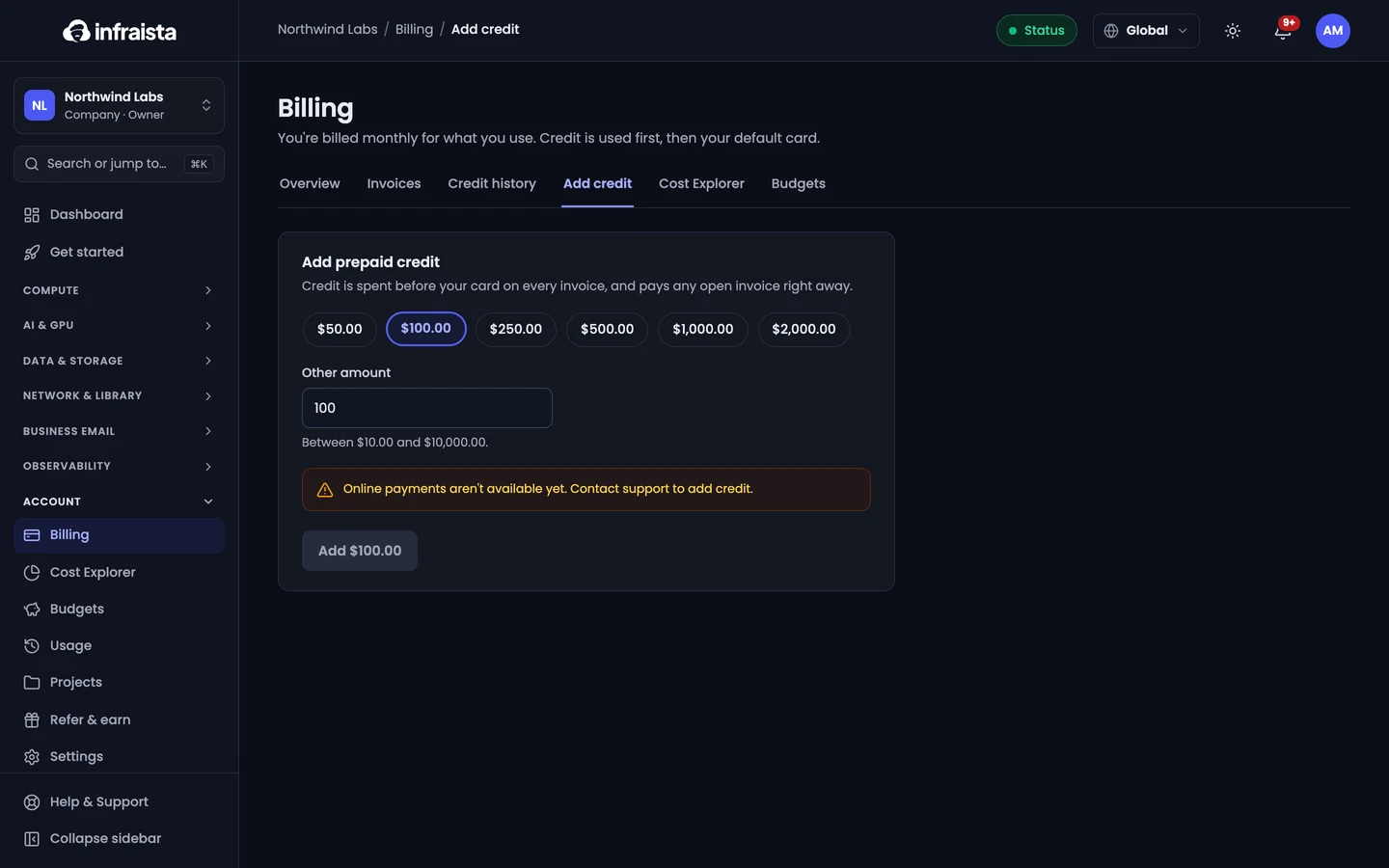
- Go to Account › Billing › Add credit (or Add credit on the Billing overview).
- Pick an amount, or enter an Other amount (between $10 and $10,000).
- Confirm. It's charged to the billing owner's default card.
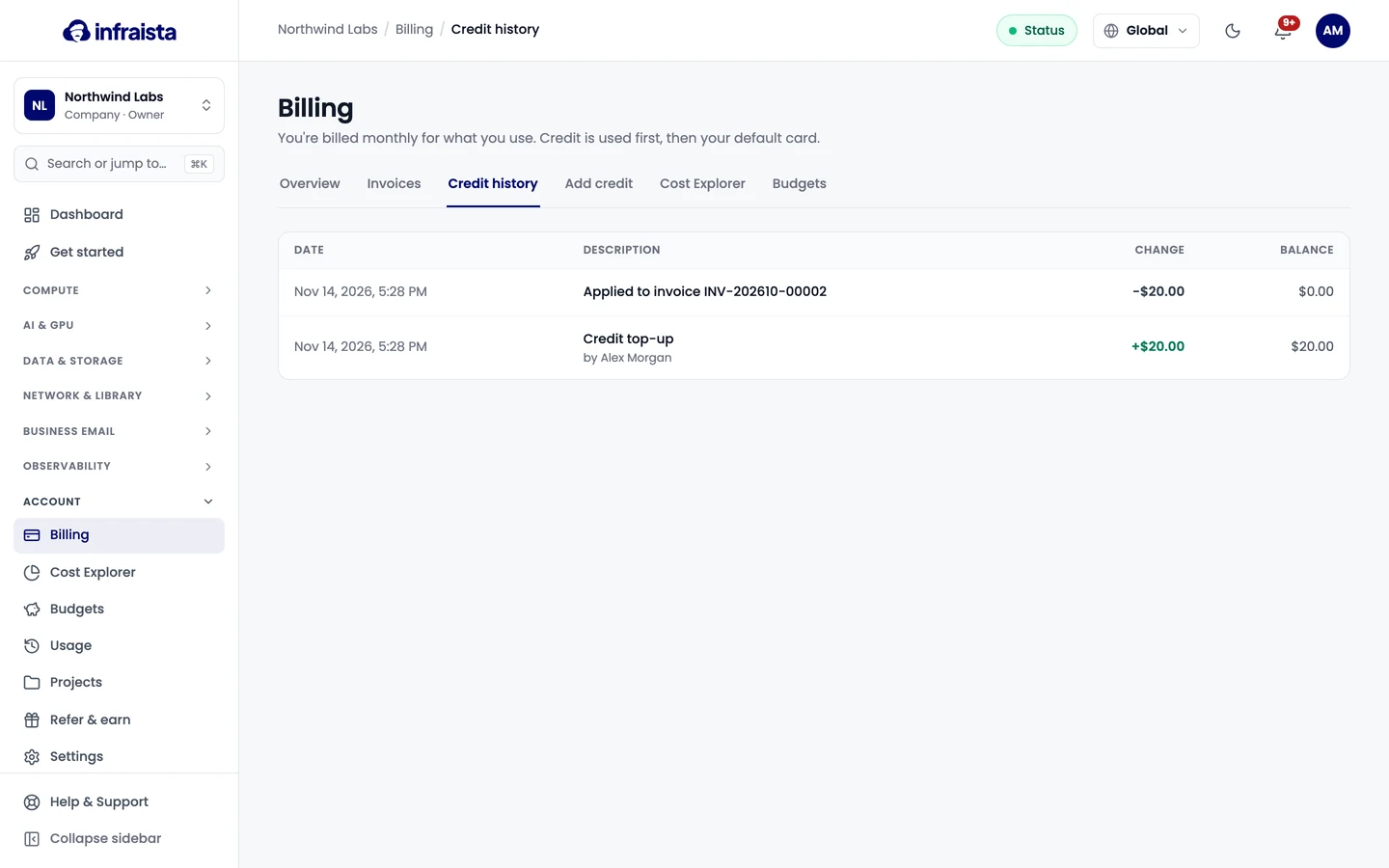
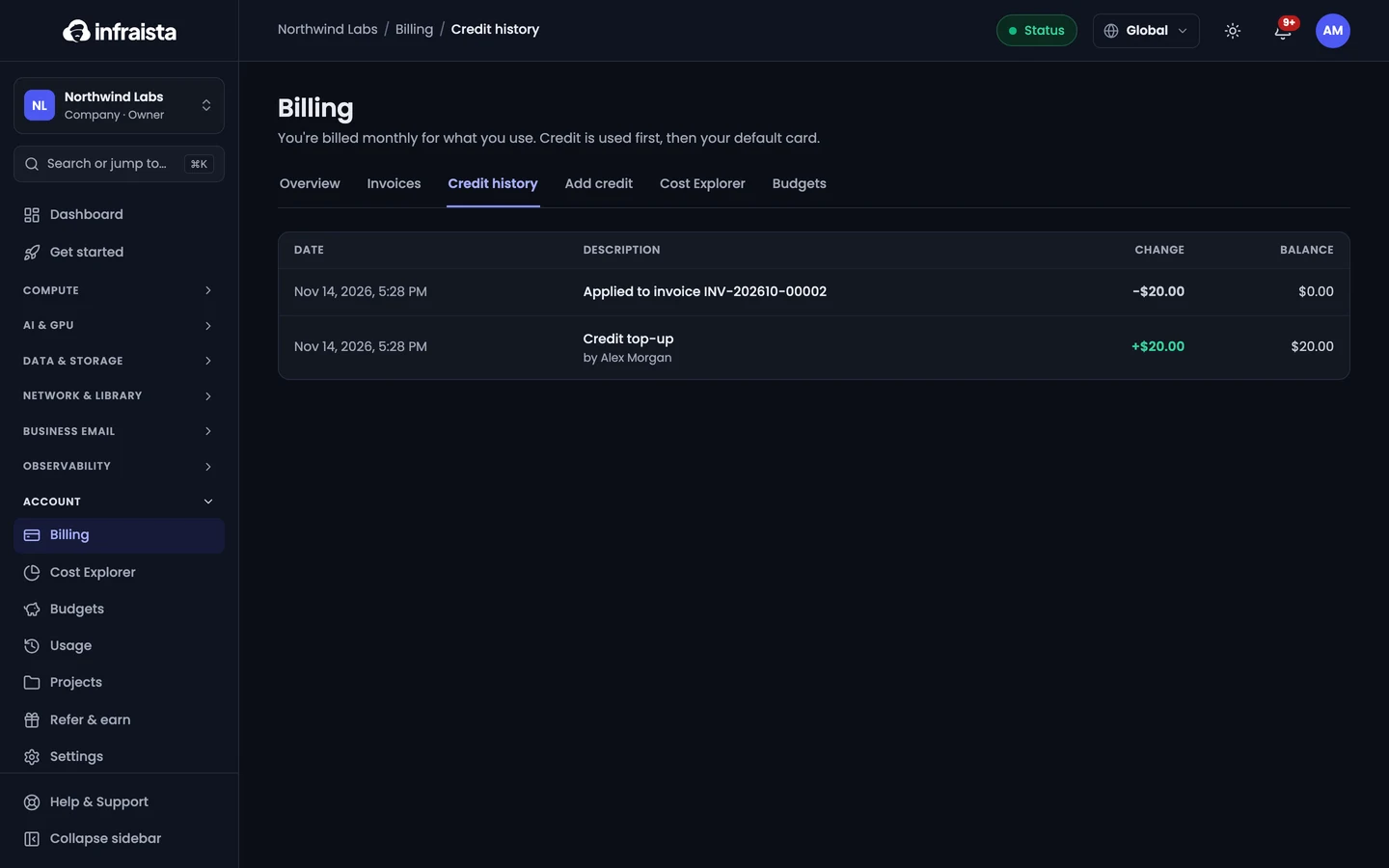
Your Credit balance shows on the Billing overview, and Credit history lists every top-up, promotion and credit spent on invoices.
Promotional credit
Campaign credit (for example from a promotion or a referral) is used on your invoices before your balance, on its product only if it's limited to one, until it expires. It has no cash value.
Related
Invoices and payments
Find and download your monthly invoices, understand each line, pay an open invoice, and see what happens when a card payment fails.
Usage and Cost Explorer
See what your organization has used this month by resource, and explore costs over time by product, project, region or resource with forecasts.