

NetworkingFloating IPs
Set reverse DNS
Set the hostname others see when they look up a floating IPv4 address, which mail servers check before accepting your mail.
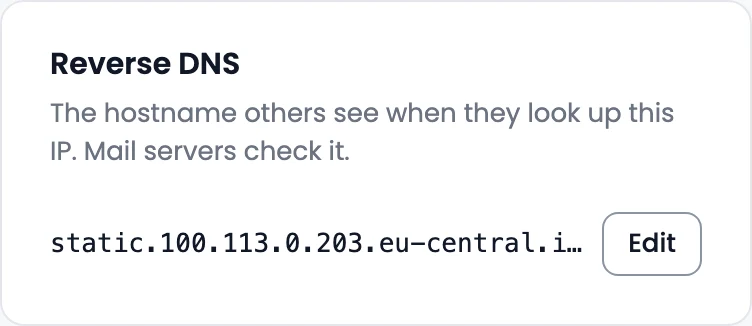
Reverse DNS (a PTR record) is the hostname others see when they look up your IP address. Mail servers check it, so set it on any address you send email from.
Before you start: point an A record for the hostname at the address first. Mail servers may reject mail when the two don't match. Reverse DNS for IPv6 addresses isn't available yet.
- Open the floating IP and find Reverse DNS.
- Select Edit and enter the Hostname, for example
mail.northwind.example. - Select Save.
Lookups show the new name within 5 minutes. Use default goes back to the original name.