

Floating IPs
A floating IP is a public address you reserve and can move between servers at any time, for stable endpoints and quick failover without changing DNS.
A floating IP is a public IPv4 or IPv6 address you reserve for your organization. You point it at a server, and you can move it to another server in seconds, for example when you replace a server or fail over. Your DNS records keep pointing at the same address.
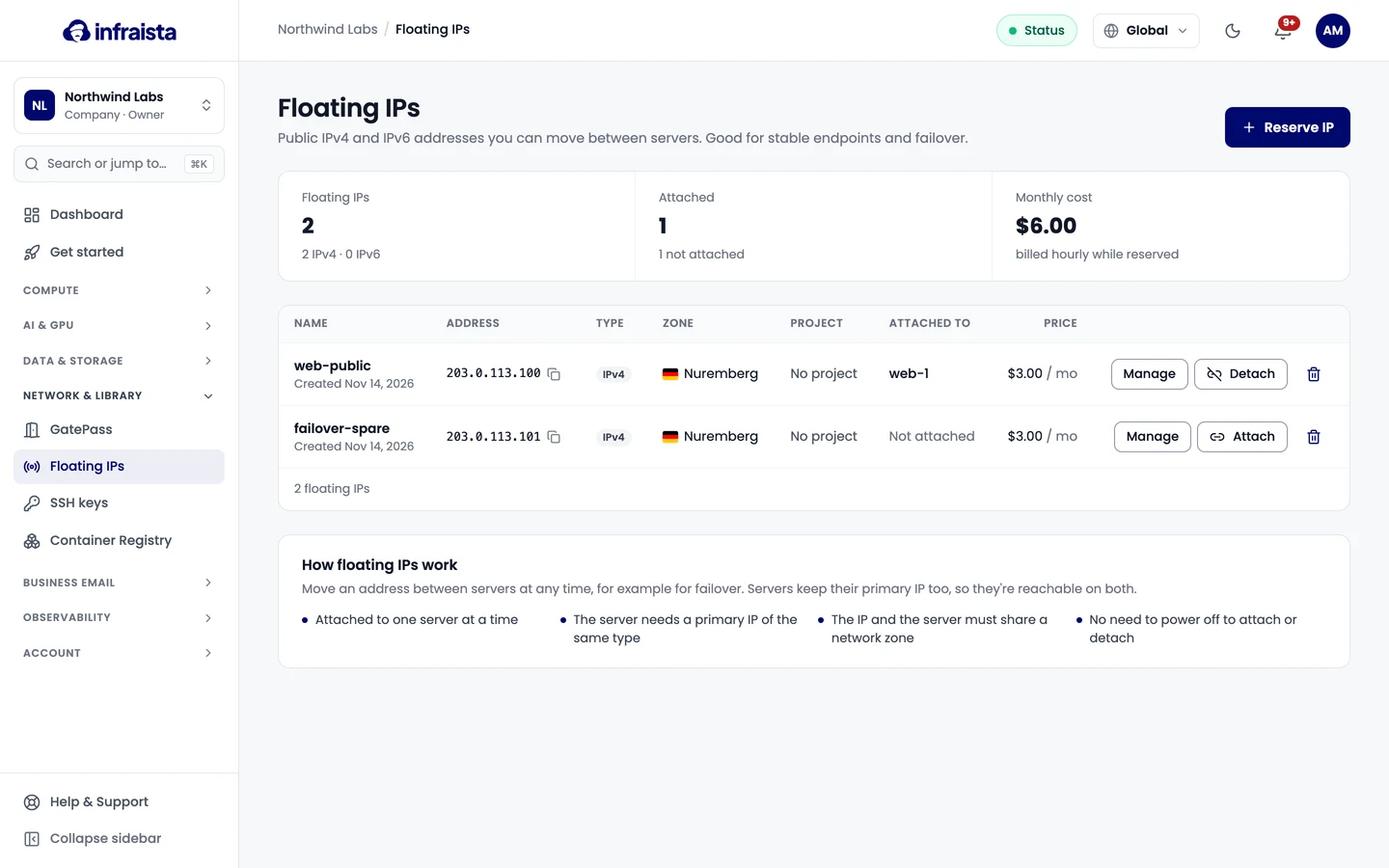
How floating IPs work
- A floating IP is attached to one server at a time.
- The server needs a primary IP of the same type (IPv4 or IPv6).
- The floating IP and the server must share a network zone.
- You don't need to power the server off to attach or detach.
- Servers keep their primary IP too, so they're reachable on both addresses.
Pricing
A floating IP is billed by the hour while it's reserved, whether it's attached or not. The Reserve a floating IP dialog shows the monthly price before you confirm, and each address's page shows This month so far. Traffic through the address is billed on the server, not the IP. Release an address to stop the charge.
Reserve a floating IP
Move a floating IP
Set reverse DNS
Release a floating IP
Networking
Keep a stable public address with floating IPs, and give your team secure browser access to private portals through your own gateways with GatePass.
Reserve a floating IP
Reserve a public IPv4 or IPv6 address in a network zone, give it a name and optionally attach it to a server straight away.