

Work with findings
Read a finding, fix it or open a fix pull request, assign it, ignore it with a reason, track fix-by dates, and download the SBOM and reports.
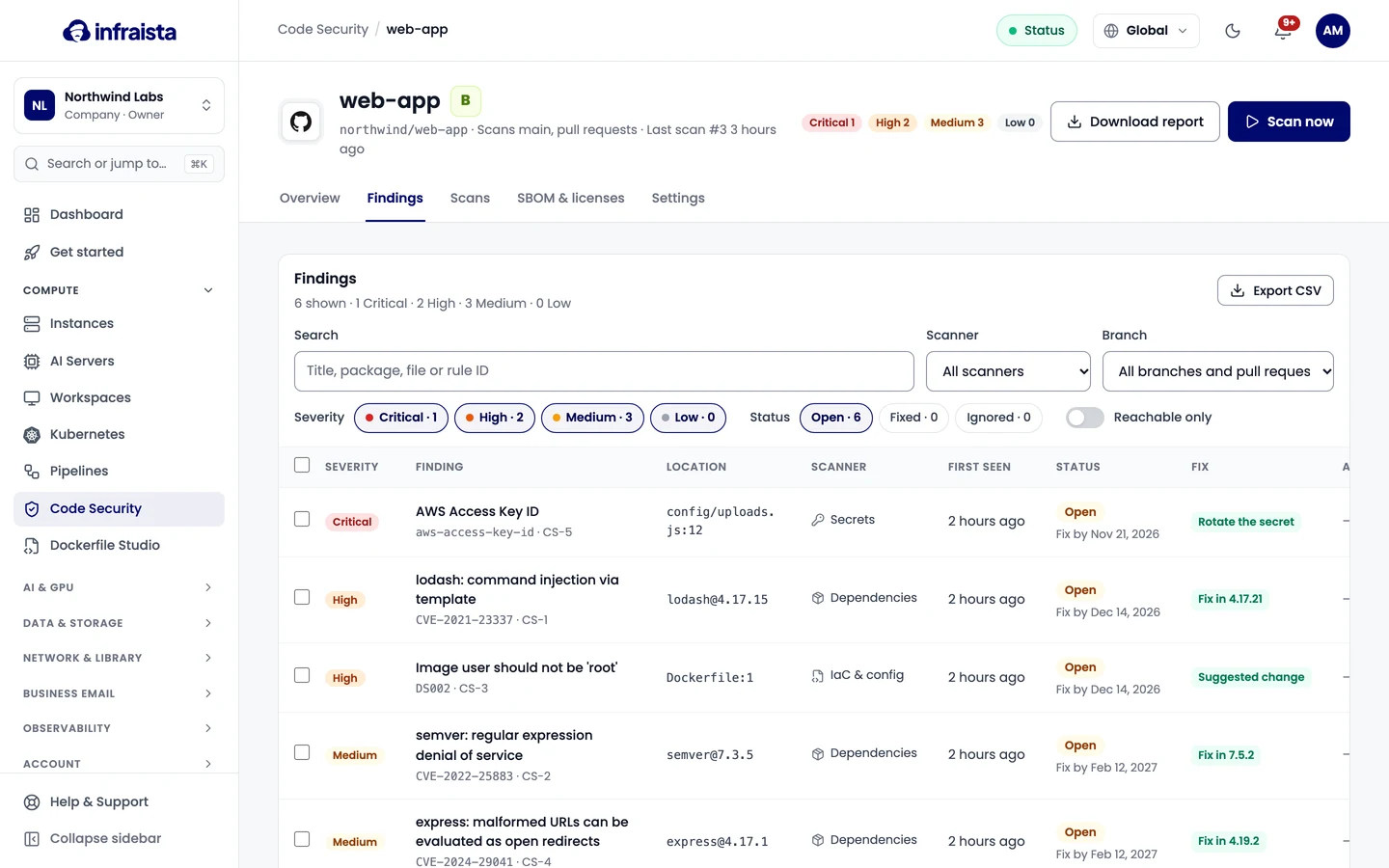
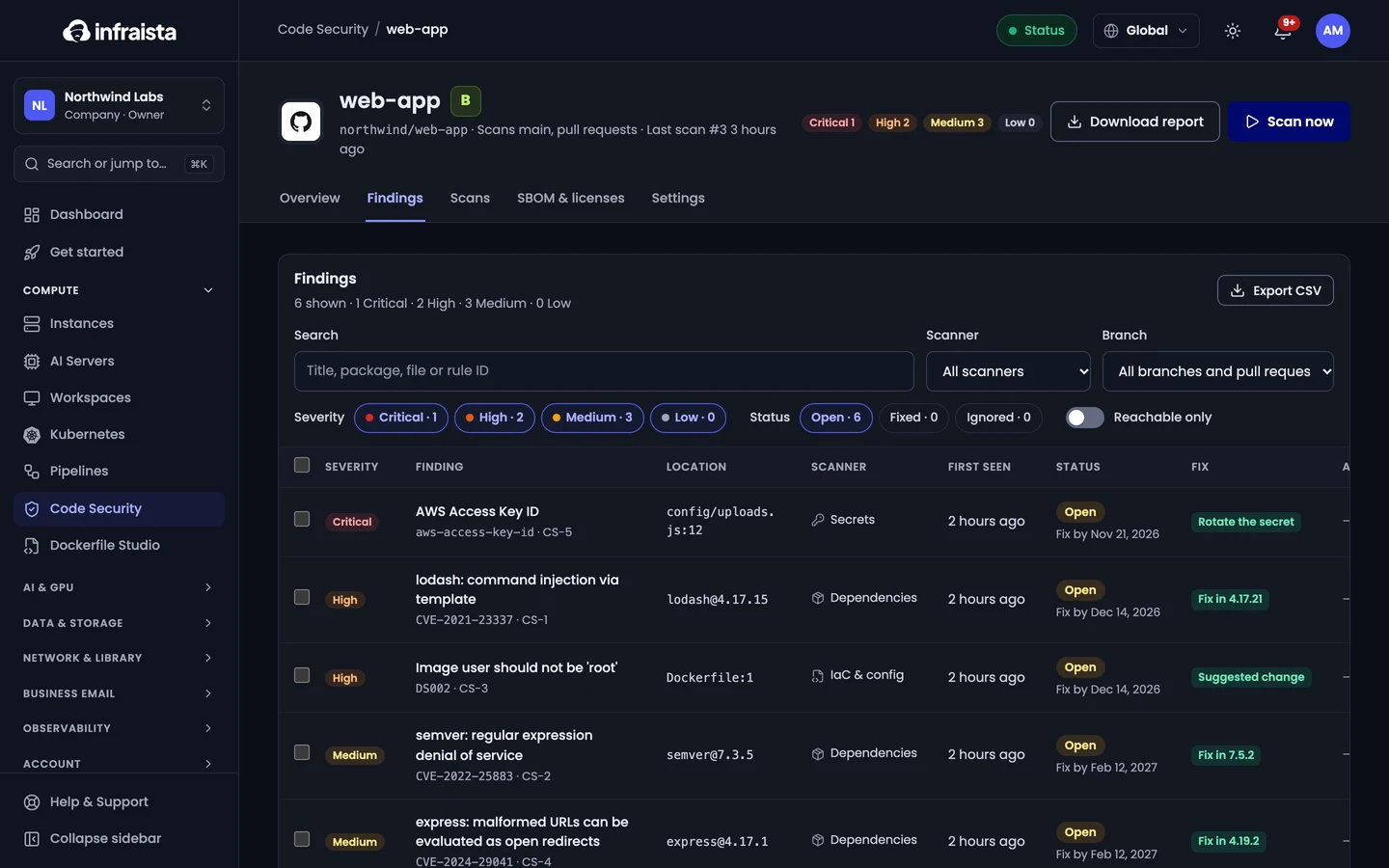
Findings lists everything open across your repositories; each repository has its own Findings tab too. Filter by status, severity, scanner and branch or pull request, select several findings for bulk actions, or export them as CSV.
Read a finding
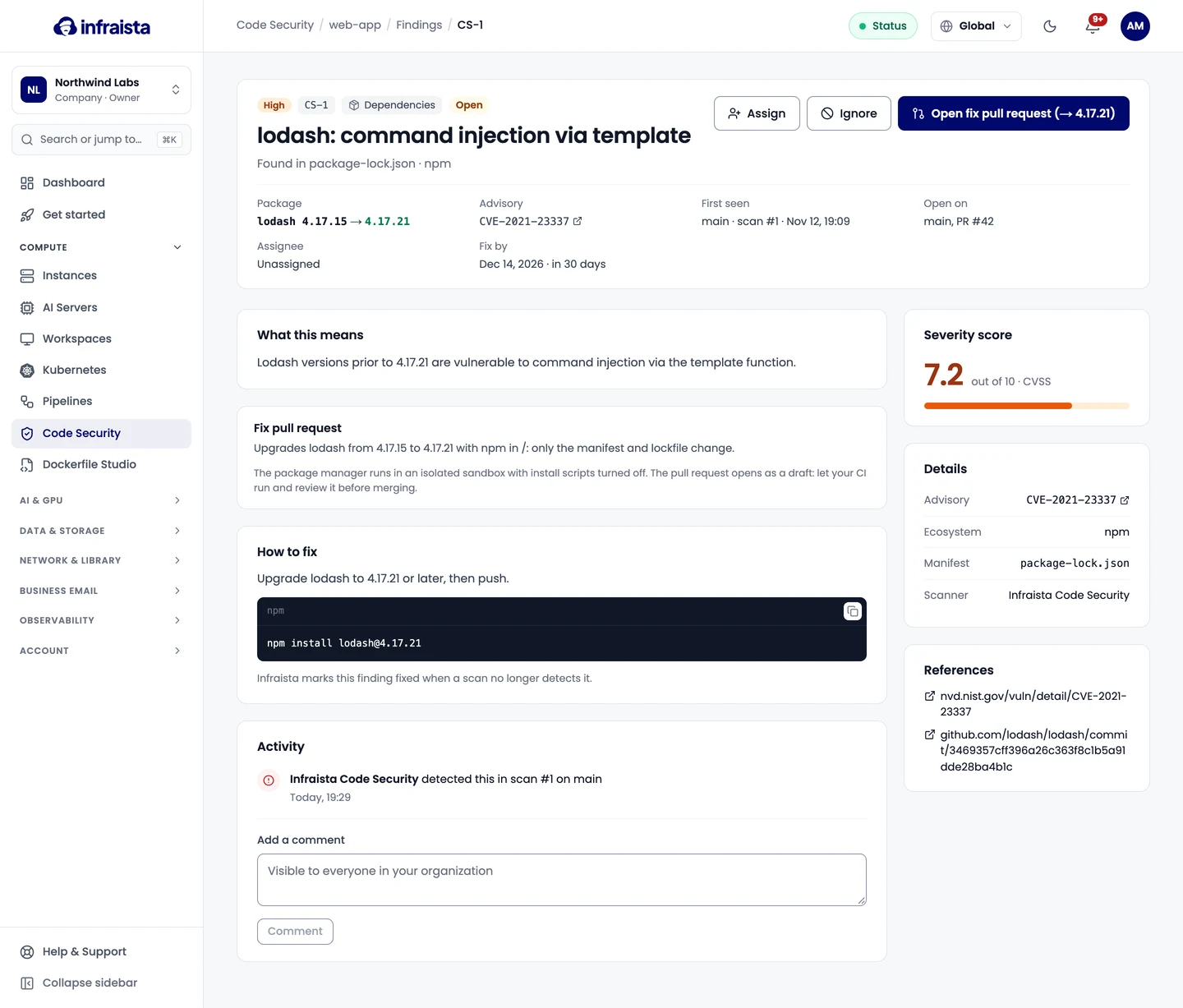
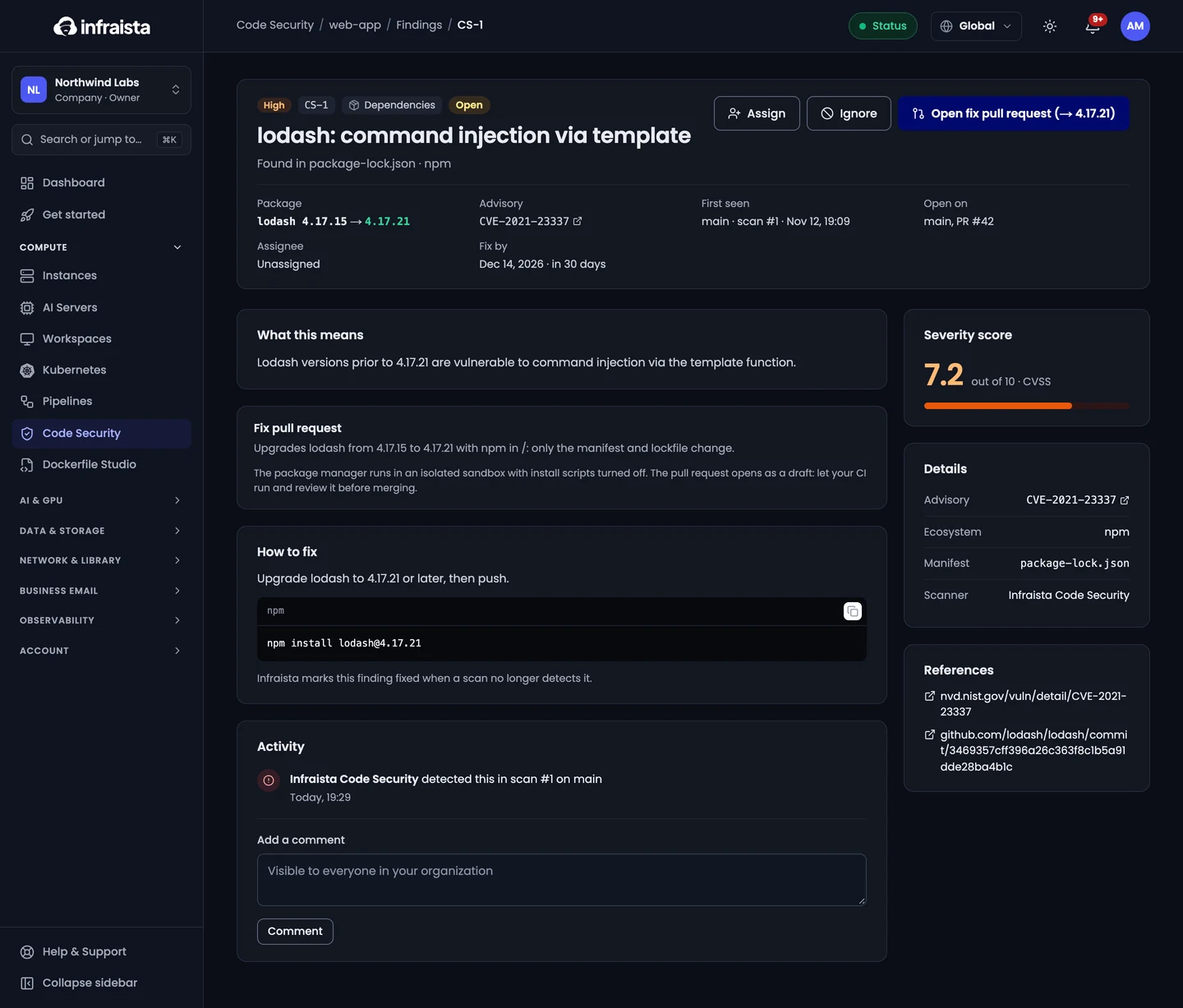
Open a finding to see what it means, where it is, and how to fix it.
| Scanner | How to fix |
|---|---|
| Dependencies | Upgrade the package to the fixed version shown, then push. When the advisory lists no fix yet, check the references for workarounds |
| Secrets | Rotate or revoke the key with the service that issued it (assume someone has already seen it), then remove it from the code. Removing it from the git history too stops the finding; rotating is what makes it safe |
| IaC & config | Change the setting in the file shown, then push |
| Licenses | Replace or remove the package, or get approval and add its license to the Allow list in Policies |
Infraista marks a finding fixed when a scan no longer detects it. Each finding has an Activity log (detected, fixed, reopened, ignored, assigned, comments).
Open a fix pull request
For a vulnerable package with a fixed version, select Open fix pull request. Infraista updates only that package manager's manifest and lockfile in an isolated sandbox, with install scripts turned off, commits them on a new branch and opens a draft pull request. Nothing is merged: let your CI run and review it first.
Supported package managers include npm, pnpm, Yarn, Composer, Go, pip, Maven, Gradle, NuGet, Cargo, Bundler, Poetry and Pipenv. For other ecosystems, the finding says why it isn't covered.
Assign and comment
Assign a finding to a member of your organization; they're notified. Comments are visible to everyone in the organization.
Ignore a finding
When a finding is safe for now, select Ignore and give:
- a Reason: Risk accepted, Not reachable, False positive or Fix planned;
- a Comment, shown on the finding and in the audit log;
- when it Expires: up to 90 days, or less if your policy says so.
An ignored finding stops counting toward the gate and the grade, and reopens by itself when the ignore expires. Secrets still fail the gate while they're in the code. Owners and admins can ignore findings.
Fix-by dates
Each finding gets a fix-by date from its severity (by default Critical 7 days, High 30, Medium 90, Low none). Owners, admins and the assignee are notified 3 days before and when it's overdue. Set the days in Policies. AI suggestions don't get fix-by dates.
SBOM and licenses
A repository's SBOM & licenses tab lists every component from its newest scan, with version, license, direct or transitive, and open vulnerabilities. Download it as CycloneDX JSON or SPDX JSON, or share a link.
Reports and share links
From a scan, select Download report for a PDF of its gate result and findings (secrets masked). Share report link (or Share SBOM link) makes a link anyone can use without signing in, until it expires (1, 7 or 30 days) or you revoke it. The full link is shown only once.
Related
Scans and the gate
How Code Security scans a commit, compares it with the branch it targets, decides whether the gate passes or fails, and grades each repository from A to F.
Policies
Set what fails the Code Security gate on each branch, which licenses are allowed, your own secret patterns, how long findings can be ignored, and fix-by dates.