

Scans and the gate
How Code Security scans a commit, compares it with the branch it targets, decides whether the gate passes or fails, and grades each repository from A to F.
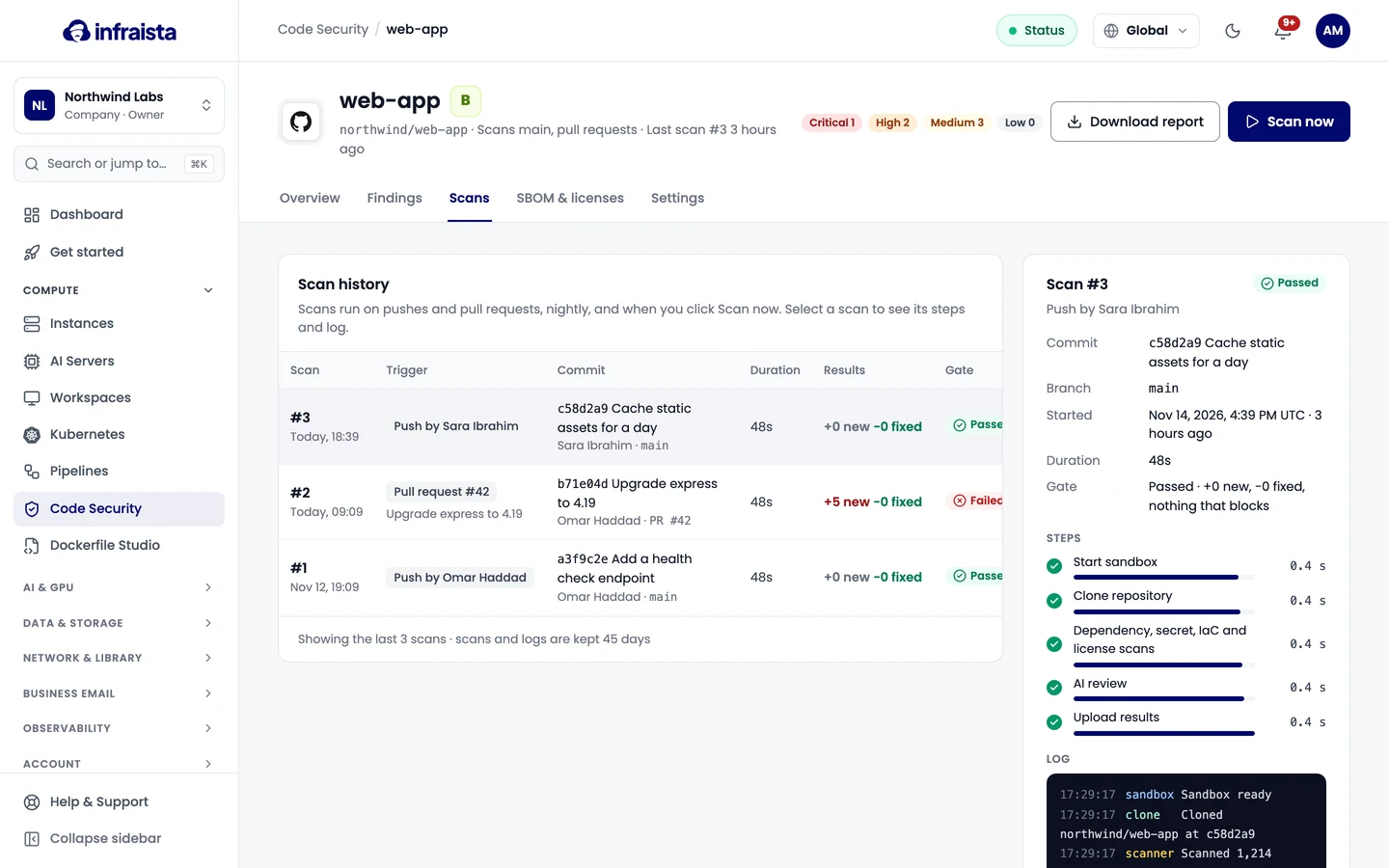
A scan checks one commit of a repository with the scanners you turned on. Its gate decides
whether the infraista/security check passes.
When scans run
- Push to the default branch, or to a branch matching the repository's extra patterns.
- Pull request opened, updated or reopened, when pull requests are on.
- Nightly, on the default branch, at the time you chose.
- Scan now or Re-run scan from the console, the Pipelines step, or the API.
A scan already queued or running for the same commit is reused instead of starting another.
New, existing and fixed
Each scan compares its findings with a base:
- on a branch, the previous finished scan of that branch;
- on a pull request, the newest scan of the branch it targets.
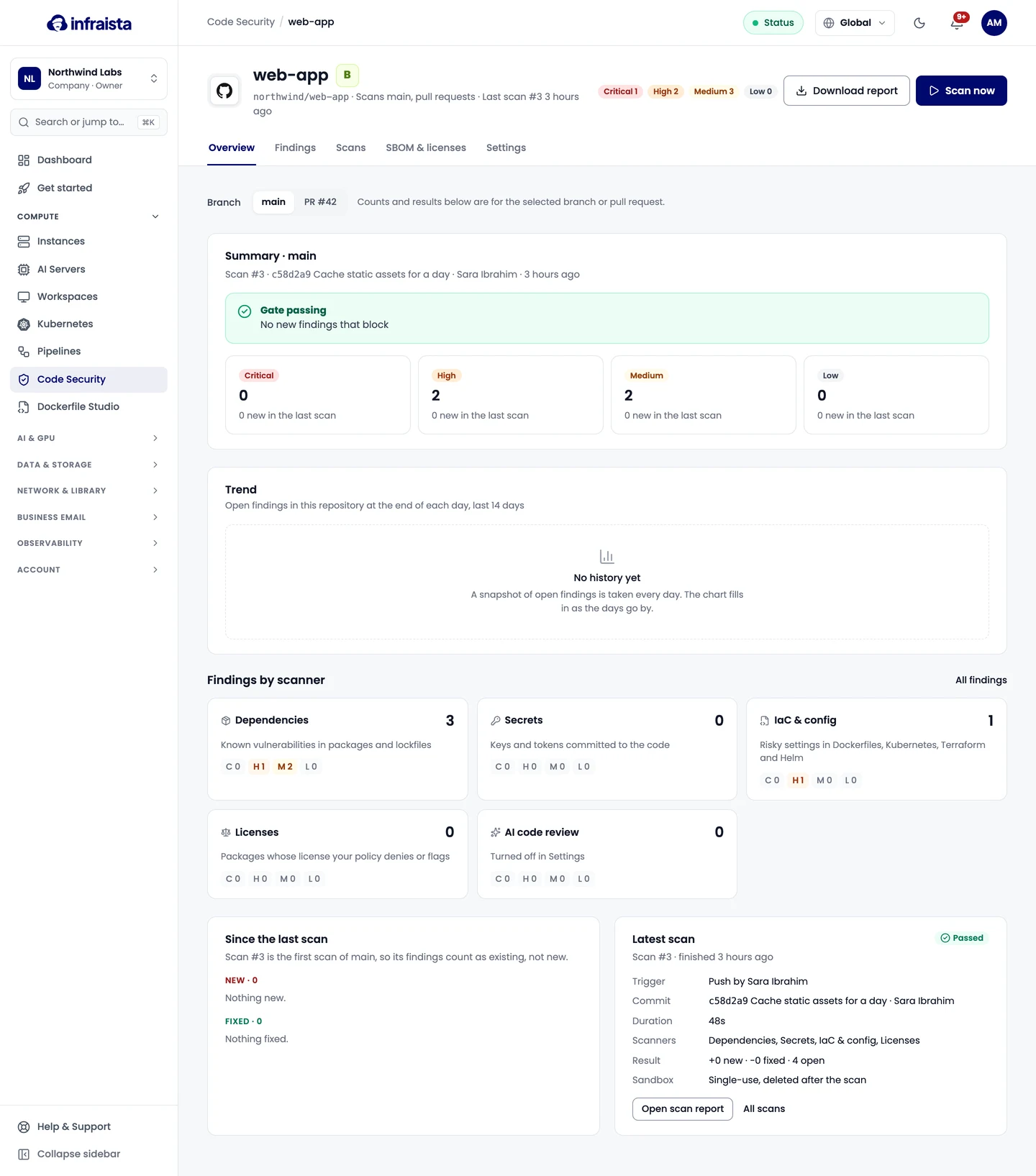
A finding is new when the base didn't have it, existing when it did, and fixed when the base had it and this commit doesn't. A branch's first scan counts everything as existing. A finding stays open while any branch or pull request still has it, and reopens if it comes back.
The gate
The gate fails on what the change adds, so old findings never block a new change. By default:
| Where | Fails on |
|---|---|
Default branch, pull requests, release/* | New Critical or High findings, any secret, denied licenses |
| All other branches | New Critical findings, any secret |
- Secrets fail the gate wherever the policy's Secrets box is ticked, even when someone ignored the finding, until the secret is removed from the code.
- Ignored findings don't count, except secrets.
- AI code review findings never count.
Change these rules in Policies. A repository's own settings can only make the gate stricter.
The scan page shows the gate result and the reasons, such as "2 new High, 1 secret", with links to the findings that block.
Grades
Each repository gets a grade from its open findings on the default branch (ignored findings don't count). The organization grade is its lowest repository grade.
| Grade | Meaning |
|---|---|
| A | No open Critical or High |
| B | No Critical, 1–2 High |
| C | 1 Critical, or 3–5 High |
| D | 2 or more Critical, or 6 or more High |
| F | An exposed secret |
Repository settings
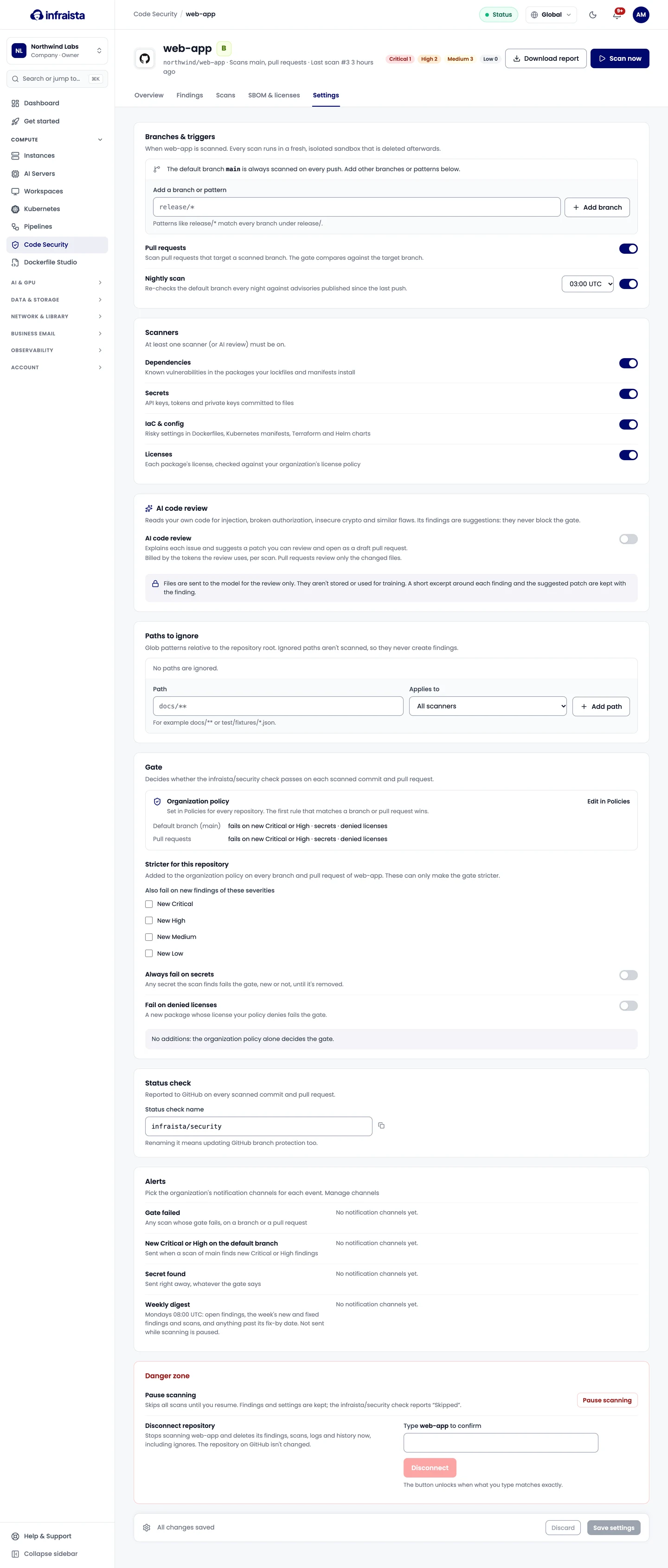
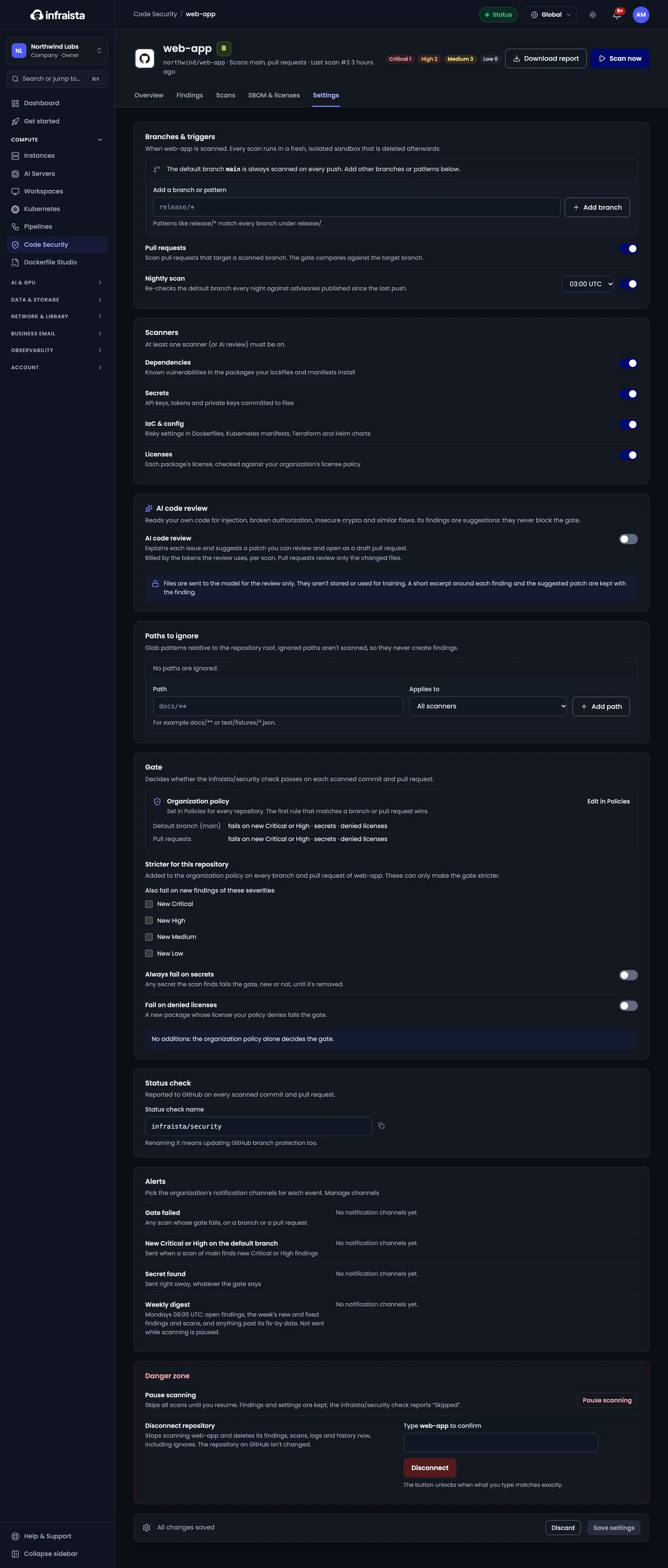
On a repository's Settings tab you can change:
- Branches & triggers: extra branches or patterns, pull requests, and the nightly scan time.
- Scanners: at least one scanner (or AI review) must be on.
- Paths to ignore: glob patterns such as
docs/**ortest/fixtures/*.json, for all scanners or one. Ignored paths aren't scanned, so they never create findings. - Gate additions, the Status check name, and Alerts.
- Pause scanning: skips all scans until you resume. The check then reports "Skipped", so a required check won't block merges. Findings and settings are kept.
- Disconnect repository: stops scanning it and deletes its findings, scans, logs and history now, including ignores. The repository itself isn't changed.
Changes apply from the next scan.
Related
Connect a repository
Connect GitHub, GitLab or Bitbucket repositories to Code Security, choose the scanners, branches and gate, and start the first scan in a few steps.
Work with findings
Read a finding, fix it or open a fix pull request, assign it, ignore it with a reason, track fix-by dates, and download the SBOM and reports.