

Switch between hourly and monthly billing
Pay a fixed monthly price for a server that runs all month, or switch back to hourly billing, and see exactly when each change takes effect.
Every server is billed hourly or monthly. You choose when you create it and can switch later from the Billing card on its Overview tab.
| Hourly | Monthly | |
|---|---|---|
| Price | Per hour the server runs | A fixed price per month, lower than running hourly all month |
| While stopped | Not charged | Paid anyway: stopped or not, the month is paid |
| Charged | On your monthly invoice | When the server is ready, then every month |
| Best for | Servers that come and go | Servers that run all month |
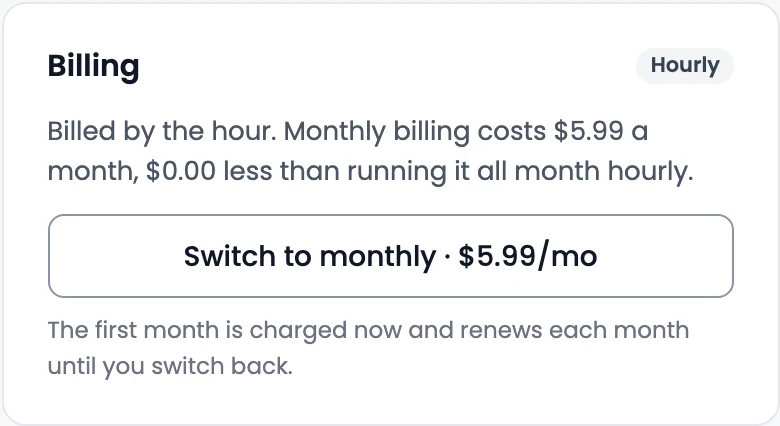
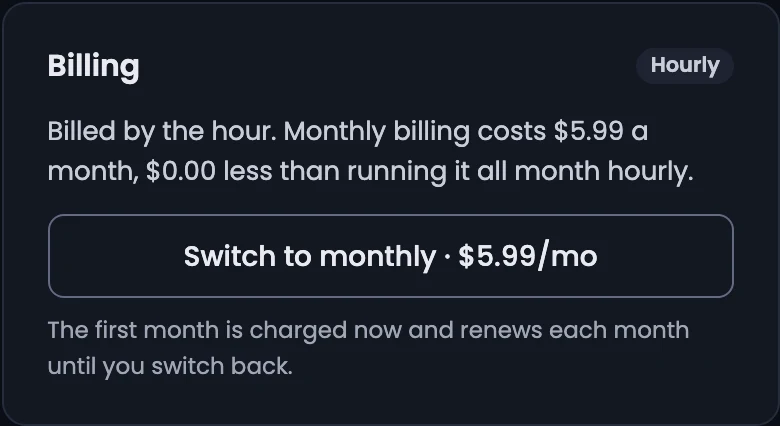
Switch to monthly
- On the server's Overview tab, find the Billing card. It shows the monthly price and how much less it costs than running hourly all month.
- Select Switch to monthly (price).
The first month is charged now, and it renews each month until you switch back. The card then shows Paid until and Renews.
Switch back to hourly
Select Switch to hourly on the Billing card. It takes effect when the paid month ends; until then the card says billing goes back to hourly at the end of the month. To cancel the switch, select Keep monthly billing.
There are no refunds for a part-used month.
Related
Back up and restore a server
Take a backup of a cloud server's disk from the Snapshots tab, see its restore points and roll the disk back to an earlier one.
Metrics and activity
See a server's CPU, memory, network and disk usage over time, and the log of everything that happened to it, from power changes to resizes.