

Node pools
Add node pools to a Kubernetes cluster, change how many worker nodes they run, drain, uncordon or recycle a node, and delete a pool.
A cluster runs its workloads on node pools: groups of identical worker nodes. Manage them on the cluster's Node pools tab.
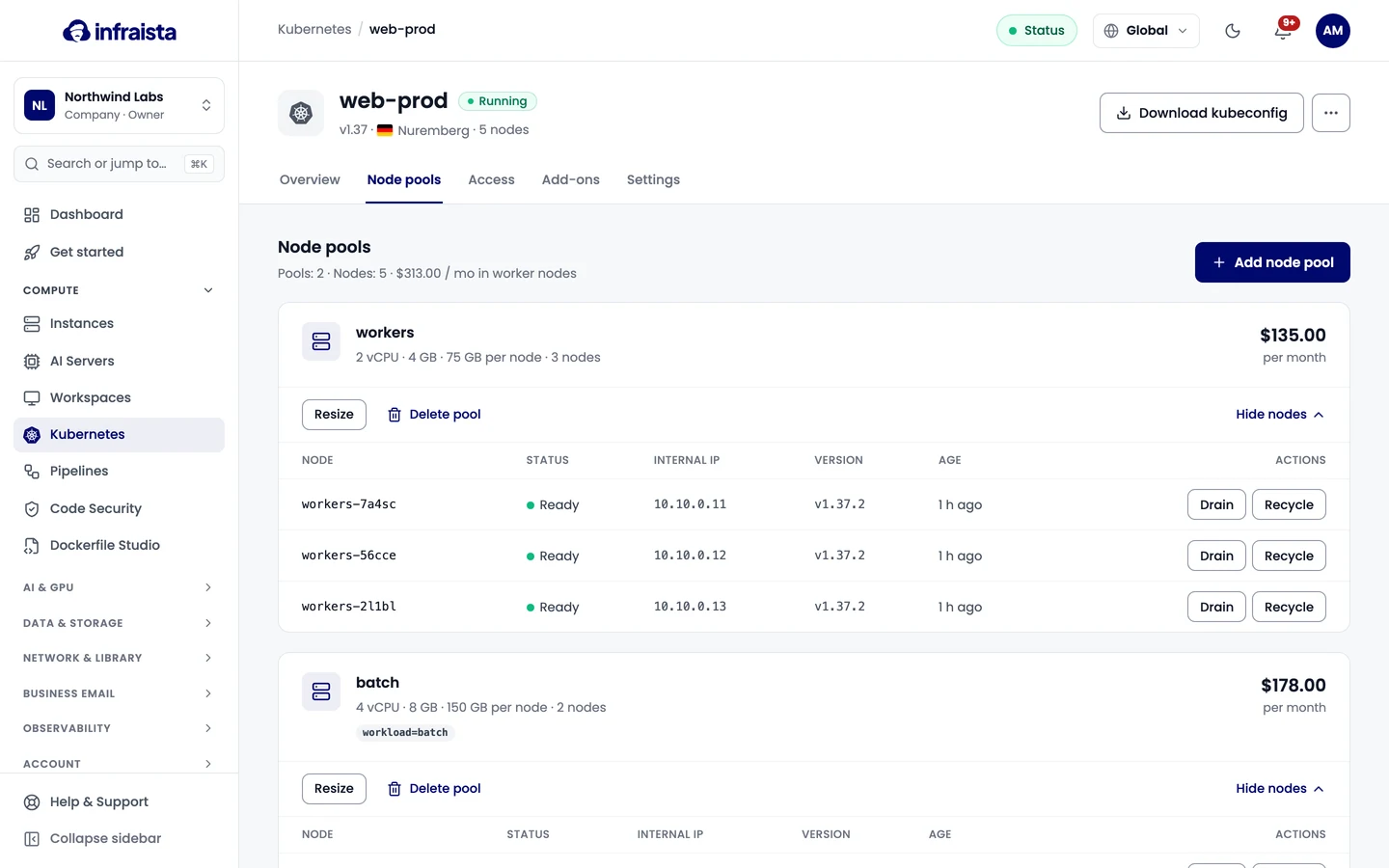
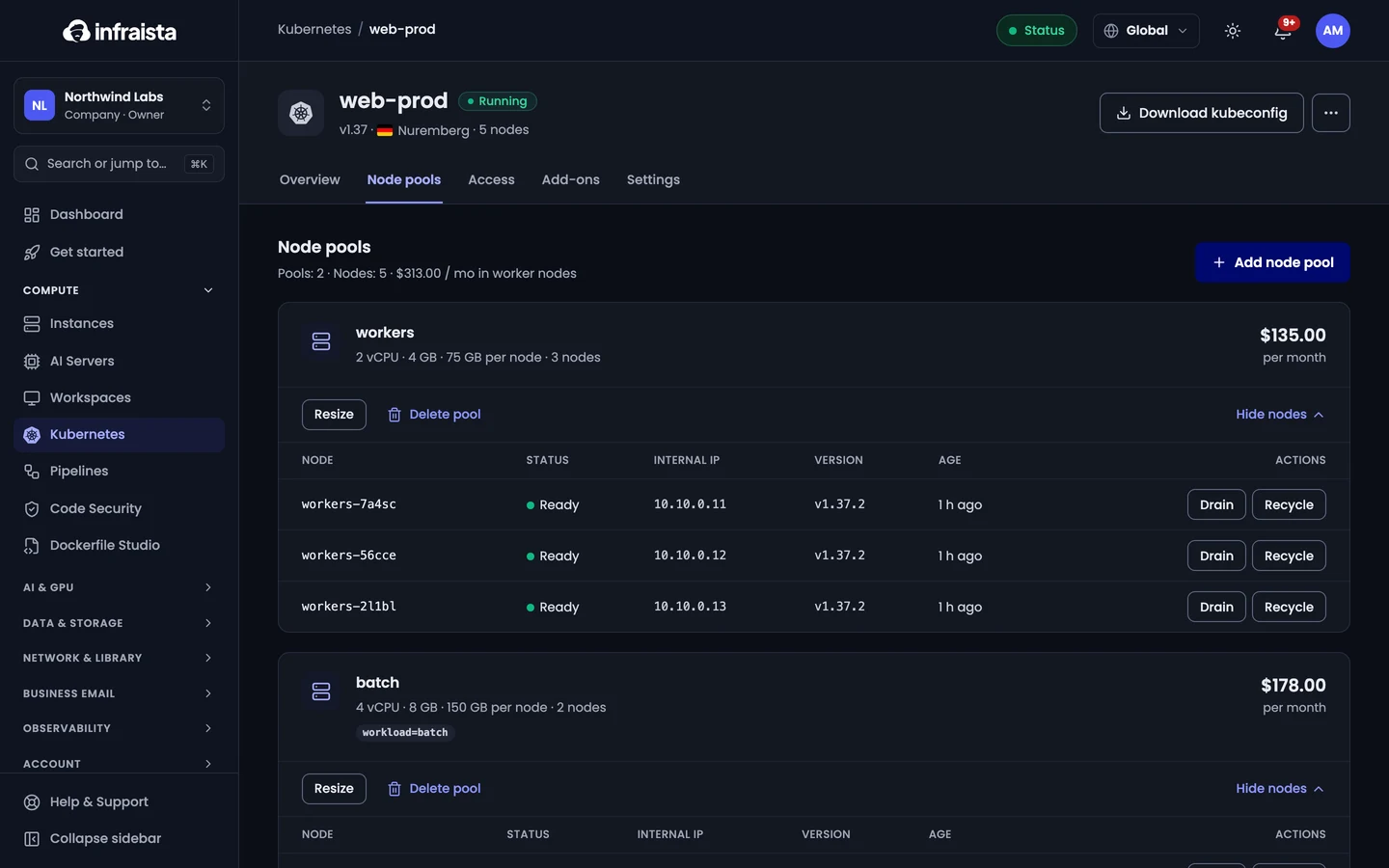
The summary at the top shows the number of pools and nodes, and what the worker nodes cost per month.
Add a node pool
- Select Add node pool.
- Enter a Pool name: lowercase letters, numbers and dashes, up to 32.
- Optionally add Labels as comma-separated
key=valuepairs, for exampleworkload=render, to steer pods to these nodes. - Pick the Node plan and the number of Nodes. The form shows the pool's monthly cost.
- Select Add pool.
A cluster can have up to 10 pools, up to 20 nodes per pool and up to 100 nodes in all.
Change the number of nodes
Select Resize on a pool, set the number of nodes and select Apply. The form shows the new cost. Removing nodes drains them first, so their pods move to other nodes.
You can scale once the cluster has finished its current change.
Work with a single node
Select Show nodes on a pool to list its nodes with their status, internal IP, version and age. For each node:
- Drain moves pods off the node and stops new ones from landing there.
- Uncordon lets pods land on a drained node again.
- Recycle drains the node, then replaces it with a fresh one.
Delete a node pool
Select Delete pool and confirm. Its nodes are drained and removed, and stop being billed. Pods move to the other pools if they fit.
Related
Connect with kubectl
Download your cluster's kubeconfig, point kubectl at it, rotate the admin credentials, and create scoped service account tokens for CI and scripts.
Manage a Kubernetes cluster
See a cluster's endpoint, capacity and cost, rename it, move it to a project, add tags, or delete the cluster and stop billing.