

Connect with kubectl
Download your cluster's kubeconfig, point kubectl at it, rotate the admin credentials, and create scoped service account tokens for CI and scripts.
Everything about reaching the cluster is on its Access tab (Compute › Kubernetes › the cluster › Access). Downloading the kubeconfig needs permission to manage Kubernetes.
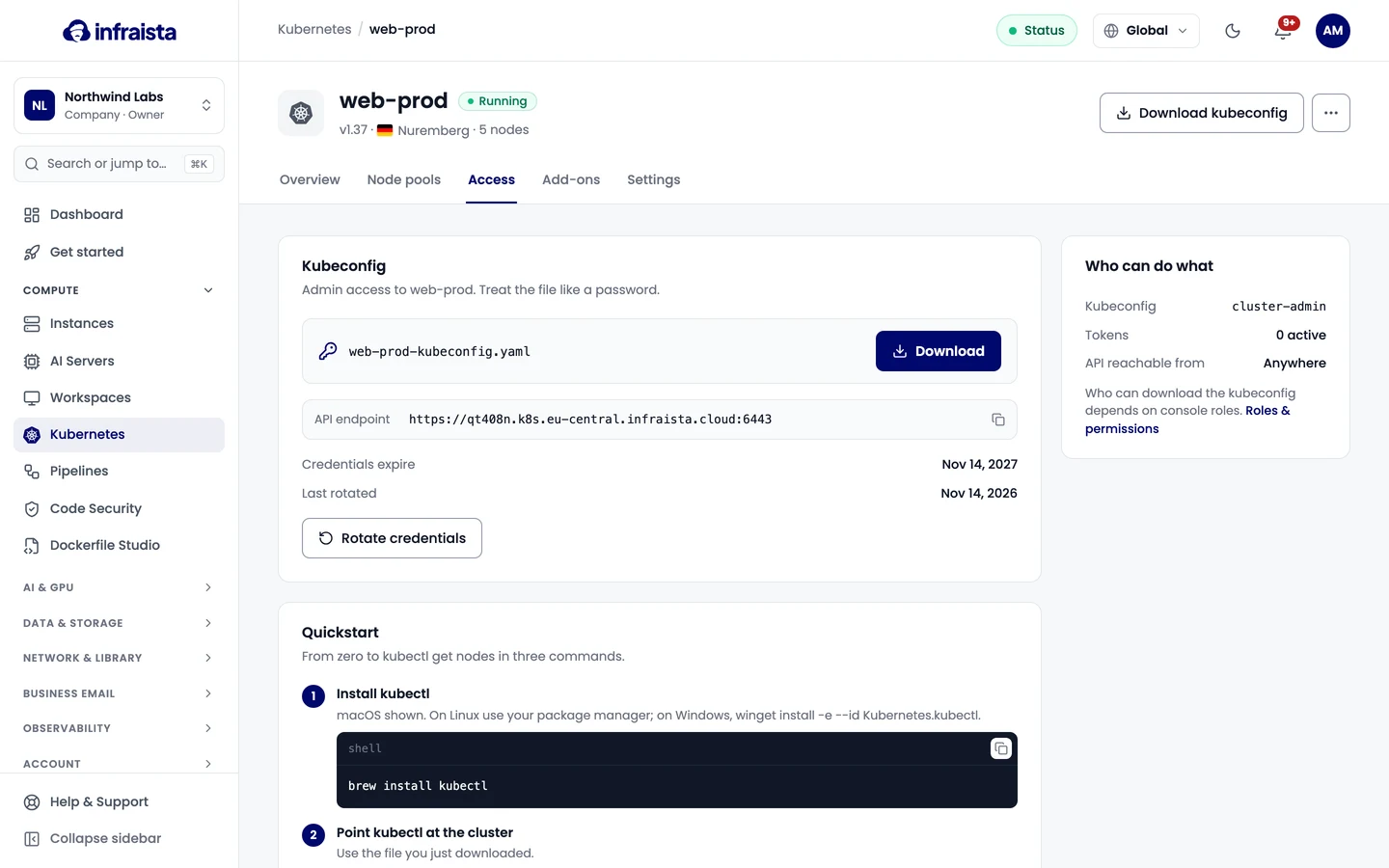
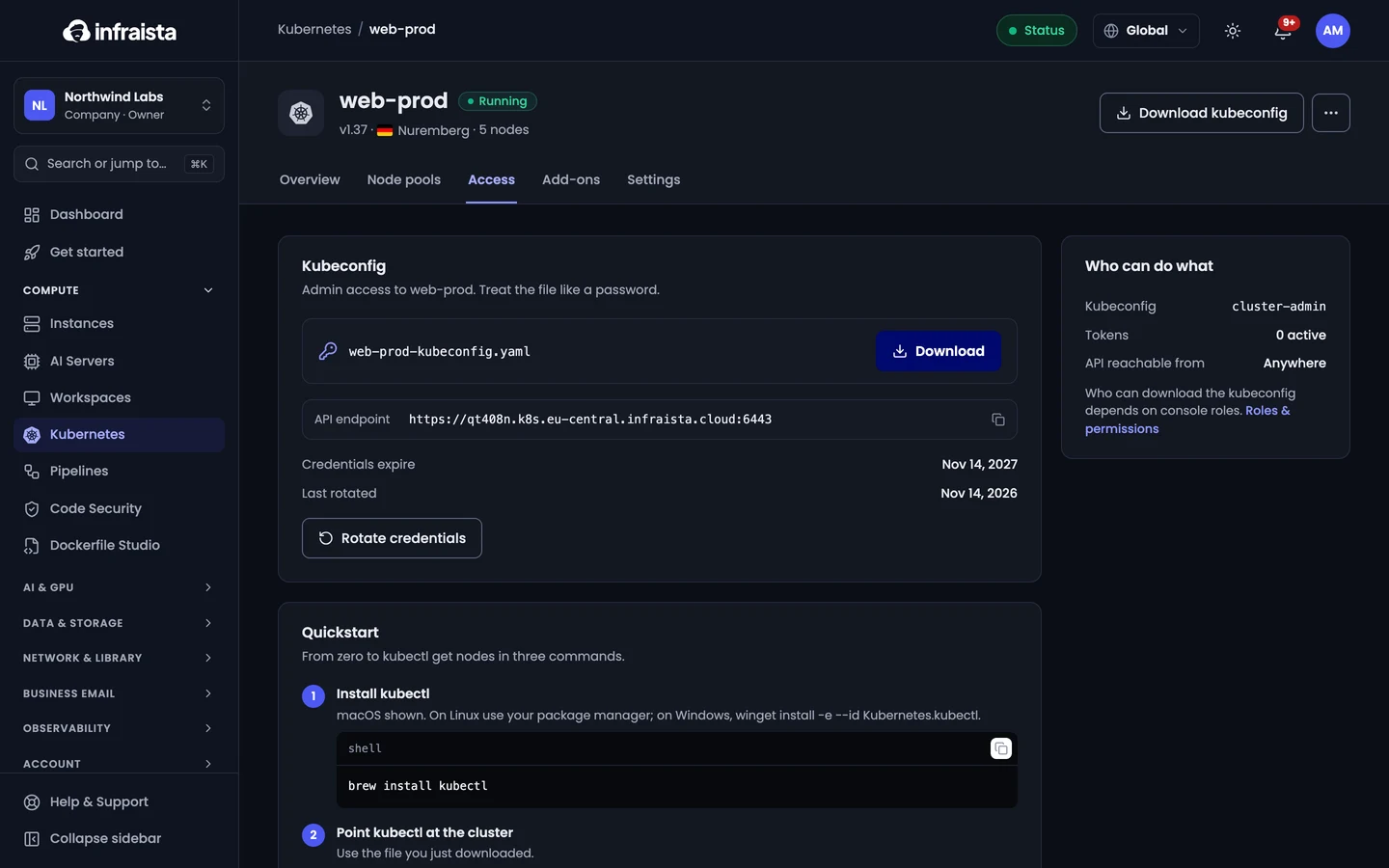
Download the kubeconfig
- Under Kubeconfig, select Download. The file gives admin access to the cluster: treat it like a password.
- Follow the Quickstart:
# 1. Install kubectl (macOS shown; on Windows: winget install -e --id Kubernetes.kubectl)
brew install kubectl

# 2. Point kubectl at the cluster, using the file you downloaded
#    (the Quickstart shows your file's exact name)
export KUBECONFIG=~/Downloads/<your-cluster-kubeconfig-file>

# 3. Check the nodes: all of them should be Ready
kubectl get nodes
The card also shows the API endpoint and when the credentials expire.
Rotate the admin credentials
If a kubeconfig may have leaked, select Rotate credentials and confirm. Every kubeconfig downloaded so far stops working. Download the new file and share it with anyone who needs it.
Service account tokens
Tokens give CI, dashboards and scripts access to one namespace, with a role you pick:
| Role | Can |
|---|---|
| view | Read-only |
| edit | Deploy and change workloads |
| admin | Full control of the namespace |
- Under Service account tokens, select Create token.
- Enter a name, the namespace (
defaultunless you change it), the role and when it expires (or never). - Copy the token now: it won't be shown again.
Revoke a token to cut its access straight away.
Related
Create a Kubernetes cluster
Create a managed Kubernetes cluster in three steps. Pick a region and version, choose the worker node plan and count, and review the monthly cost.
Node pools
Add node pools to a Kubernetes cluster, change how many worker nodes they run, drain, uncordon or recycle a node, and delete a pool.