

Manage a Kubernetes cluster
See a cluster's endpoint, capacity and cost, rename it, move it to a project, add tags, or delete the cluster and stop billing.
The Overview tab
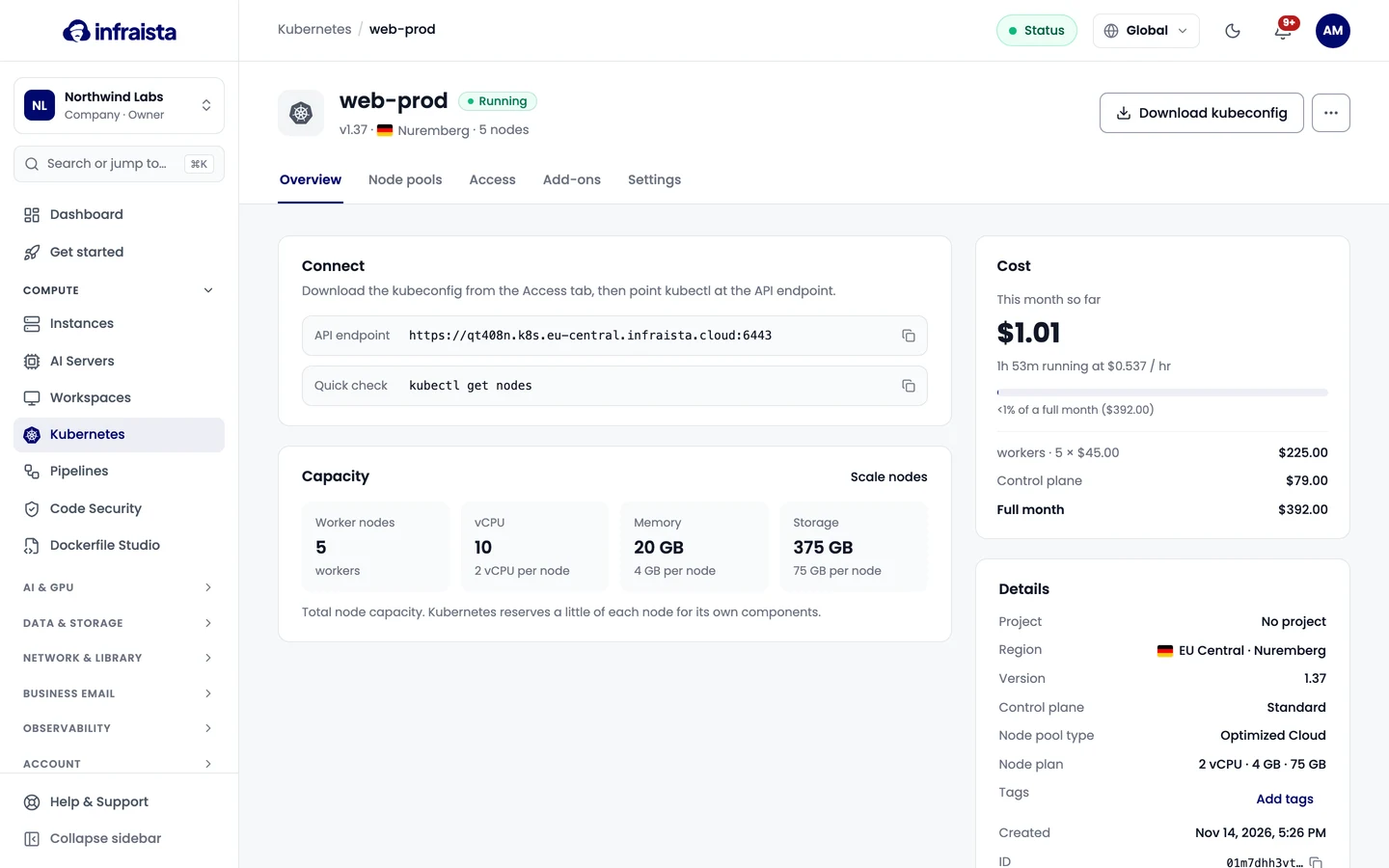
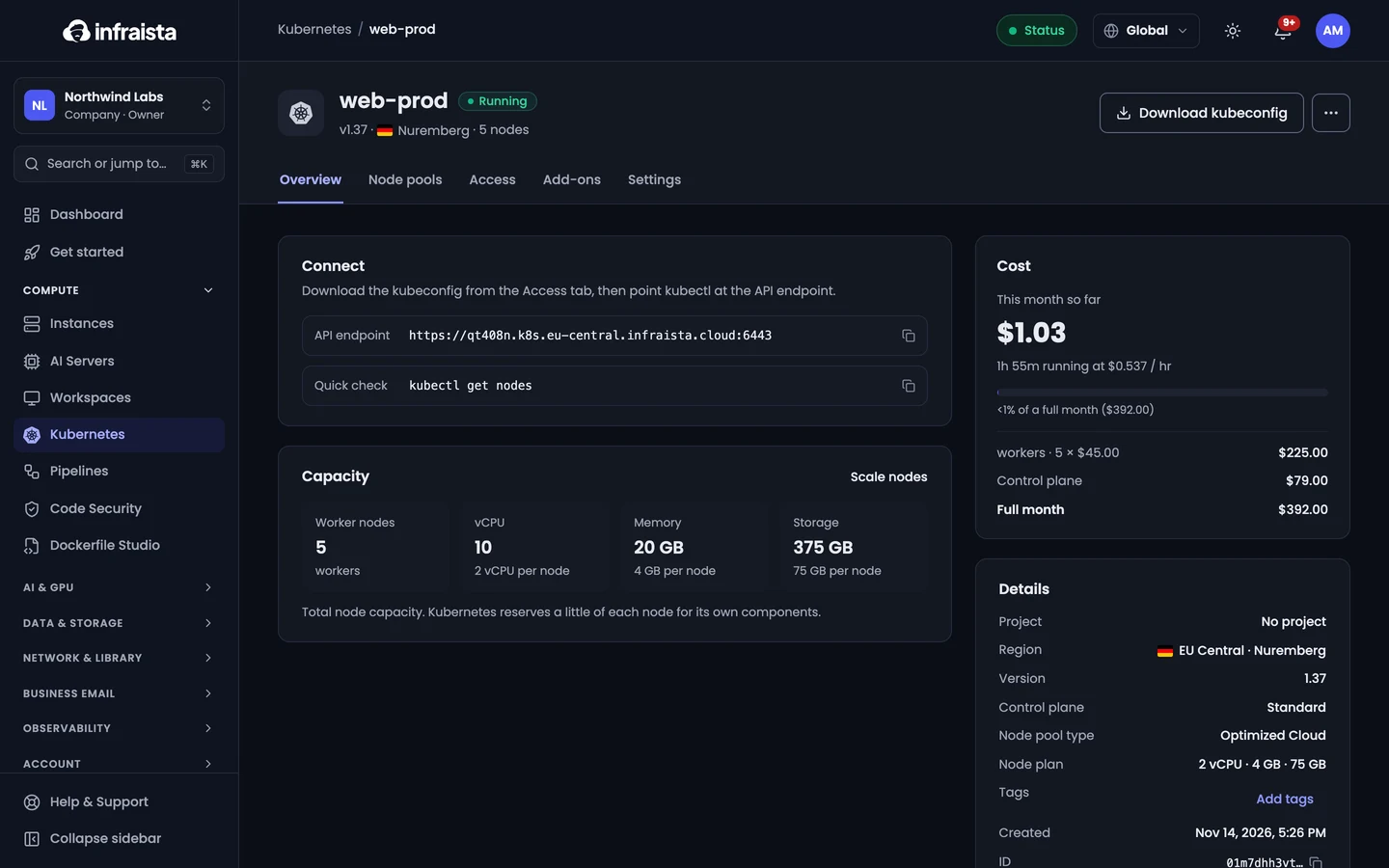
Open the cluster from Compute › Kubernetes. Its Overview shows:
- Connect: the API endpoint and a quick check command;
- Capacity: worker nodes and the total vCPU, memory and storage (Kubernetes reserves a little of each node for its own components). Scale nodes opens Node pools;
- Cost: this month so far and the full-month price. Only Owners and Admins see costs;
- Details: project, region, version, control plane (Standard or Highly available), node plan and tags.
Rename it, move it or tag it
On the Settings tab, change the Cluster name, Project or Tags and select Save changes. The name shows in the console and on invoices; the project groups the cluster's cost on invoices and the Projects page.
Delete a cluster
On the Settings tab, under Delete cluster, type the cluster's name and select Delete cluster.
Related
Node pools
Add node pools to a Kubernetes cluster, change how many worker nodes they run, drain, uncordon or recycle a node, and delete a pool.
Developer tools
Build, test and deploy from your repositories, scan code for vulnerabilities and secrets, store container images and generate Dockerfiles with AI.