

Create a Kubernetes cluster
Create a managed Kubernetes cluster in three steps. Pick a region and version, choose the worker node plan and count, and review the monthly cost.
Before you start: your account setup must be complete, including a payment method.
Go to Compute › Kubernetes and select Create cluster. The form has three steps.
1. Basics
- Cluster name: lowercase letters, numbers and dashes work best, for example
render-prod. - Project (optional): groups costs on invoices.
- Region: where the cluster runs. Same price everywhere.
- Kubernetes version: Latest is picked by default. We apply patch releases for you; minor upgrades are your call.
- Highly available control plane: runs the control plane in several replicas so the API stays up during failures and upgrades. Recommended for production; it adds a monthly price, shown on the option.
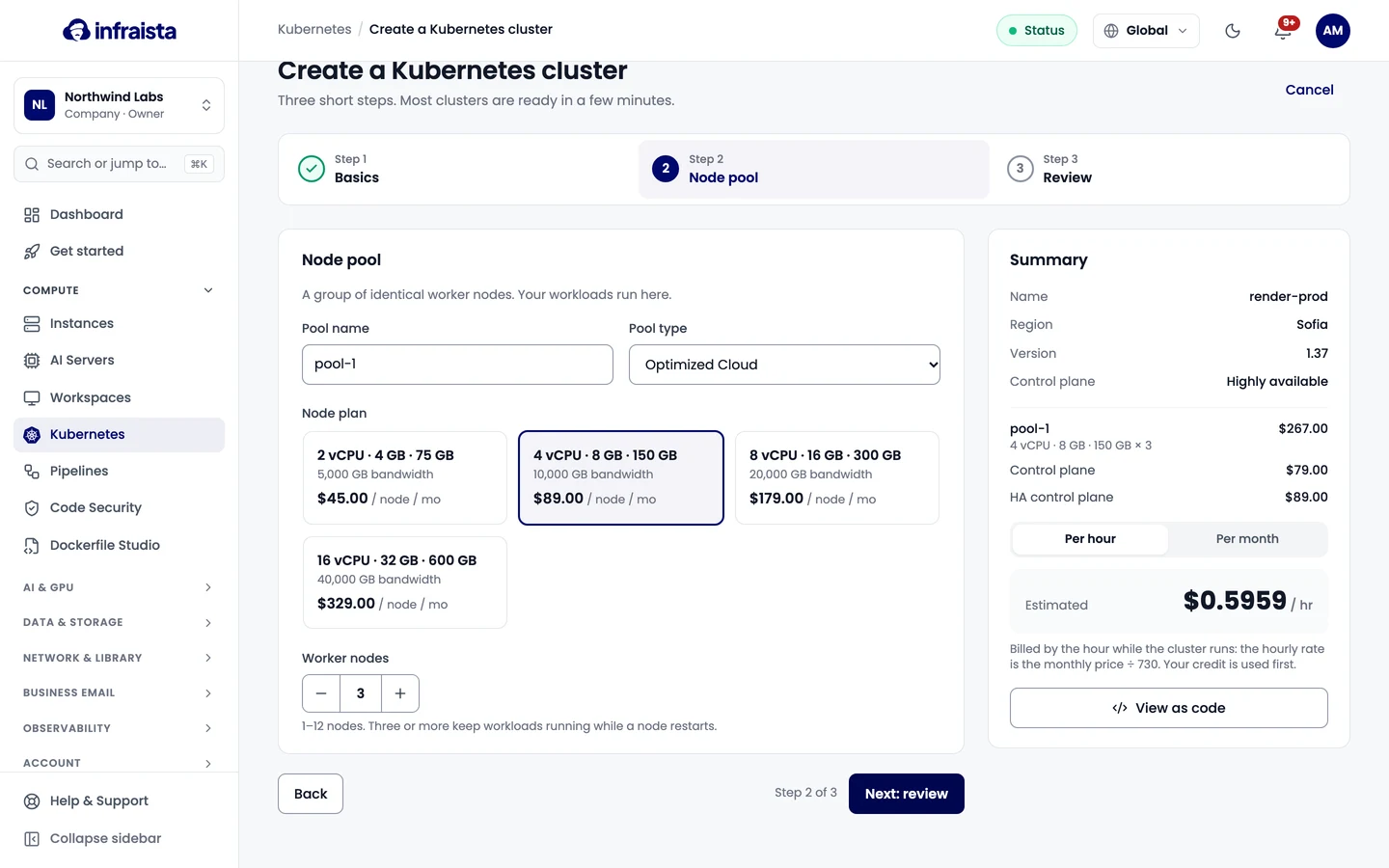
2. Node pool
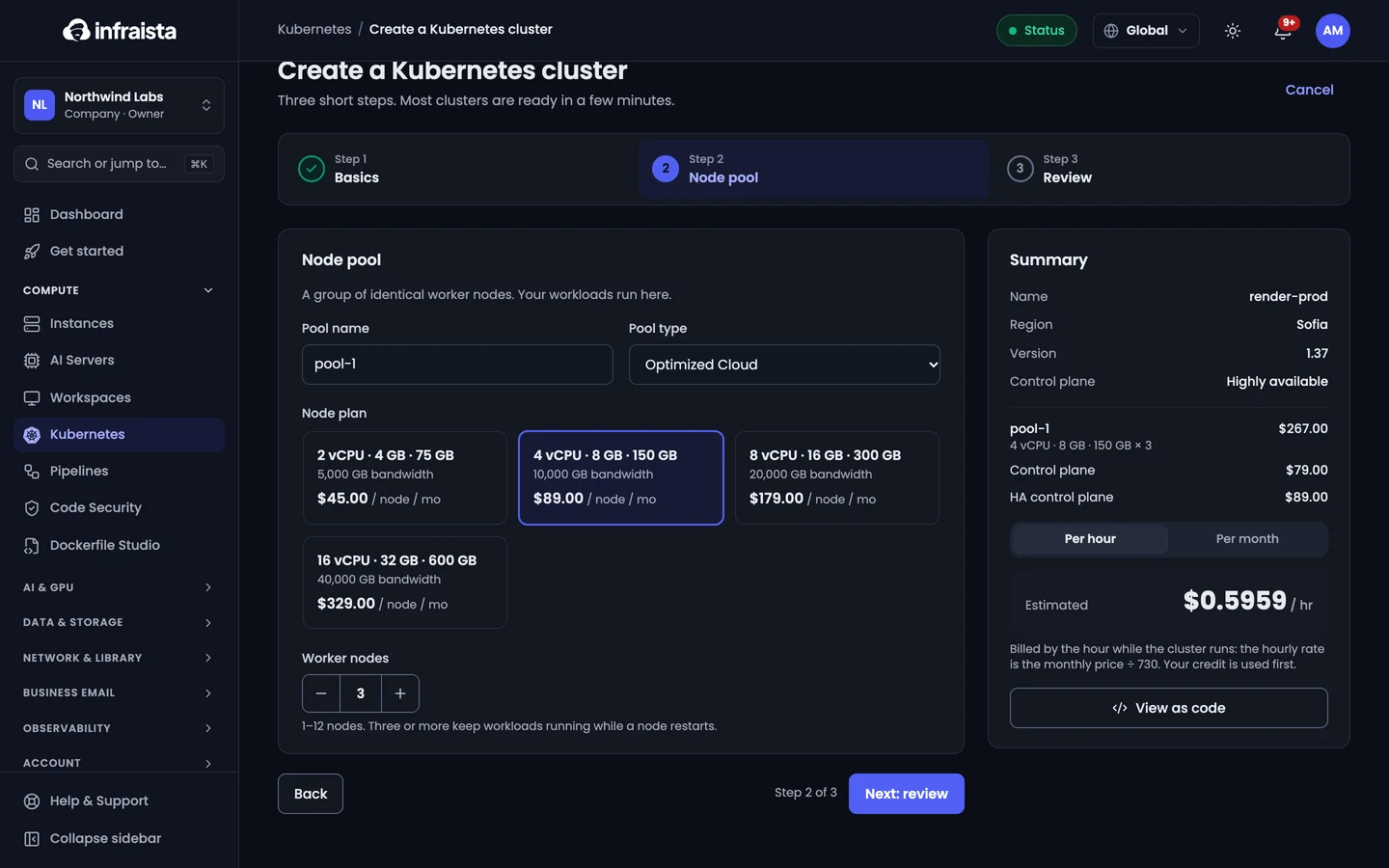
A node pool is a group of identical worker nodes. Your workloads run here.
- Pool name, for example
workers. - Node plan: vCPU, memory, disk and bandwidth per node, priced per node per month.
- Worker nodes: 1 to 12. Three or more keep workloads running while a node restarts.
3. Review
Check the cluster basics and node pool, and the Cost breakdown: control plane, nodes and the
Estimated total per month. Load balancers, volumes and floating IPs your workloads create are billed
separately, as used. Optionally add Tags such as env:prod.
Select Create cluster. View as code shows the same request as an API call.
The cluster shows Provisioning and its page updates on its own; most clusters are ready in a few minutes. Then connect with kubectl.
How clusters are billed
By the hour while the cluster runs: the hourly rate is the monthly price divided by 730. Your credit is used first.
Related
Kubernetes
Managed Kubernetes clusters where we run the control plane and you pick the worker nodes. Create a cluster, connect with kubectl and scale node pools.
Connect with kubectl
Download your cluster's kubeconfig, point kubectl at it, rotate the admin credentials, and create scoped service account tokens for CI and scripts.