

Generate a Dockerfile
Pick a repository and branch, check what Dockerfile Studio detects about how your app builds and runs, choose a base image and options, and generate.
Before you start: connect GitHub, GitLab or Bitbucket. Git connections are shared by Containers, Pipelines, Code Security and Dockerfile Studio (see Create a pipeline).
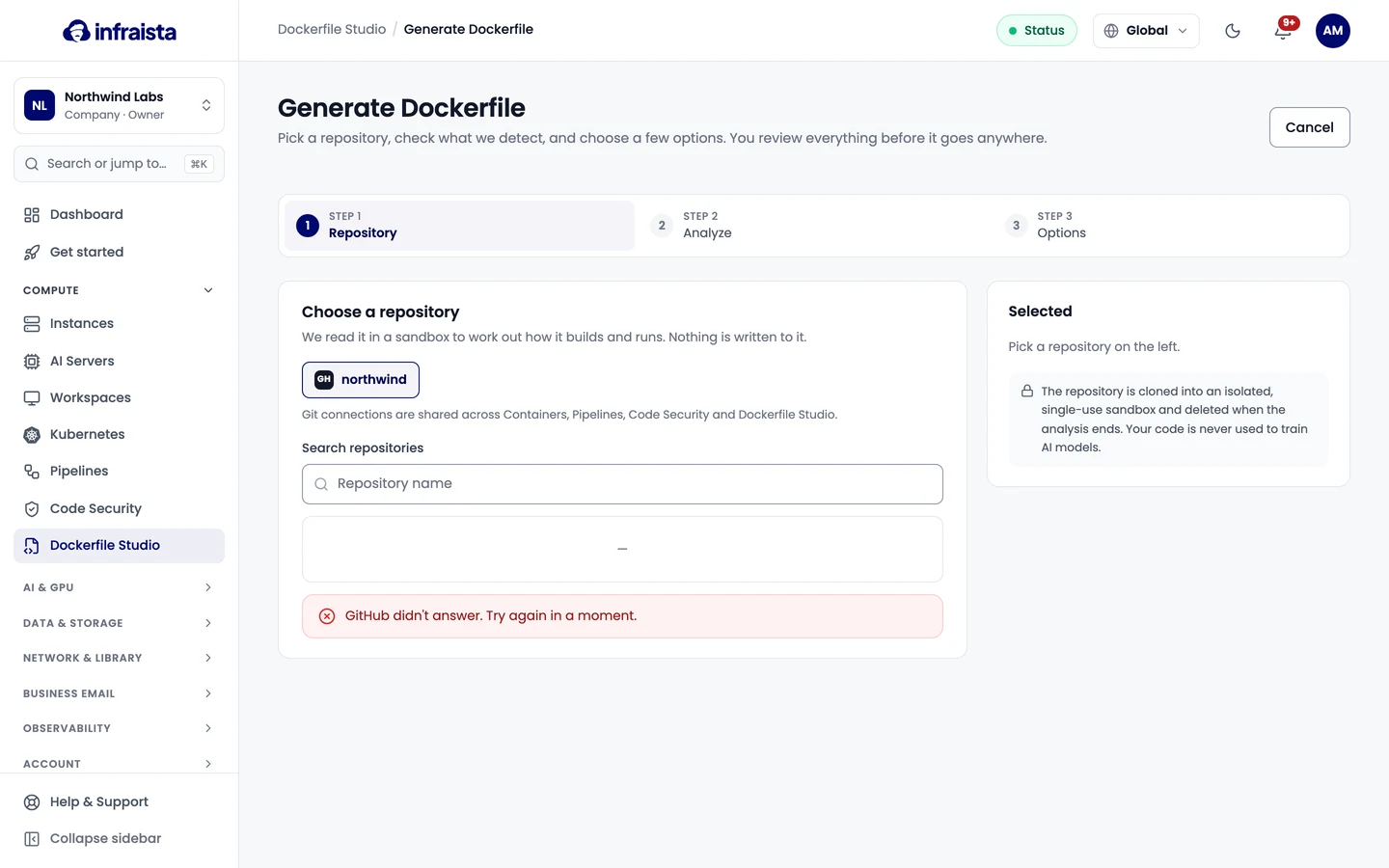
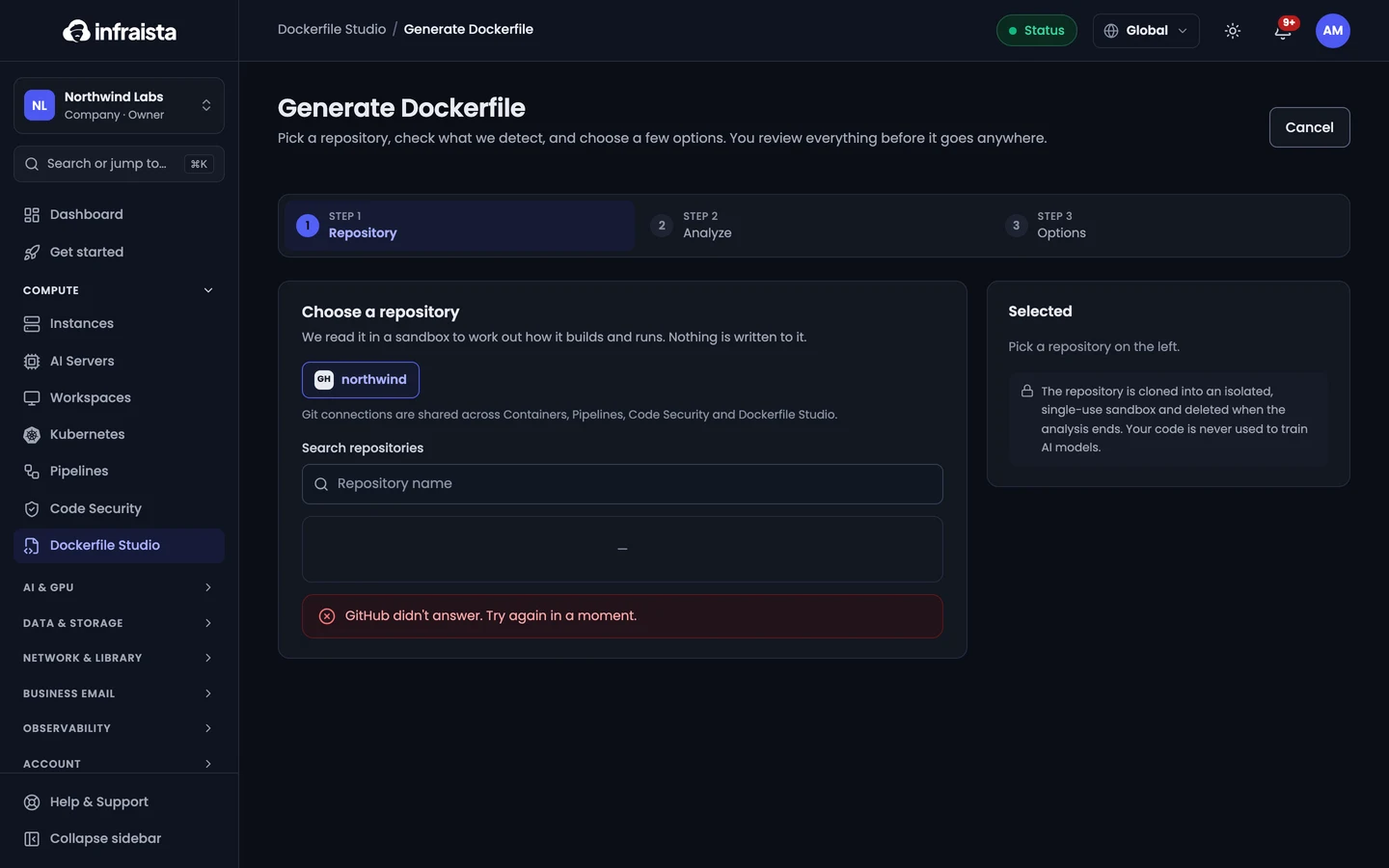
1. Choose a repository
- Open Dockerfile Studio and select Generate Dockerfile.
- Pick the Git connection and the repository.
- Choose the Branch, and the Folder of the app in a monorepo (leave
.for the whole repository). - Select Analyze repository.
The repository is cloned into an isolated, single-use sandbox and read there. This usually takes a few seconds.
2. Check what was detected
What we detected lists the language, framework, package manager, start command, worker command, port, test command, health check path and the services the app uses. Values marked High come straight from a manifest or lockfile; Medium ones were inferred and are worth a look. Correct anything that's off: the Dockerfile is written from these values.
If the repository already has a Dockerfile, Dockerfile Studio writes an improved one.
3. Choose options
| Option | Choices |
|---|---|
| Files to generate | Dockerfile and .dockerignore always; docker-compose.yml for local development (the app, its worker and the services it uses) |
| Target | Production (small runtime image, production dependencies only) or Development (a dev stage with dev dependencies and reload) |
| Base image | Slim (Debian slim, compatible with prebuilt packages), Alpine (smallest, uses musl), or Distroless (no shell or package manager in the final image) |
| Architecture | amd64, arm64 or both |
| Add HEALTHCHECK | With the path found in your code, or a default you should check |
| Pin base image by digest | Adds @sha256:… for reproducible builds; someone has to bump it to get security patches |
| Run tests during the build | A failing test stops the image from being built |
| Extra instructions | Anything else, in plain language |
Every generated Dockerfile runs the app as a non-root user (app, uid 10001).
The summary shows whether this generation uses one of your included generations or is billed.
4. Generate
Select Generate. Writing the files usually takes 10–40 seconds, and you can leave the page; you get a notification when it's ready.
Read the result
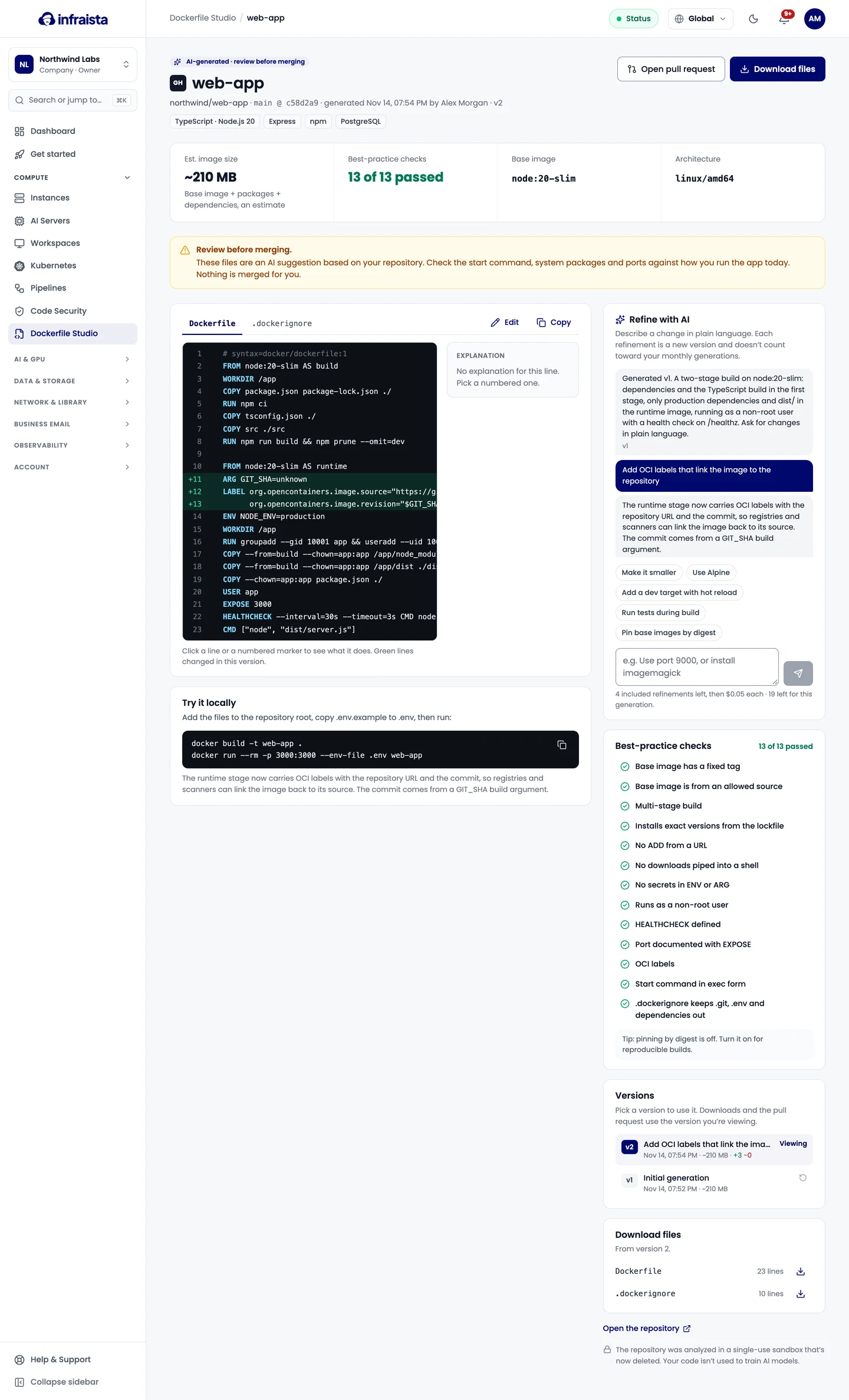
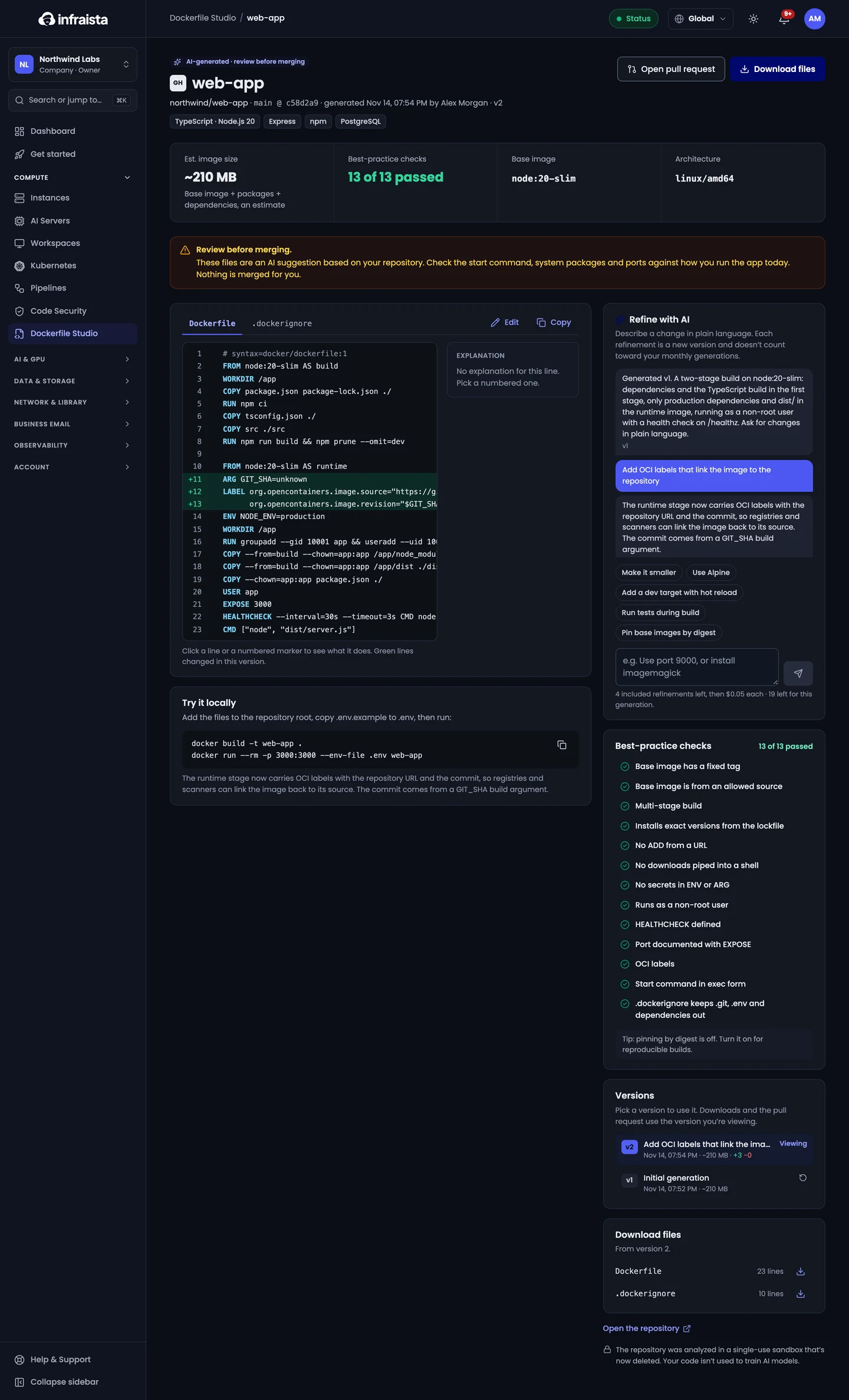
- Files: click a line or a numbered marker to see what it does.
- About this image: the estimated image size, base image and architecture.
- Best-practice checks: real checks of the files, such as a non-root user, pinned base image
versions, no secrets in
ENVorARG, and your organization's rules. - Try it locally: the commands to build and run it.
- Download files as they are in the version you're viewing.
If it failed
Open the generation to see why it didn't finish, then select Try again.
Related
Dockerfile Studio
Point Dockerfile Studio at a repository and AI writes a production-ready Dockerfile and .dockerignore, explains every line, checks it, and opens a pull request.
Refine and open a pull request
Ask Dockerfile Studio for changes in plain language or with quick actions, edit files yourself, compare versions, and open the result as a pull request.