

Push and pull images
Create a repository in the Infraista Container Registry, make a robot token, sign in with docker login, and push, pull or pin images by digest.
Create a repository
- Open Container Registry and select Create repository.
- Enter a Name: lowercase letters and numbers, with dots, dashes or underscores between them. Repositories can't be renamed later, because clusters and jobs pull by path.
- Optionally add a Description, and choose Visibility, Immutable tags, Scan on push and Retention (see Repository settings).
- Select Create repository.
Pushing to a repository name that doesn't exist yet also creates it.
Make a robot token
Robot tokens are logins for CI and scripts. They reach every repository in your namespace.
- On the Container Registry page, under Robot tokens, select Create token.
- Enter a Token name and choose the Access: Pull only, or Pull and push.
- Copy the token now: it's shown only once.
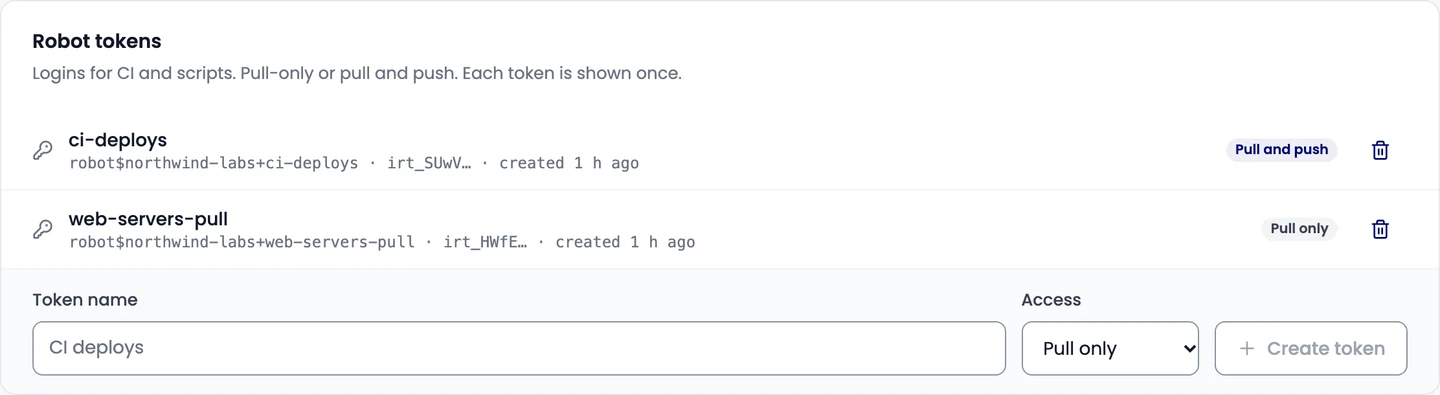
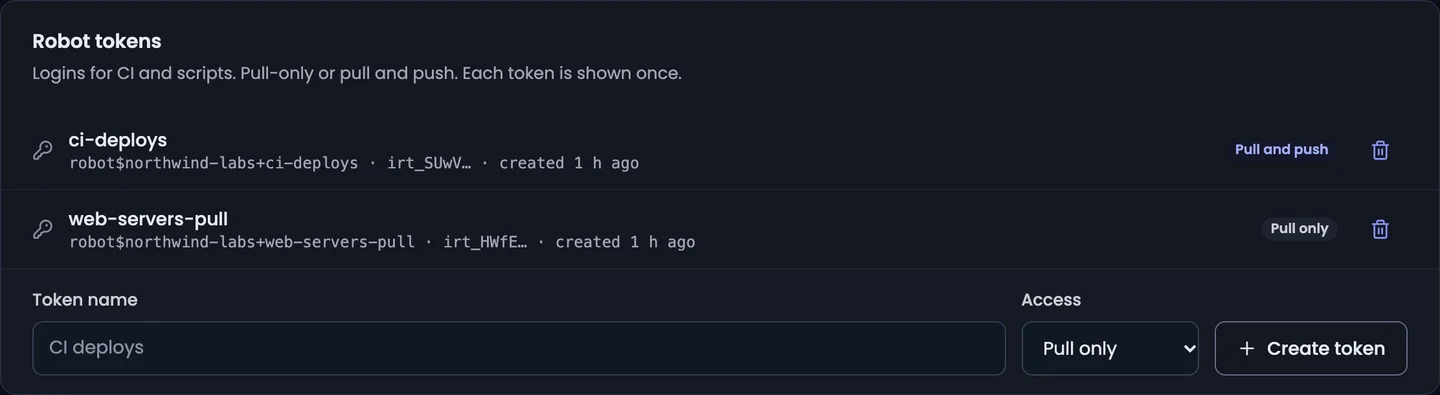
You can have up to 20 robot tokens. If a token leaks, revoke it and make a new one.
Sign in and push
The username is shown with the token. It contains a $, so keep it in single quotes:
# Sign in; paste the token when asked
docker login registry.infraista.cloud -u 'robot$northwind-labs+ci-deploys'

# Tag and push
docker tag my-image:latest registry.infraista.cloud/northwind-labs/web-app:2.4.0
docker push registry.infraista.cloud/northwind-labs/web-app:2.4.0
In scripts and CI, keep the token in a secret and pass it on standard input:
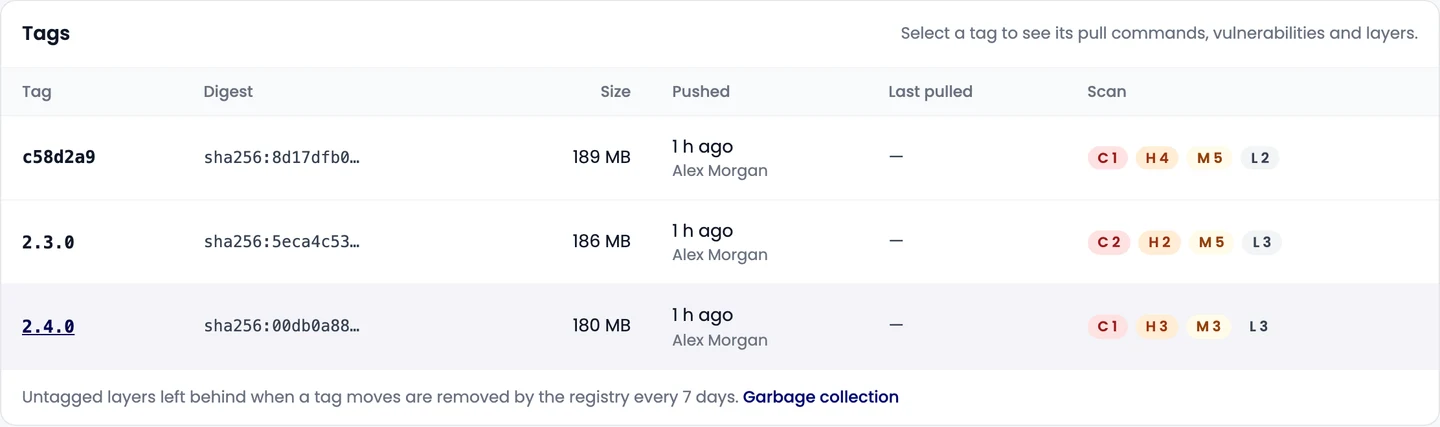
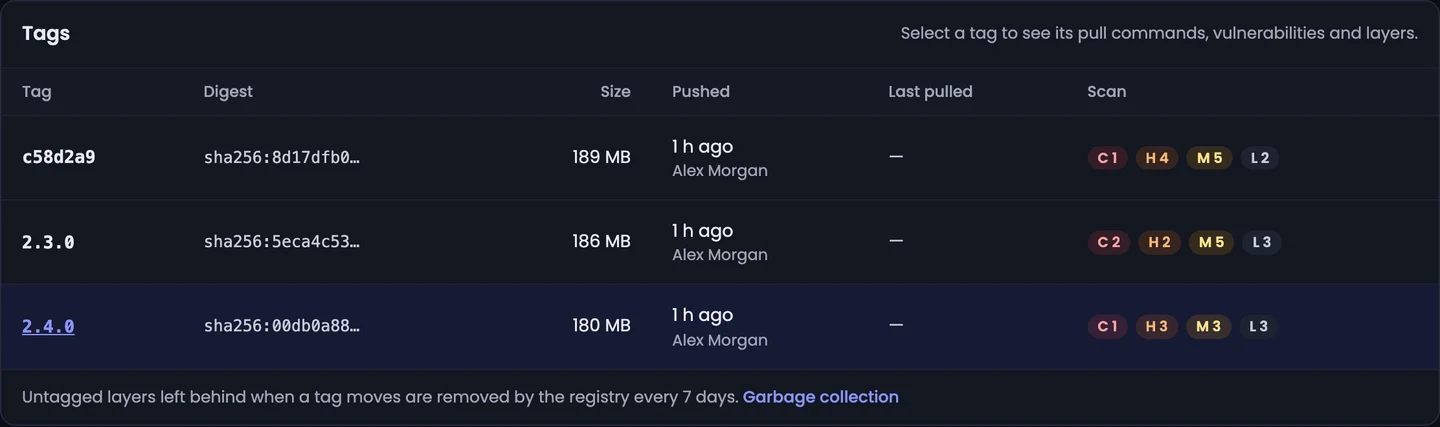
echo "$REGISTRY_TOKEN" | docker login registry.infraista.cloud -u 'robot$northwind-labs+ci-deploys' --password-stdinPushed images show in the console within seconds, with their digest, size and layers.
Pull an image
docker pull registry.infraista.cloud/northwind-labs/web-app:2.4.0Select a tag to see its pull commands. To pin an exact image in production, pull by digest:
docker pull registry.infraista.cloud/northwind-labs/web-app@sha256:…Private repositories can be pulled by your team, robot tokens and connected Kubernetes clusters. Public repositories can be pulled by anyone, without signing in.
Delete a tag
Select the tag and Delete tag. Pulls of that tag fail afterwards; other tags of the same image keep working.
Related
Container Registry
Store private Docker images in Infraista, push and pull them with robot tokens, deploy them from Pipelines and Kubernetes, and scan them for vulnerabilities.
Use with Pipelines and Kubernetes
Build and push images from Pipelines with registry infraista and no secrets, sign servers in before a deploy, and let Kubernetes clusters pull private images.