

Developer toolsContainer Registry
Container Registry
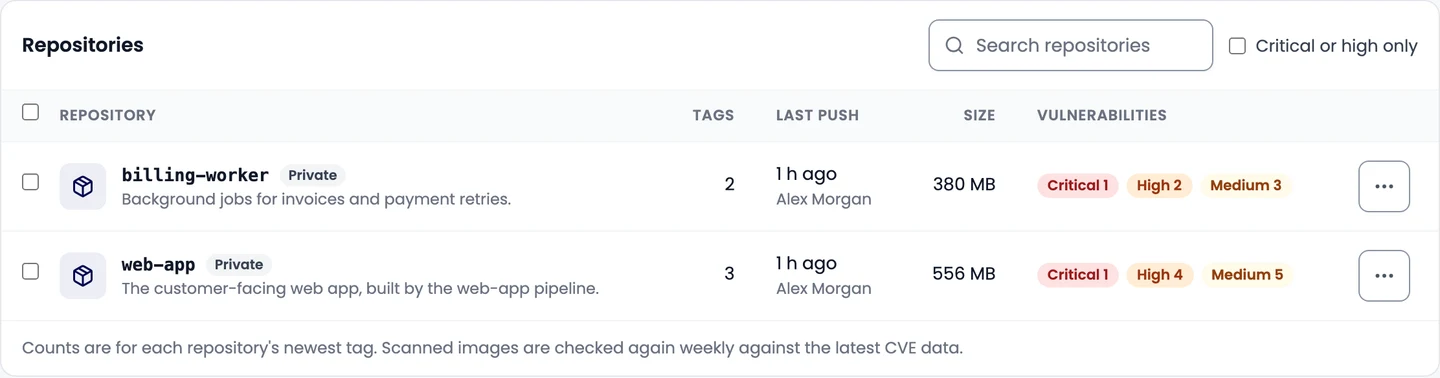
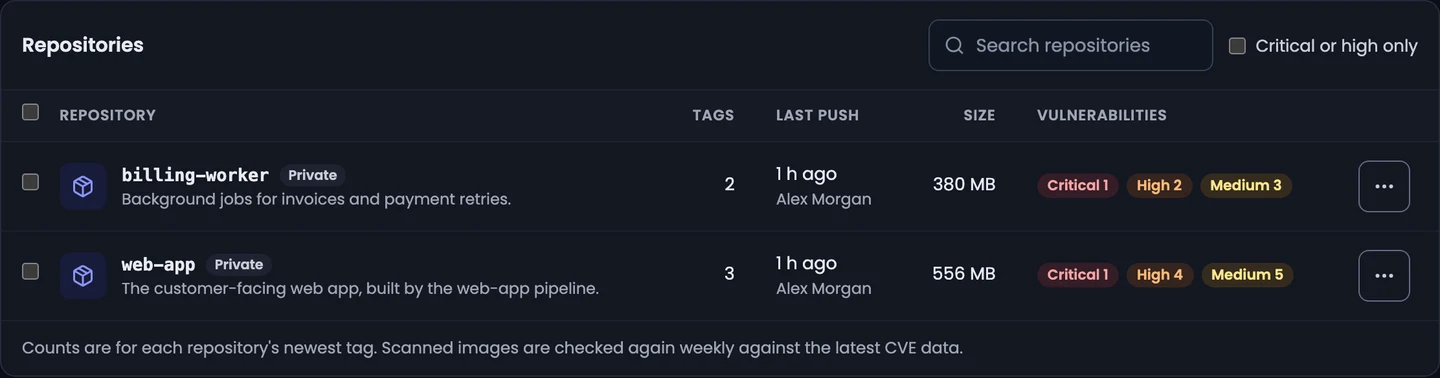
Store private Docker images in Infraista, push and pull them with robot tokens, deploy them from Pipelines and Kubernetes, and scan them for vulnerabilities.
The Container Registry keeps your Docker images close to the servers and clusters that run them. Images live at:
registry.infraista.cloud/<namespace>/<repository>:<tag>Your organization has one namespace, and each repository holds every tag of one image, for example
web-app:2.4.0.
What you can do
- Push and pull images with
docker, using robot tokens. - Build and deploy from Pipelines with no secrets to set up, and let Kubernetes clusters pull without image pull secrets of your own.
- Scan images for known vulnerabilities.
- Keep tags tidy with immutable tags and retention rules.
Where to go next
Push and pull images
Create a repository in the Infraista Container Registry, make a robot token, sign in with docker login, and push, pull or pin images by digest.
Use with Pipelines and Kubernetes
Build and push images from Pipelines with registry infraista and no secrets, sign servers in before a deploy, and let Kubernetes clusters pull private images.
Vulnerability scanning
Turn on vulnerability scanning for your Container Registry to check images for known issues in OS packages and libraries on push, on request and every week.
Repository settings
Set a repository's visibility, make tags immutable, add retention rules to delete old tags automatically, choose which clusters can pull, or delete it.
Storage and billing
How Container Registry storage is measured and billed per GB each month above the included amount, and how to keep your storage down with retention rules.
Billing and retention
How Code Security is billed per scan and for AI review tokens, where to see this month's usage, and how long scans, logs and findings are kept.
Push and pull images
Create a repository in the Infraista Container Registry, make a robot token, sign in with docker login, and push, pull or pin images by digest.