

Users and databases
Add database users with admin, read-write or read-only access, reset their passwords, and create more logical databases on the same managed database server.
Open the database and select Users & databases.
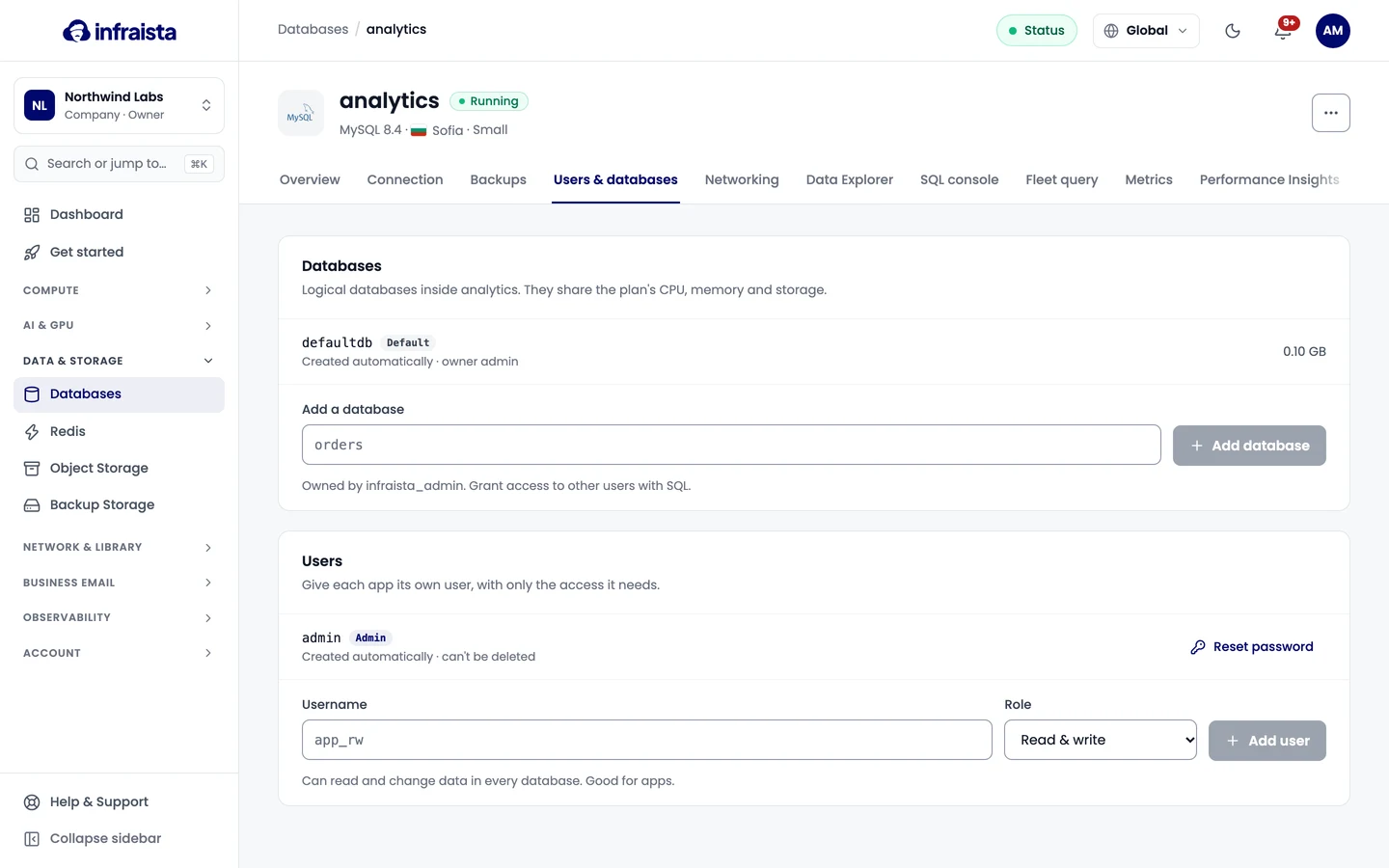
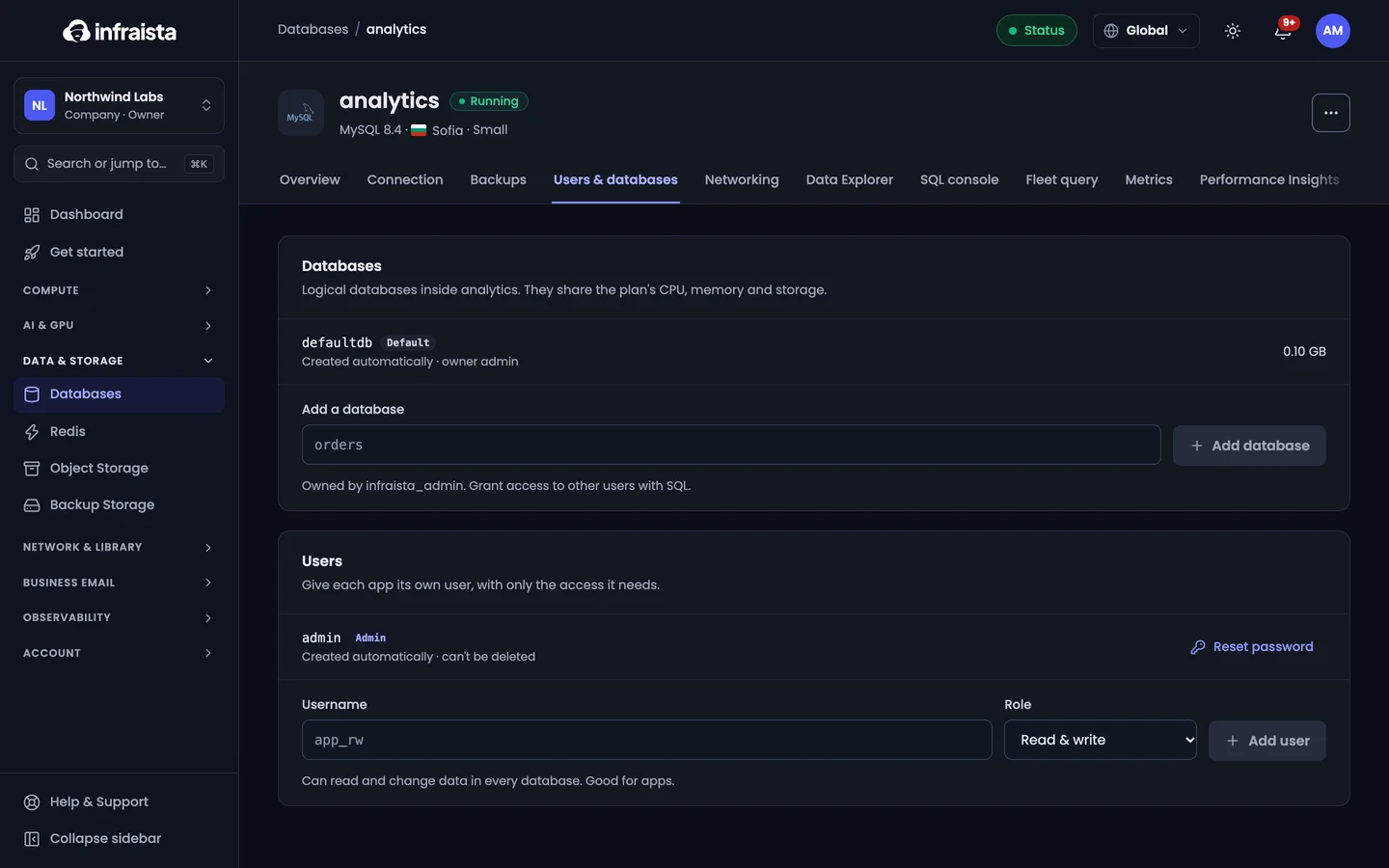
Users
Give each app its own user, with only the access it needs.
| Role | Can do |
|---|---|
| Admin | Full control, including creating users and databases with SQL. Created automatically; can't be deleted |
| Read & write | Read and change data in every database. Good for apps |
| Read-only | Only read data. Good for reports and dashboards |
Add a user:
- Enter a Username: 2 to 63 lowercase letters, numbers or underscores, starting with a letter.
- Pick a Role.
- Select Add user.
Copy the password now: it isn't shown again.
Reset password on a user's row makes a new one (also shown once). Delete removes the user, and apps using it are disconnected.
Users and databases can be changed once the database is running.
Databases
A database server can hold several logical databases. They share the plan's CPU, memory and storage. The first one is created automatically and marked Default.
To add one, enter its name under Add a database and select Add database. Users get their usual access to it. You can also create a database from the Data Explorer (New database).
Delete database on a row deletes that database and all its tables. This can't be undone.
Related
Connect to a database
Get a managed database's host, port, user and password, turn on public access through our gateway, allow trusted sources, and copy a ready-made connection string.
Backups and restore
Managed databases are backed up automatically. Set the schedule and retention, back up on demand, verify or download a backup, and restore it into a new or the same database.