

Create a database
Create a managed PostgreSQL, MySQL or MariaDB database in three steps. Pick the engine and version, a plan, the region and a name, and connect in minutes.
Before you start: you need permission to create databases (Owners, Admins and Developers by default).
Go to Data & Storage › Databases and select Create database. The page has three steps, with a live summary and price on the right.
1. Engine and plan
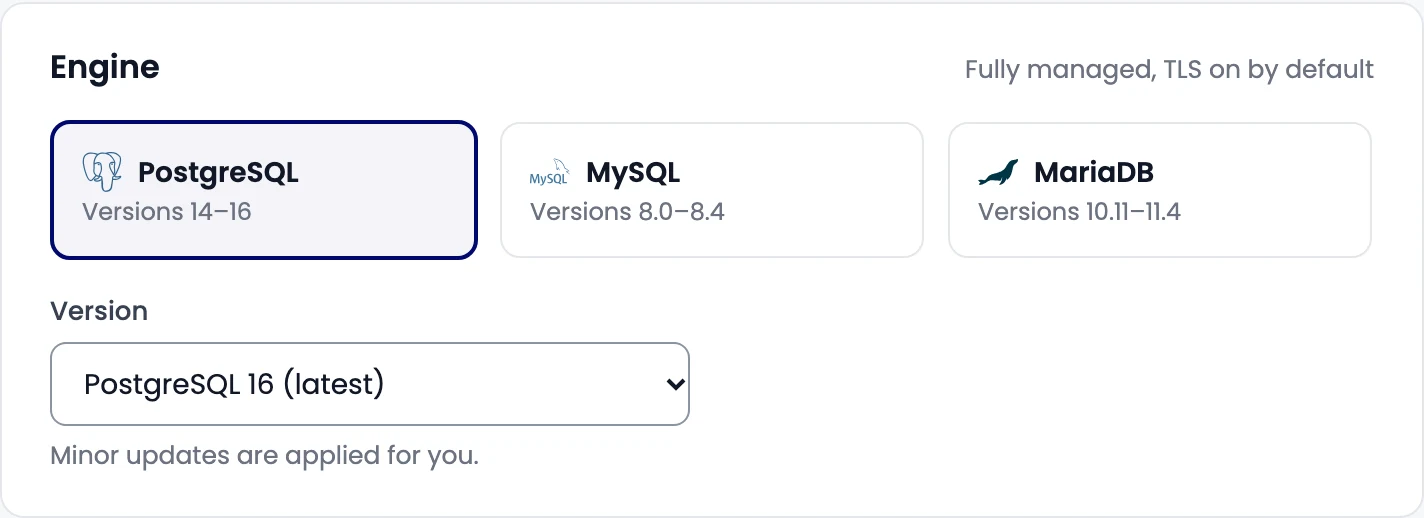
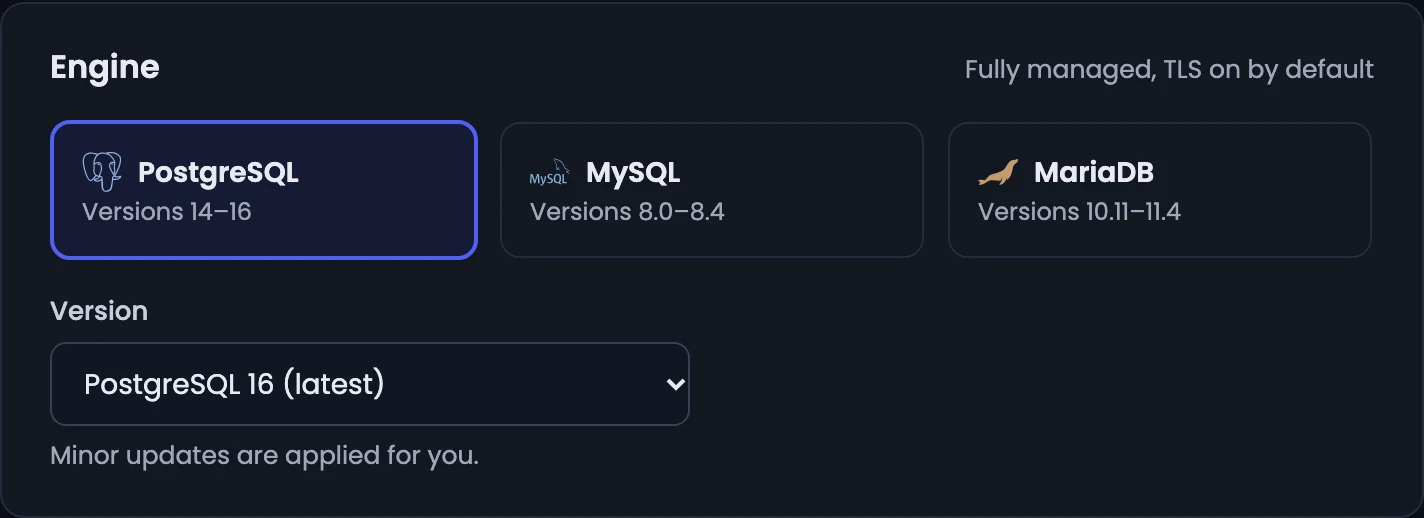
Pick the Engine: PostgreSQL, MySQL or MariaDB, and its Version. Minor updates are applied for you.
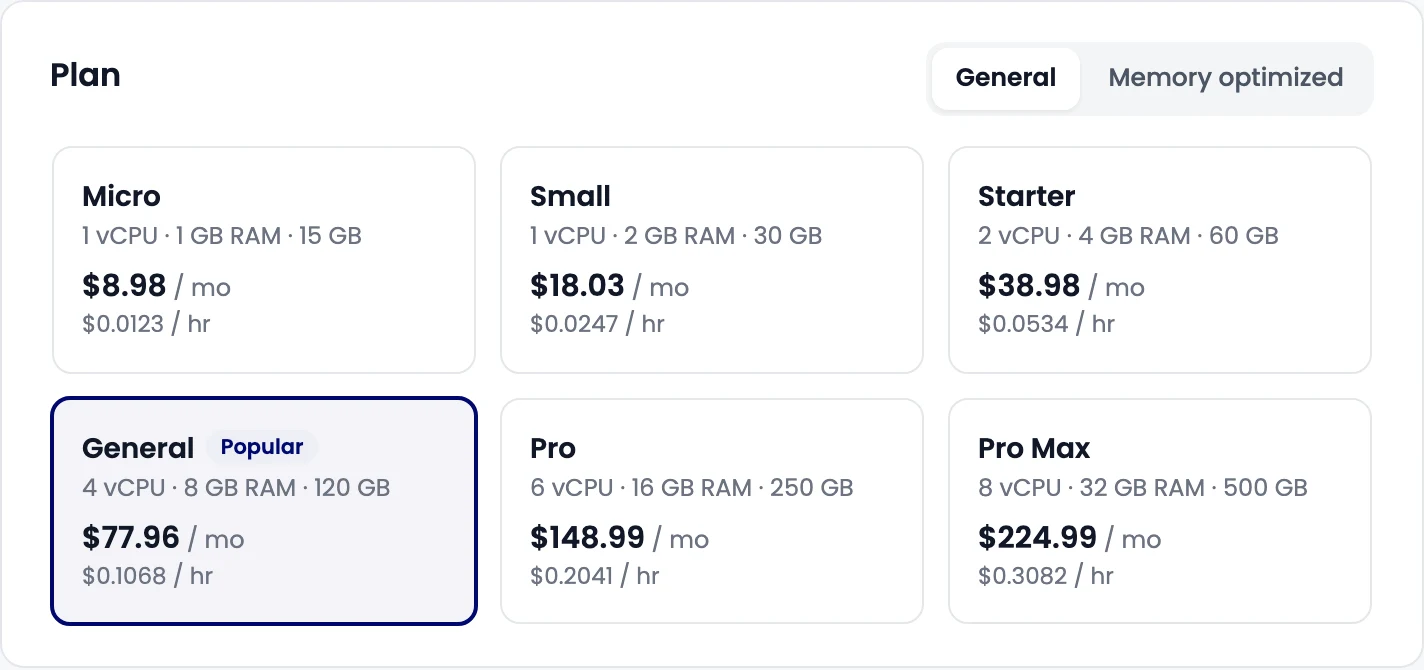
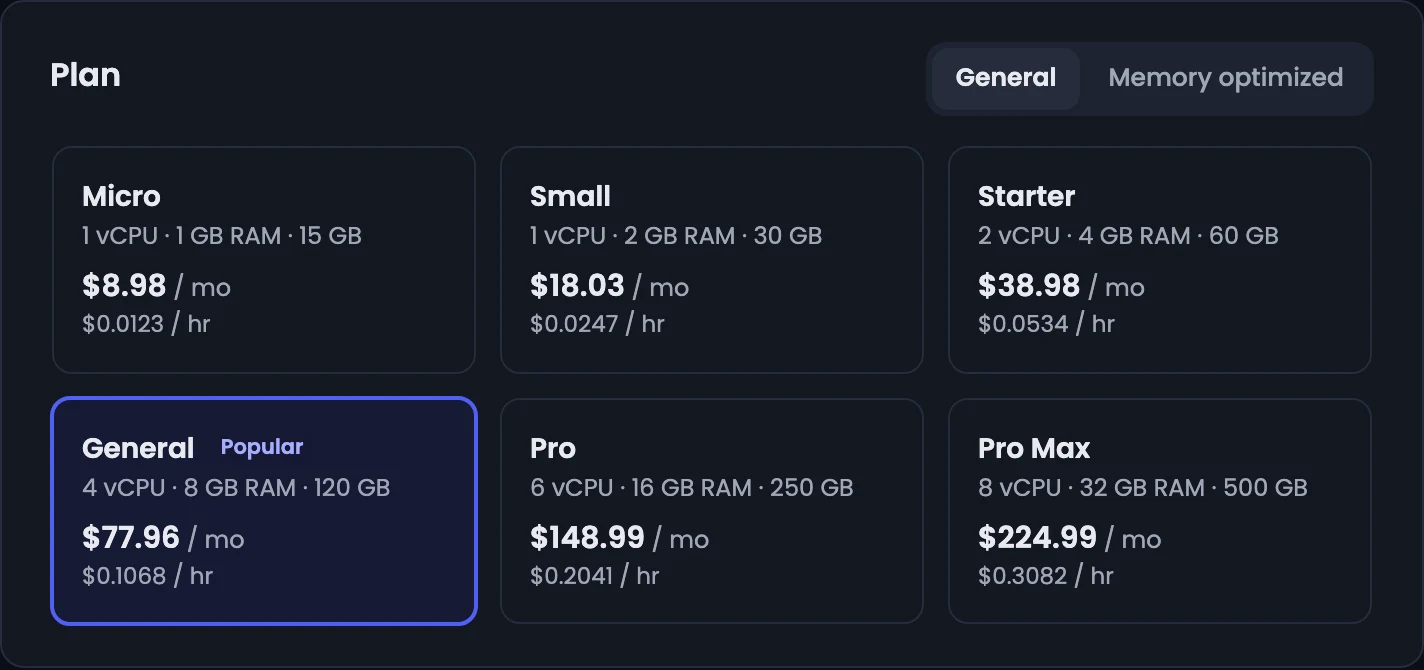
Then pick a Plan: its vCPU, memory and storage, with the monthly and hourly price. General plans suit most apps; Memory optimized plans give more memory per vCPU.
Select Next: region.
2. Region
Pick the region closest to your app servers. The price is the same everywhere. Select Next: name and review.
3. Name and review
- Database name: 2 to 32 lowercase letters, numbers and dashes, starting with a letter. It becomes part of the host name and can't be changed later.
- Project (optional): groups costs on invoices.
Check the review and select Create database. View as code shows the same request as an API call.
Check that it worked
The database shows Creating for a few minutes; the page updates on its own. When it's Running, open Connection for its host, port, user and password. See Connect to a database.
Related
Databases
Managed PostgreSQL, MySQL and MariaDB databases with secure access, daily backups, a browser Data Explorer and SQL console, and metrics.
Connect to a database
Get a managed database's host, port, user and password, turn on public access through our gateway, allow trusted sources, and copy a ready-made connection string.