

ComputeAI Servers
Choose a GPU package
Compare GPU packages by GPUs, VRAM, CPU, RAM, disk and network, and see their prices per hour, day, week or month before you deploy one.
GPU packages lists every AI server plan side by side, so you can pick before you create one.
- Go to AI & GPU › GPU Packages, or select All GPU plans on the Compute › AI Servers page.
- Use Show prices to switch between Hourly, Daily, Weekly and Monthly. Daily, weekly and monthly prices are the hourly rate times the hours in that period, for a server running non-stop.
- Compare the packages: GPU model and count with VRAM per GPU, vCPU, RAM, SSD and network speed. Compare packages shows them in one table.
- Select Deploy on the one you want. It opens Create an AI server with that package picked.
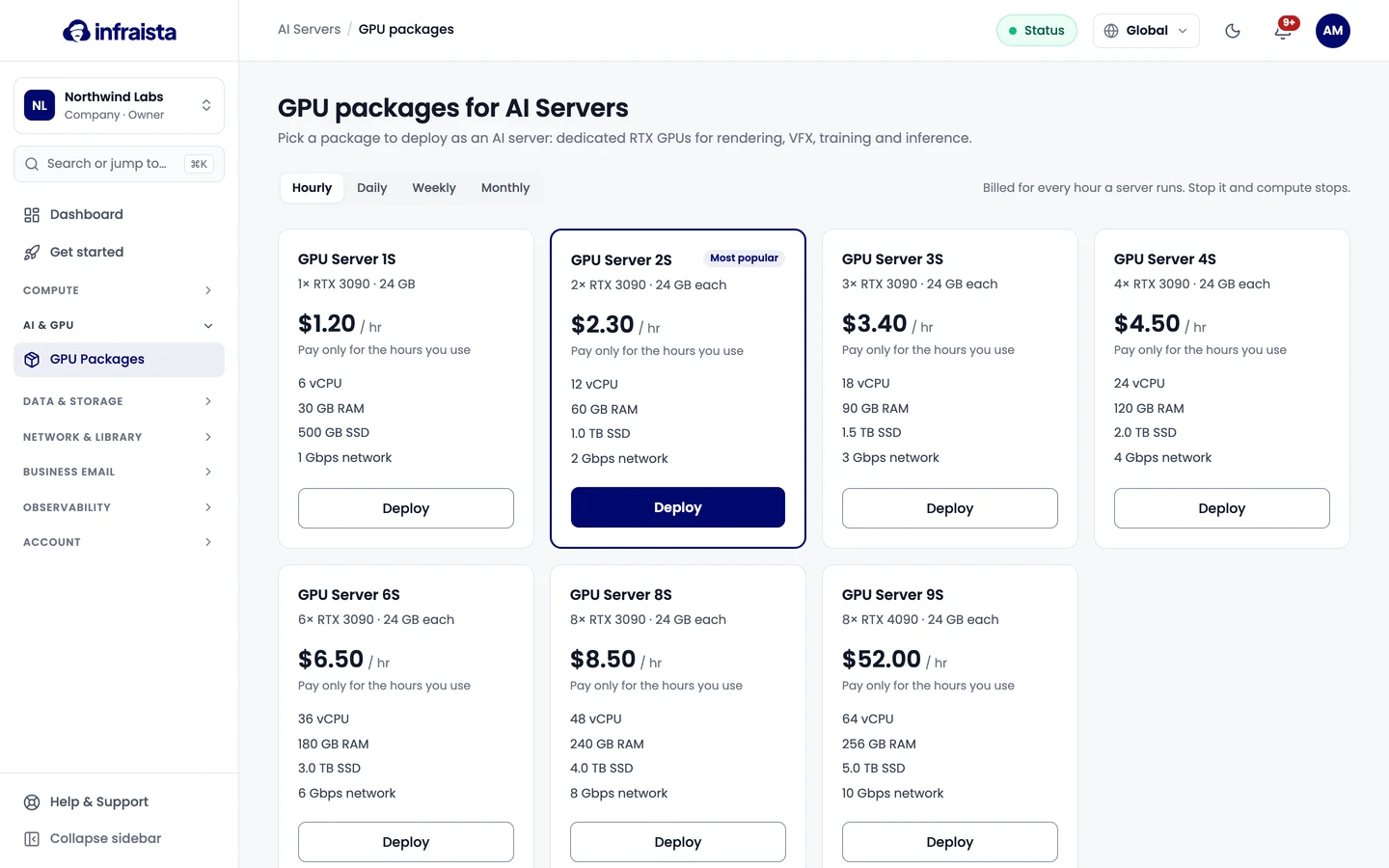
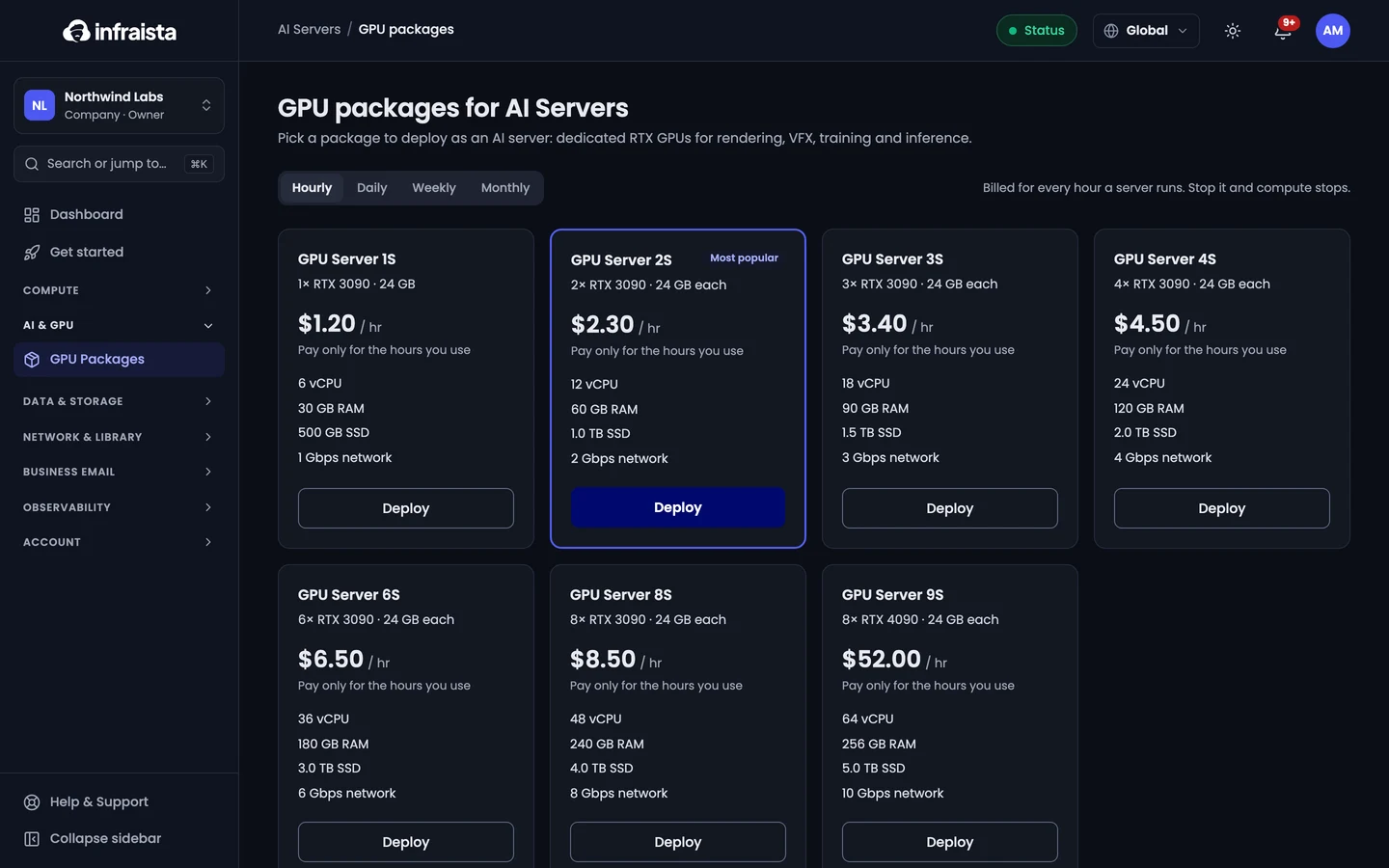
Every package is billed for each hour it runs, and stopped servers don't pay for compute. For a server that runs all month, monthly billing is cheaper: pick it when you create the server.
Related
AI Servers
Dedicated NVIDIA GPU servers with drivers pre-installed, for rendering, VFX, training and inference, billed by the hour while they run.
Create an AI server
Launch a dedicated GPU server in minutes. Pick a GPU plan, an operating system and a location, choose how you log in and how you're billed.